
Future AI Guide

The Ultimate AI Resource Hub

Zapier AI logo

Zapier AI

Automate smarter, connect all your apps, and supercharge workflows with AI.

Freemium
Zapier AI

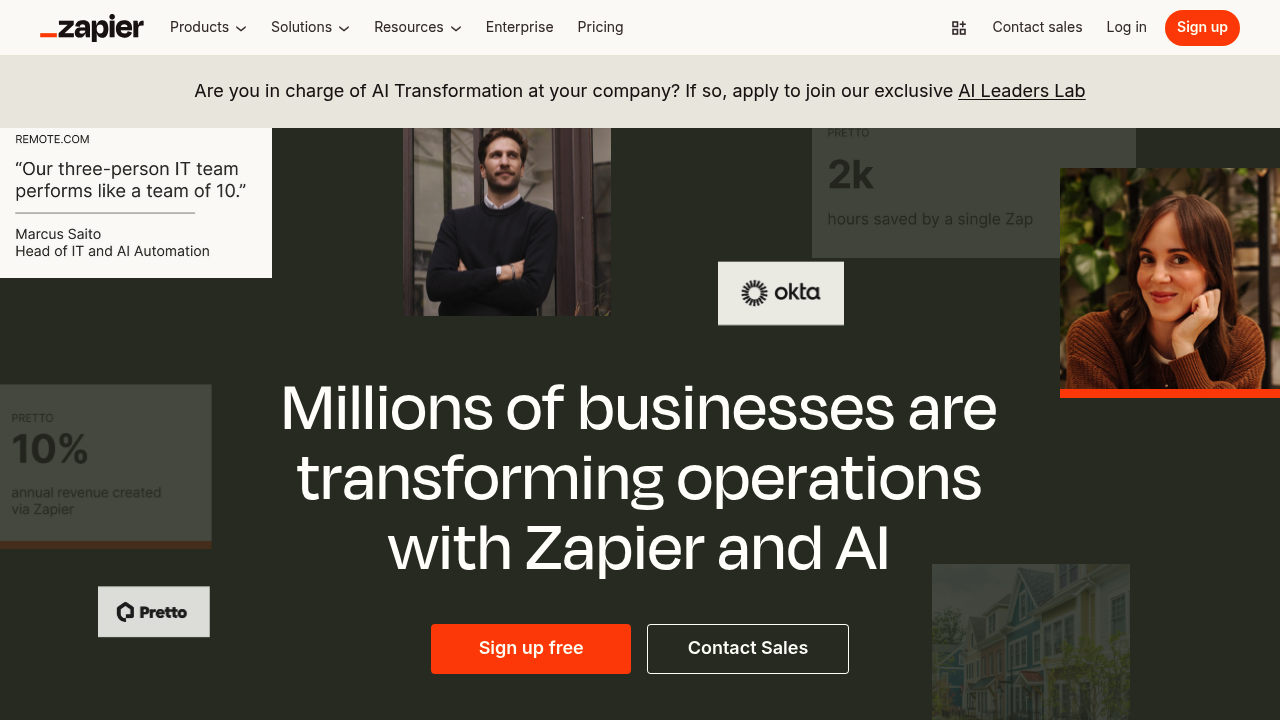
Zapier AI – Workflow Automation, AI Agents, and Integration Across Thousands of Apps

Zapier AI was created to merge traditional automation with generative AI. Non-technical users often struggle integrating tools, automating repetitive tasks, and orchestrating workflows across apps.

Zapier AI introduces natural-language-powered automation, allowing users to describe what they want and instantly generate workflows. The platform includes AI agents, actions, and decision-making logic to automate complex business processes.

Key Features

  • AI-Powered Workflow Builder: Create Zaps using natural language.
  • AI Actions: Summaries, classification, extraction, rewriting, and routing.
  • Zapier Chatbot Builder: Custom conversational agents for websites.
  • AI-Powered Tables & Interfaces: Build CRUD apps with automation.
  • Integrations: 6,000+ connected apps.

Pros

  • Extremely powerful no-code automation.
  • Natural-language workflow creation.
  • Works with nearly every SaaS tool.
  • Great for scaling repetitive business tasks.

Cons

  • Complex automations may require trial-and-error.
  • Costs can grow with heavy usage.
  • AI steps may produce variable results.
  • Some advanced logic locked behind higher plans.

Pricing

Zapier offers:

  • Free Plan – Basic automations.
  • Starter / Professional Plans – More Zaps, AI steps, and premium apps.
  • Teams / Company Plans – Admin controls, collaboration, and security.

Who Is Using This Tool?

  • Business teams automating workflows.
  • Marketers syncing leads and campaigns.
  • Founders connecting SaaS tools.
  • Operations teams orchestrating processes.
  • Support teams routing and summarizing tickets.

Technical Details

AI Features

Uses:

  • LLM reasoning
  • data extraction
  • content transformation
  • decision trees

Apps Supported

  • CRM
  • Marketing tools
  • Productivity apps
  • Data platforms
  • Custom webhooks

Developer Tools

  • Custom actions
  • Webhook-based integrations
  • Scripted automation

The User Experience

Ease of Use

  • Simple drag-and-drop editor.
  • AI suggestions for workflows.
  • Clear testing and debugging tools.

Accessibility

  • Browser-based with mobile support.

Workflow

  1. Describe automation in plain English.
  2. Zapier generates a workflow.
  3. Edit steps or logic.
  4. Turn on Zap.

Summary

Zapier AI combines automation and generative intelligence, enabling businesses to orchestrate complex workflows without code.

Related Tools

  • Make.com – Visual automation builder.
  • n8n – Open-source automation.
  • IFTTT – Lightweight consumer automations.
  • GitHub Actions – Technical CI/CD automation.
  • Google AppSheet – No-code app builder.