
Future AI Guide - AI Tool Directory

The Ultimate AI Tool Directory

Warp
Warp logo

Warp

Vote for this project

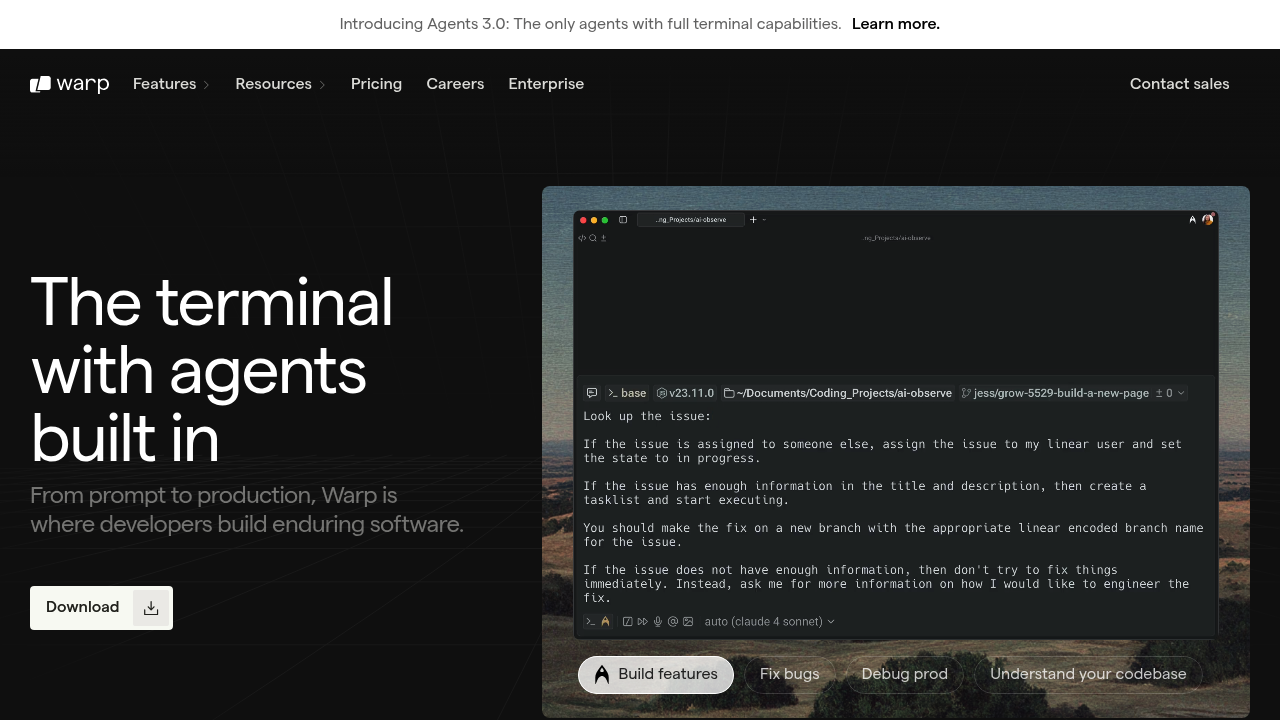
Warp: The next-generation terminal for serious developers, powered by AI.

Free

Warp – AI Terminal, Developer Productivity Engine, and Intelligent Command Assistance

Warp was designed to modernize the terminal, a tool that has remained largely unchanged for decades. Traditional terminals provide power but no guidance—leaving developers to memorize commands, search documentation, and manually troubleshoot errors.

Warp integrates AI-driven command suggestions, inline explanations, workflow automation, and collaborative features inside a fast, GPU-accelerated terminal. It helps developers move faster with fewer context switches.

Key Features

  • AI Command Suggestions: Predicts next commands and flags mistakes.
  • Command Search: Search your shell history semantically.
  • Blocks Interface: Each command becomes a visual unit with input/output clarity.
  • Workflow Templates: Reusable scripts for common tasks.
  • Team Collaboration: Share command blocks with teammates.

Pros

  • Increases developer speed dramatically.
  • Strong AI integration for troubleshooting.
  • Modern, clean UI compared to legacy terminals.
  • Great for onboarding new engineers.

Cons

  • macOS-first (Windows/Linux still rolling out).
  • Requires cloud account for sync features.
  • May feel unfamiliar to terminal purists.
  • Some advanced features require paid plans.

Pricing

  • Free Plan – Core terminal and AI suggestions.
  • Teams Plan – Shared workflows, collaboration, analytics.
  • Enterprise Plan – SSO, compliance, role-based access.

Who Is Using This Tool?

  • Developers running daily terminal tasks.
  • DevOps engineers managing servers and workflows.
  • Startups onboarding new engineers quickly.
  • Teams standardizing scripts and command patterns.
  • Students learning CLI without frustration.

Technical Details

Engine

  • GPU-accelerated rendering
  • block-based command architecture
  • AI error detection and explanations

Integrations

  • Git
  • SSH
  • Docker
  • AWS CLI
  • Kubernetes

AI Features

  • explain command
  • fix command
  • generate command
  • autocomplete via LLM

The User Experience

Ease of Use

  • Familiar terminal feel with modern enhancements.
  • Visual blocks make debugging easier.
  • AI suggestions reduce mistakes.

Accessibility

  • macOS native app
  • Cloud sync
  • Linux & Windows beta versions

Workflow

  1. Type or request a command.
  2. Warp suggests improvements or fixes.
  3. Execute and review block output.
  4. Save workflows for reuse.

Summary

Warp redefines the terminal with AI-powered command generation, modern UX, and collaboration tools—dramatically improving developer productivity.

Related Tools

  • Fig – AI autocomplete for the terminal.
  • Cursor – AI-driven code editor.
  • GitHub Copilot – Code suggestions.
  • Tabnine – AI coding autocomplete.
  • iTerm2 – Enhanced macOS terminal.

Quick Actions

Similar listings in category