
Future AI Guide

The Ultimate AI Resource Hub

Vyond logo - professional animated video software

Vyond

Transform text to video instantly with Vyond's powerful AI features.

Subscription
Vyond

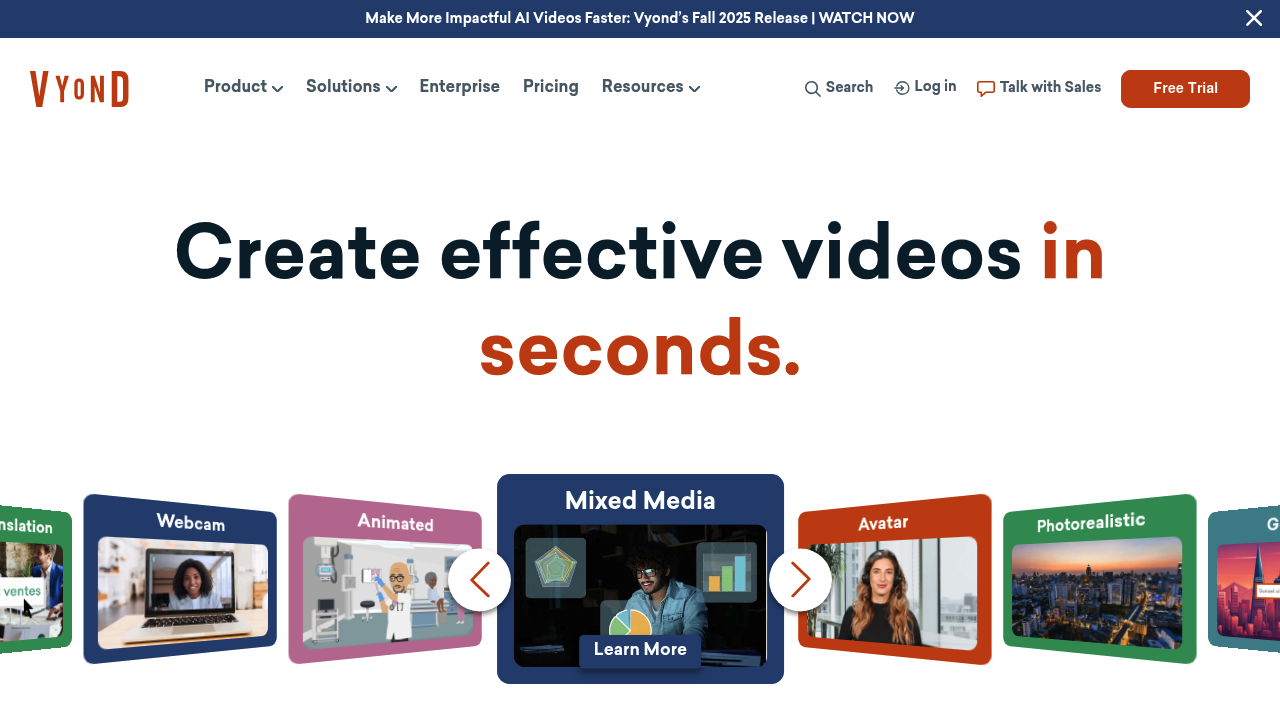
Vyond – Animated Video Creation, Business Storytelling, and Professional Explainer Videos

Vyond was built to allow businesses, educators, and creators to make professional animated videos without needing animation skills. Traditional animation requires illustrators, voiceover talent, expensive software, and long production cycles.

Vyond transforms this process by offering customizable characters, drag-and-drop scenes, AI voiceovers, and ready-made templates—enabling high-quality videos for training, marketing, presentations, and internal communication.

Key Features

  • Customizable Characters: Create avatars with wardrobe, emotions, gestures.
  • Drag-and-Drop Scenes: Hundreds of props, backgrounds, and animations.
  • AI Voice Generation: Human-like narration in multiple languages.
  • Built-In Templates: Explainers, training modules, and workflows.
  • Timeline Editor: Sync movement, transitions, and audio.

Pros

  • Extremely polished business-ready animations.
  • Great for training and HR content.
  • No animation experience required.
  • High-quality voiceover and motion presets.

Cons

  • Not ideal for cinematic or realistic animation.
  • Can feel template-heavy without customization.
  • Premium price point.
  • Rendering takes time for longer videos.

Pricing

  • Essential Plan – Basic assets and features.
  • Premium – Better resolution, export options, branding.
  • Professional – Advanced animation, collaboration.
  • Enterprise – SSO, teams, custom libraries.

Who Is Using This Tool?

  • HR teams building onboarding videos.
  • Corporate trainers creating modules.
  • Marketing teams producing explainers.
  • Educators making lessons.
  • YouTubers creating animated content.

Technical Details

Animation Engine

Includes:

  • character motion presets
  • lip-sync
  • camera movement
  • multi-track timeline

Voice Tools

  • AI text-to-speech
  • voice cloning (higher tiers)
  • audio import

Output Formats

  • MP4
  • animated GIF
  • high-resolution exports

The User Experience

Ease of Use

  • Drag-and-drop editor.
  • Intuitive character builder.
  • Fast to assemble scenes.

Accessibility

  • Browser-based.
  • Works on standard hardware.
  • Collaboration tools for teams.

Workflow

  1. Choose a template or start from scratch.
  2. Build characters and scenes.
  3. Add voiceover and timing.
  4. Render and export.

Summary

Vyond empowers businesses and creators to produce polished animated videos without specialized skills, making it ideal for training, communication, and marketing.

Related Tools

  • Animaker – Easy animated video maker.
  • Powtoon – Presentation-style animation.
  • Canva Video – Lightweight animation tools.
  • Lumen5 – Text-to-video creation.
  • Kreado AI – AI avatar video generation.