
Future AI Guide

The Ultimate AI Resource Hub

VEED logo

VEED

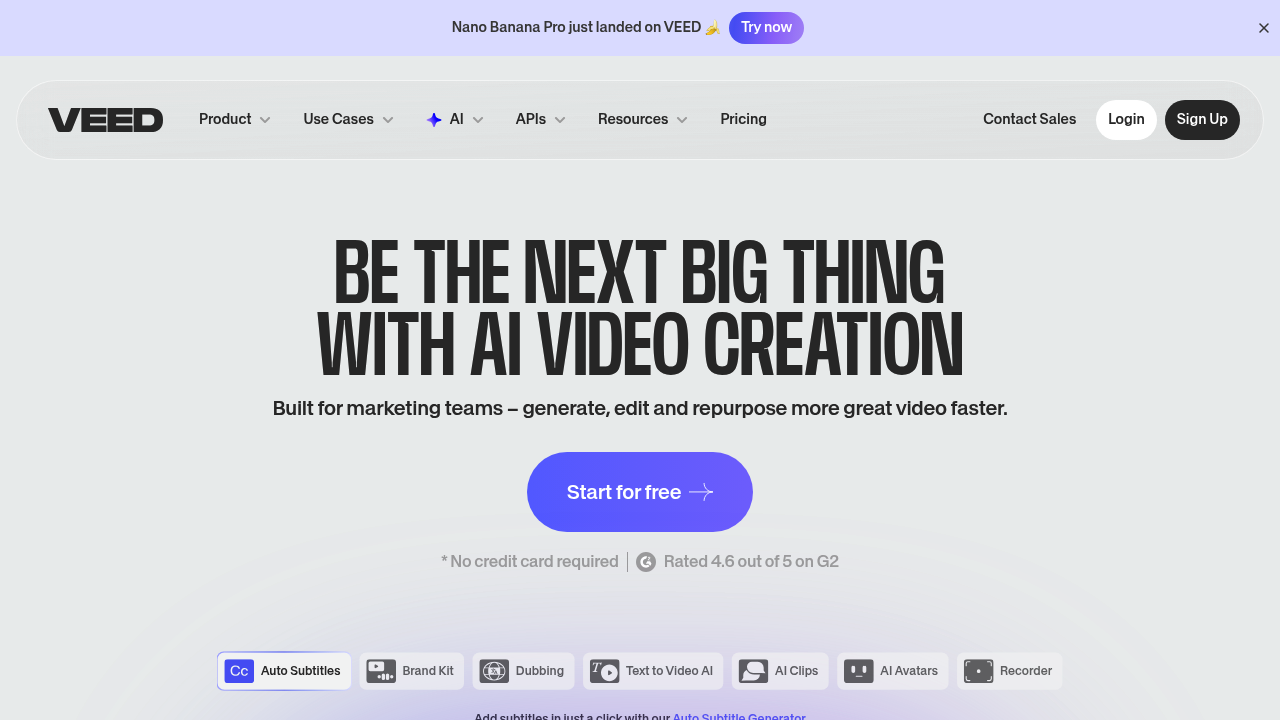
VEED: The AI video editor with auto captions and smart trimming.

Freemium
VEED

VEED – Online Video Editing, AI Subtitles, and Automated Content Production

VEED was built to help creators, marketers, and teams produce polished videos quickly without high-end editing tools. Traditional editors like Premiere or Final Cut require expertise, time, and heavy computing resources.

VEED simplifies editing with AI tools for subtitles, background removal, noise cleanup, templates, and social-ready exports—making professional video production accessible to everyone.

Key Features

  • AI Auto-Subtitles: Accurate captioning in multiple languages.
  • Background Removal: Remove or replace video backgrounds without a greenscreen.
  • Text-to-Speech & Voice Cloning: Generate narration for videos.
  • Templates: Formats for YouTube, TikTok, Reels, ads, and more.
  • Screen Recording & Webcam Capture: Perfect for tutorials and demos.

Pros

  • Extremely easy for beginners.
  • Excellent auto-captioning accuracy.
  • Browser-based—no installation required.
  • Fast workflow for social content.

Cons

  • Limited advanced editing tools for professionals.
  • High-resolution exports require paid plans.
  • Browser-based rendering can be slow for long videos.
  • Templates can feel repetitive.

Pricing

VEED offers:

  • Free Plan – Watermarked exports, limited features.
  • Basic Plan – No watermark, HD exports.
  • Pro Plan – AI tools, templates, brand kit.
  • Business – Collaboration, workspace management.

Who Is Using This Tool?

  • Creators editing short-form videos.
  • Marketers producing ads and promos.
  • Educators making tutorials.
  • Founders recording demos.
  • Social media managers batching content.

Technical Details

AI Features

  • subtitle automation
  • noise reduction
  • voice generation
  • background removal
  • filler-word removal

Integrations

  • Dropbox
  • Descript workflows
  • Zapier
  • Cloud storage platforms

The User Experience

Ease of Use

  • Drag-and-drop timeline.
  • Intuitive editing tools.
  • Instant browser previews.

Accessibility

  • Fully web-based.
  • Mobile-friendly interface.

Workflow

  1. Upload footage.
  2. Add subtitles, music, or effects.
  3. Export in social-ready formats.
  4. Publish or schedule.

Summary

VEED makes video editing fast, accessible, and AI-powered—perfect for creators and marketers who need polished content without complexity.

Related Tools

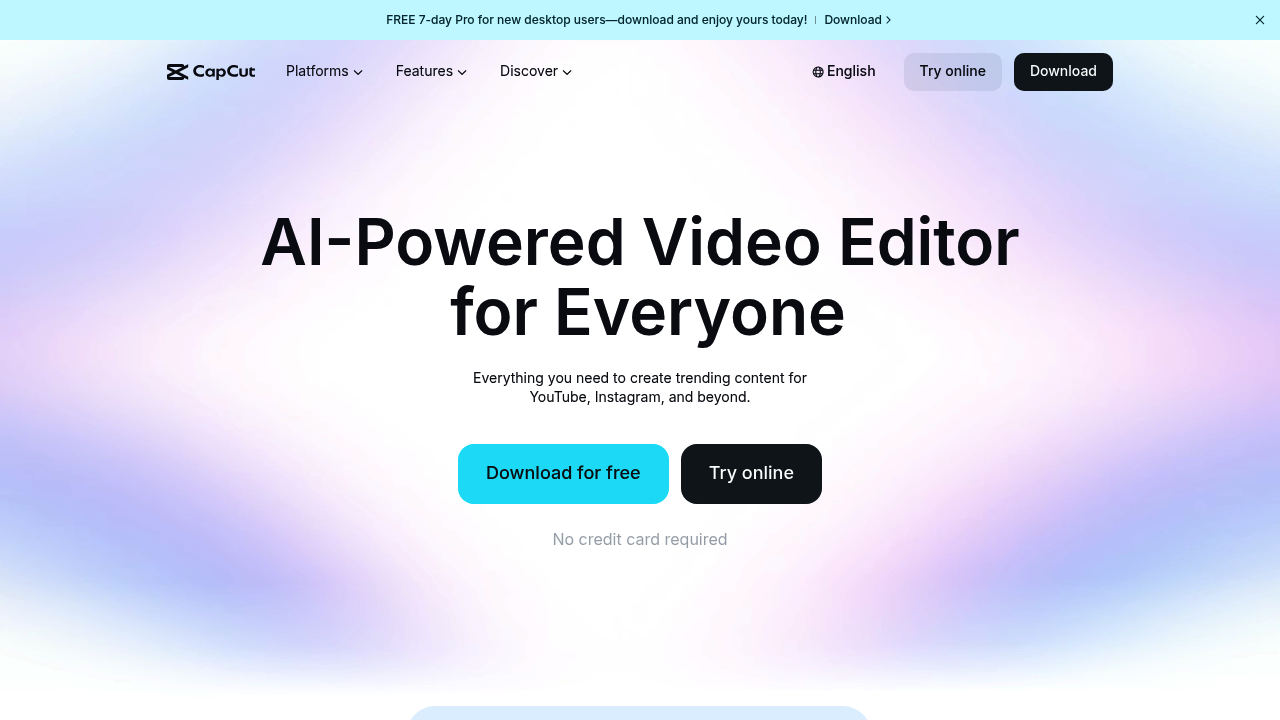
  • CapCut – Social-first video editing.
  • Descript – Script-based editing.
  • Runway – AI video and VFX.
  • Canva Video Editor – Template-driven editing.
  • Adobe Express – Quick, branded video creation.