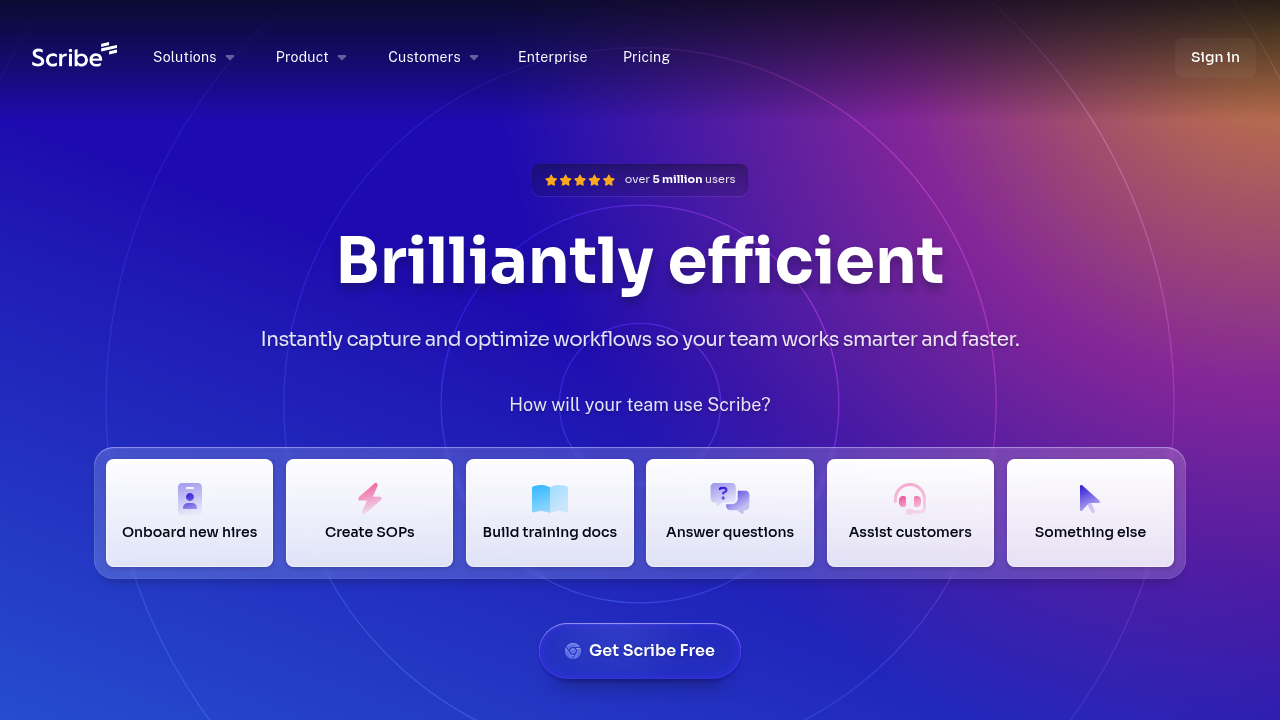
ScribeAI – Automated Process Documentation, Workflow Capture, and Step-by-Step SOP Generation
ScribeAI was built to eliminate the painful, time-consuming task of manually creating SOPs, training documentation, and process walkthroughs. Traditional documentation requires screen captures, formatting images, typing instructions, and constant updating.
ScribeAI automates the entire workflow. It records your screen while you perform a task, then instantly generates a clean, step-by-step document with screenshots, annotations, and written instructions. Businesses use it to scale onboarding, operations, and team training without heavy manual work.
Key Features
- One-Click Process Recording: Capture workflows automatically as you perform them.
- Auto-Generated SOPs: Produces ready-to-share step-by-step documents.
- Smart Annotations: Adds labels, arrows, and highlights.
- Branding & Templates: Customize documentation for teams or clients.
- Instant Sharing: Export to PDF, HTML, or share via link.
Pros
- Reduces documentation time dramatically.
- Easy for anyone to use—no technical skills required.
- Great for onboarding, client handoff, and support teams.
- Clean, professional documentation output.
Cons
- Requires Chrome or desktop extension for recording.
- Limited editing for highly complex workflows.
- Best features require paid plans.
- Not ideal for video-based training.
Pricing
- Free Plan – Basic captures and sharing.
- Pro Plan – Custom branding, unlimited captures.
- Enterprise – SSO, team permissions, advanced security.
Who Is Using This Tool?
- Operations teams documenting internal processes.
- Customer support creating troubleshooting guides.
- Agencies delivering SOPs for clients.
- HR departments building onboarding materials.
- Founders standardizing processes during rapid growth.
Technical Details
Recording Engine
Captures:
- clicks
- keystrokes
- URLs
- screen steps
- scroll paths
Outputs
- step-by-step guides
- screenshots
- auto-generated text
- video-like scroll experience
Integrations
- Confluence
- Notion
- Google Docs
- Slack
- PDF exports
The User Experience
Ease of Use
- Record → stop → instantly get formatted documentation.
- Drag-and-drop editor for adjustments.
Accessibility
- Chrome extension
- Desktop recorder
- Team workspace for collaboration
Workflow
- Click “Record.”
- Perform the workflow.
- Stop recording.
- Receive auto-generated SOP.
- Edit and share.
Summary
ScribeAI drastically reduces the time needed to create process documentation, enabling teams to scale training and operations with clean, automated step-by-step guides.
Related Tools
- Tango – Screenshot-based process guides.
- Loom – Video walkthroughs.
- Notion AI – Document automation.
- Process Street – Workflow management.
- Guru – Knowledge base with verification tools.