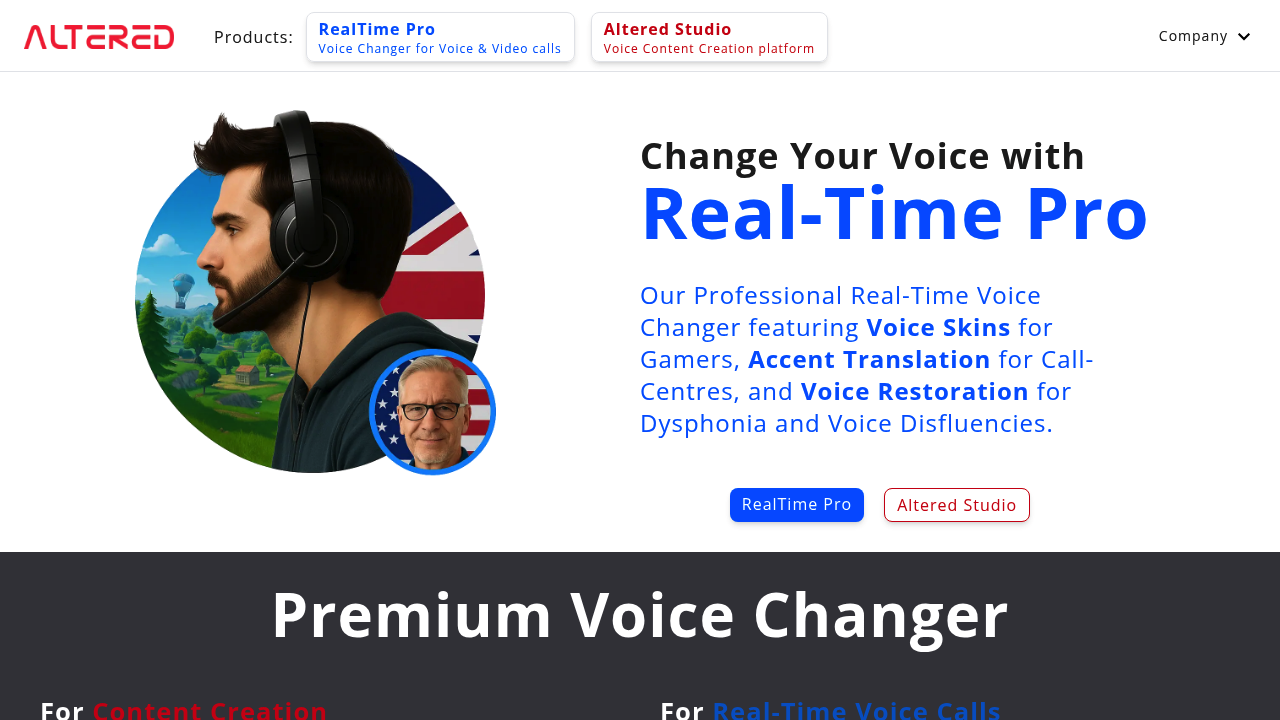

Transform your data with Altered: smarter, faster, and truly revolutionary AI.
Future AI Guide - AI Tool Directory
The Ultimate AI Tool Directory
Runway
Create stunning, quick product videos effortlessly with Runway's AI power.
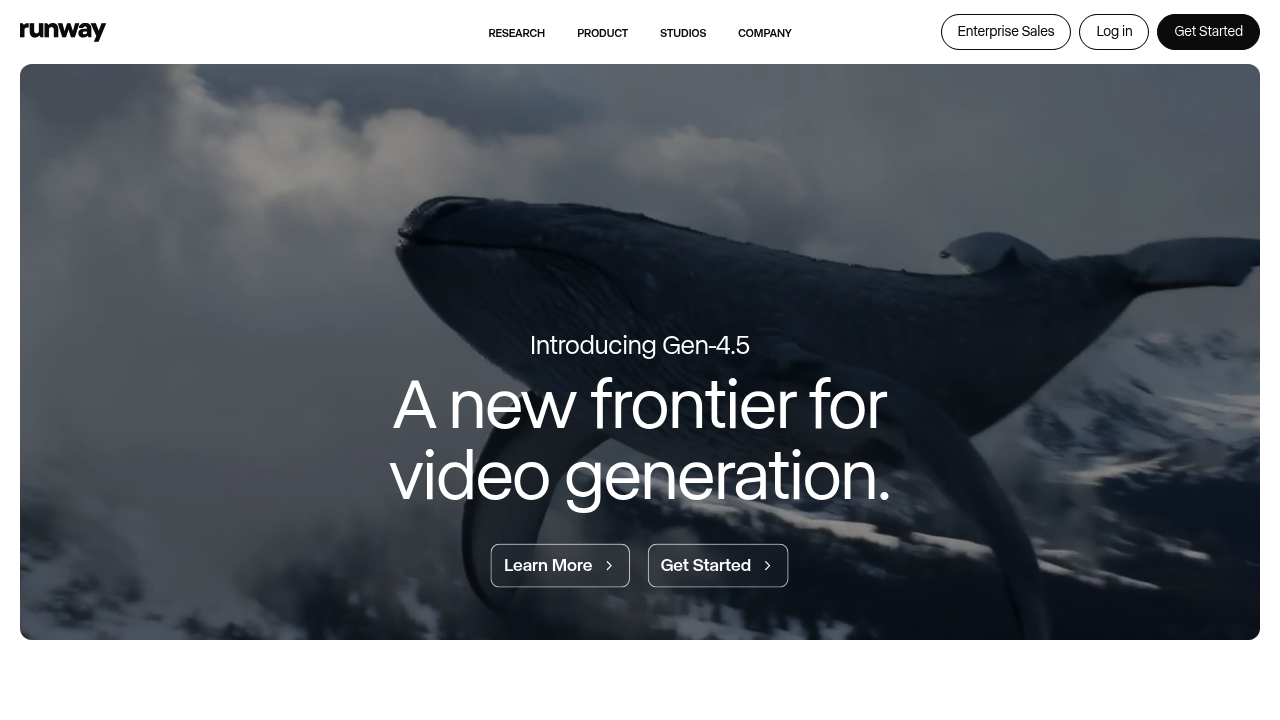
Runway – AI Video Generation, Creative Editing, and Multimodal Content Production
Runway was created to democratize video production by making advanced editing and generative tools accessible without complex software or filmmaking experience. Traditional video workflows require specialized skills in compositing, animation, color grading, and VFX.
Runway’s AI tools allow creators to generate videos from text prompts, remove backgrounds, track motion, edit scenes, and apply stylizations—all from a simple web interface. It is widely used for content creation, marketing, film previsualization, and generative art.
Key Features
- Gen-2 Video Generation: Create scenes from text, images, or video input.
- Inpainting & Outpainting: Remove or replace objects inside video frames.
- Motion Tracking: Track elements and apply visual effects easily.
- Camera Control: Simulate dolly, zoom, and pan effects.
- Style Transfer: Apply artistic styles to clips.
Pros
- Industry-leading creative video tools.
- Simple web interface accessible to beginners.
- Fast iteration and previewing.
- Used in professional production workflows.
Cons
- Video generation quality varies depending on prompt complexity.
- High processing costs on advanced features.
- Limited clip length in free tiers.
- Requires careful prompting for realism.
Pricing
Runway offers:
- Free Plan – Basic tools and watermarked outputs.
- Standard / Pro Plans – Higher generation credits, export options, and advanced features.
- Enterprise – Expanded team tools, collaboration, and compute scaling.
Who Is Using This Tool?
- Filmmakers & animators prototyping scenes.
- Content creators producing shorts and reels.
- Marketers generating ad visuals.
- Artists experimenting with generative storytelling.
- Brands creating innovative campaigns.
Technical Details
Model Architecture
Runway Gen-2 uses multimodal diffusion capable of:
- text-to-video
- image-to-video
- video-to-video transformations
Editing Tools
- temporal consistency modeling
- mask-based editing
- frame interpolation
- object isolation
Integrations
- Premiere Pro
- Photoshop
- Web export formats
The User Experience
Ease of Use
- Drag-and-drop interface.
- Clear prompts and generation tools.
- Timeline-based editing for intermediate users.
Accessibility
- Browser-based; no installation needed.
- Works on moderate hardware.
Workflow
- Input text or image.
- Generate initial clip.
- Refine using inpainting or effects.
- Export final video.
Summary
Runway empowers creators with cutting-edge generative video tools, making high-level editing and storytelling accessible to everyone.

Related Tools
- Sora – Advanced video generation (OpenAI).
- Pika Labs – Generative video creation.
- Google Veo – Cinematic video models.
- Kaiber – Music and motion-driven visuals.
- Adobe Firefly Video – Editing and generation tools.
Similar listings in category
Edit videos quickly and add eye-catching effects for flawless social content.

Capsule: Tiny tool, massive results. Simplify tasks, save time now.