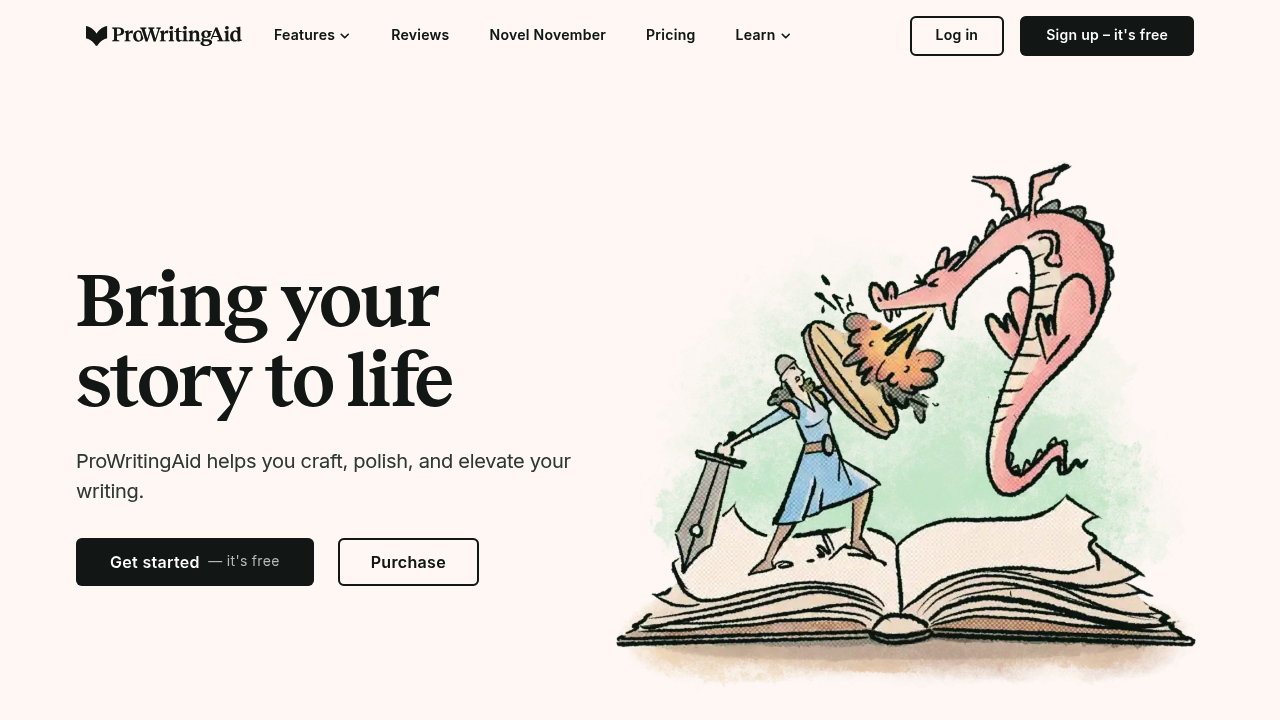
ProWritingAid – Professional Editing, Style Analysis, and Advanced Writing Feedback
ProWritingAid helps writers refine style, clarity, grammar, and structure. Traditional editing is slow, expensive, and requires deep knowledge of writing principles. Many writers struggle with pacing, repetition, and clear sentence construction.
ProWritingAid offers detailed reports on readability, style issues, overused words, grammar mistakes, and pacing. Its advanced analysis helps writers improve both craftsmanship and clarity.
Key Features
- Grammar & Style Reports: In-depth analysis of clarity, flow, and readability.
- Overused Word Detection: Identifies repetition and weak phrasing.
- Sentence Structure Insights: Highlights overly complex or vague sentences.
- Consistency Checker: Ensures uniform spelling and formatting.
- Integrations: Works with Google Docs, Word, Scrivener, and browsers.
Pros
- Extremely detailed feedback.
- 20+ reports for all writing levels.
- Great for authors and long-form content.
- More stylistic depth than most AI editors.
Cons
- Can feel overwhelming to beginners.
- slower than lightweight editors.
- AI rewrite features are less strong than dedicated LLM tools.
- Some features require premium subscription.
Pricing
ProWritingAid offers:
- Free Version – Basic checks.
- Premium Annual – Full reports, unlimited checks.
- Premium Lifetime – One-time payment.
- Teams / Business – Collaboration features.
Who Is Using This Tool?
- Authors refining manuscripts.
- Students improving essays.
- Copywriters polishing client work.
- Professionals preparing reports.
- Editors reviewing drafts.
Technical Details
Analysis Engine
Provides:
- style scoring
- context-aware grammar
- pacing evaluation
- structural suggestions
Integrations
- Chrome / Edge extension
- MS Word
- Google Docs
- Scrivener
- Desktop app
The User Experience
Ease of Use
- Clear sidebar reports.
- Highlights issues inline.
- Offers explanations and rewrites.
Accessibility
- Desktop, browser, and editor plug-ins.
Workflow
- Upload or paste your text.
- Run reports.
- Review suggestions.
- Apply rewrites.
- Export final version.
Summary
ProWritingAid delivers advanced stylistic and structural analysis, making it a powerful editor for serious writers.
Related Tools
- Grammarly Premium – Grammar-first editing.
- Hemingway App – Readability improvements.
- QuillBot – Paraphrasing and rewriting.
- Jenni AI – Drafting and continuation.
- ChatGPT – Versatile rewriting and brainstorming.