
Future AI Guide

The Ultimate AI Resource Hub

Notion AI logo

Notion (AI)

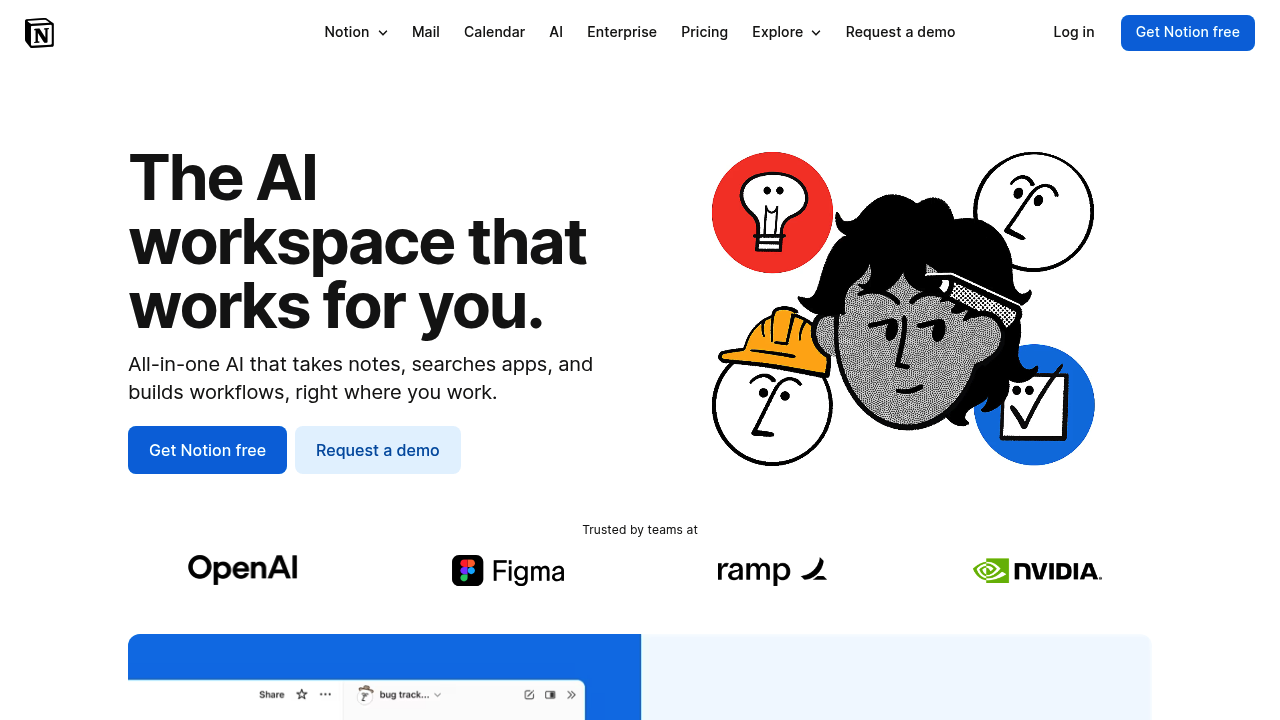
Notion AI: Your ultimate workspace for building, writing, and automating complex tasks.

Subscription
Notion (AI)

Notion AI – Workspace Writing Assistant, Knowledge Organization, and Productivity Automation

Notion AI was created to help teams speed up writing, brainstorming, documentation, and task planning inside the Notion workspace. Traditional documentation demands manual drafting, formatting, research, and constant editing—slowing teams down and creating fragmented knowledge systems.

Notion AI integrates intelligent writing tools directly into pages, databases, wikis, notes, and tasks. It generates summaries, rewrites content, proposes ideas, and transforms messy notes into structured, actionable documentation.

Key Features

  • AI Writing Assistant: Drafts, rewrites, summarizes, expands, or translates text.
  • Knowledge Enhancement: Creates structured pages from messy notes.
  • Task Automation: Converts text into action items or workflows.
  • Database Intelligence: Summarizes database entries and generates insights.
  • Context-Aware Editing: Understands Notion blocks and page structure.

Pros

  • Deeply integrated into the Notion ecosystem.
  • Excellent for documentation-heavy teams.
  • Saves hours on meeting notes and knowledge cleanup.
  • Ideal for brainstorming and content refinement.

Cons

  • Cannot replace full-featured LLMs for long-form reasoning.
  • Quality depends on clarity of input and structure.
  • Complex pages may overwhelm output formatting.
  • Requires Notion Plus or higher access.

Pricing

Notion AI is available as an add-on:

  • Add-on for any paid workspace
  • Per-member pricing
  • Enterprise AI with admin controls and security

The AI add-on is charged per user per month.

Who Is Using This Tool?

  • Product teams documenting specs and roadmaps.
  • Startups building internal knowledge bases.
  • Marketers drafting content plans.
  • Students & researchers summarizing materials.
  • Operations teams organizing SOPs and processes.

Technical Details

AI Engine

Supports:

  • summarization
  • rewriting
  • classification
  • translation
  • tone shifting

Content Awareness

Understands:

  • page hierarchy
  • database structure
  • bullet lists
  • tasks
  • headings

Integrations

Notion AI works within:

  • wikis
  • databases
  • docs
  • meeting notes
  • task boards

The User Experience

Ease of Use

  • One-click AI actions.
  • Accessible through the “Ask AI” menu.
  • Works with any Notion block.

Accessibility

  • Available on web, desktop, and mobile apps.

Workflow

  1. Open a Notion page.
  2. Highlight text or invoke AI.
  3. Generate or refine content.
  4. Save or adjust output.

Summary

Notion AI brings intelligent writing and knowledge organization directly into one of the most popular productivity workspaces. It enhances documentation, planning, and team communication with fast, context-aware assistance.

Related Tools

  • ChatGPT – General-purpose writing and reasoning.
  • Jasper – Marketing-focused writing AI.
  • Coda AI – Document automation and insights.
  • Confluence AI – Enterprise documentation.
  • Evernote AI – Notes and summarization tools.