Murf.ai – AI Voice Generator, Text-to-Speech Studio, and Professional Voiceover Platform
Murf.ai was created to replace expensive, time-consuming voiceover production. Traditional recording requires studios, equipment, talent, and editing expertise.
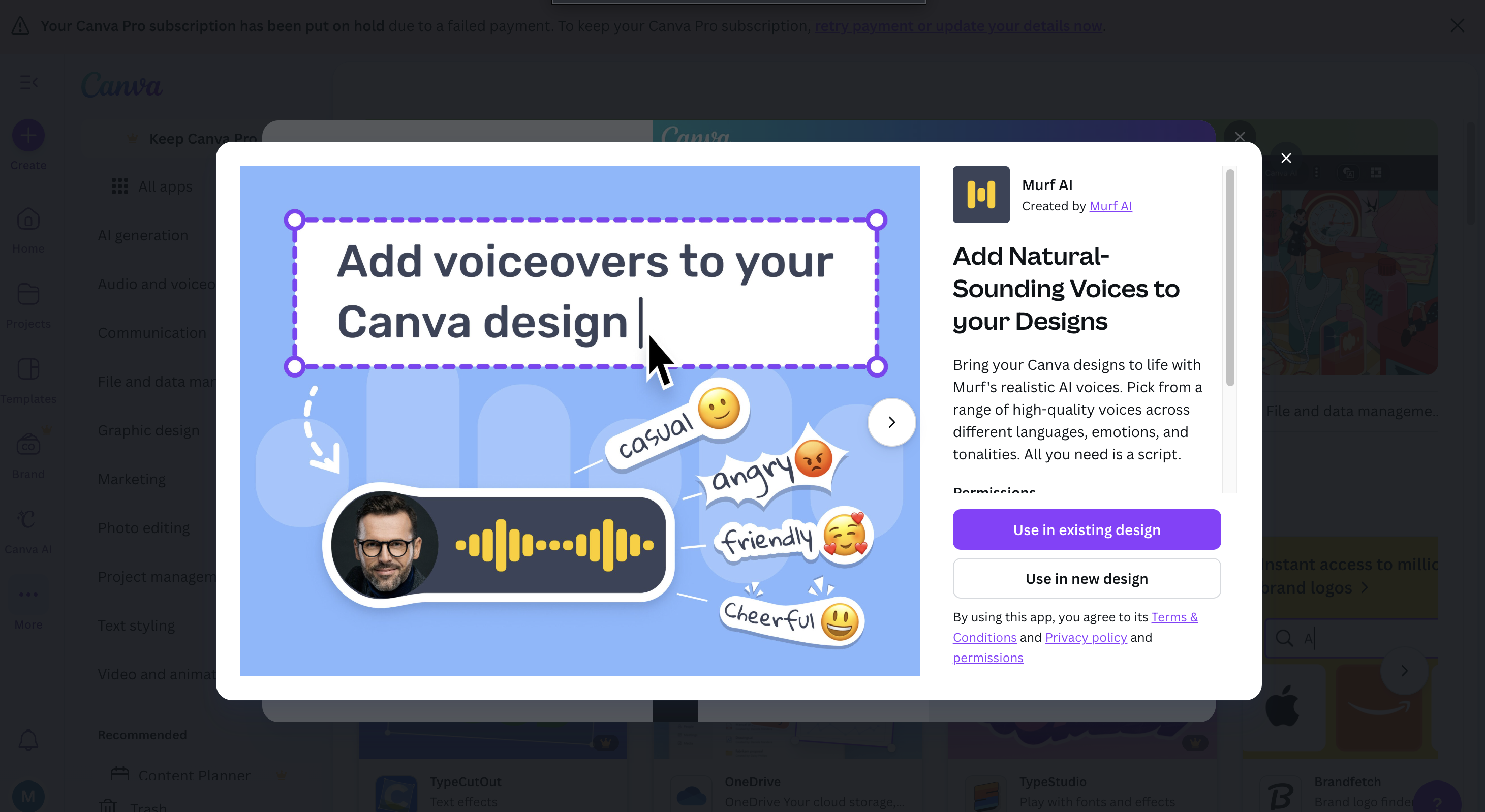
Murf uses high-quality AI voices to create professional narration for videos, podcasts, presentations, audiobooks, and training content. It enables creators and businesses to produce natural-sounding voiceovers at scale.
Key Features
- 120+ Realistic AI Voices: Various languages, emotions, and styles.
- Voice Cloning: Create custom synthetic voices.
- Studio Editor: Mix, trim, sync speech with visuals.
- AI Script Generator: Draft or refine scripts.
- Team Collaboration: Shared projects and version control.
Pros
- High-quality voice output.
- Easy editing timeline.
- Great for marketing and instructional content.
- Affordable compared to human voice talent.
Cons
- Emotional nuance still improving.
- Some voices may sound synthetic at long durations.
- Limited offline use.
- Cloning features require high-tier plans.
Pricing
- Free Trial – Limited exports.
- Basic & Pro Plans – Unlimited access to high-quality voices.
- Enterprise – Custom voice models and team workflows.
Who Is Using This Tool?
- YouTubers producing content quickly.
- Businesses making training videos.
- Podcasters generating narration.
- Educators building lessons.
- Agencies producing client videos.
Technical Details
Voice Engine
Uses:
- deep neural TTS
- voice cloning models
- pitch and pacing controls
Editor
Includes:
- multi-track timeline
- background music library
- script tools
The User Experience
Ease of Use
- Simple drag-and-drop interface.
- Clear voice preview options.
- Smooth text-to-speech workflow.
Accessibility
- Web-based studio.
- Export in MP3, WAV, or integrated video formats.
Workflow
- Write or import script.
- Select a voice.
- Adjust pacing and intonation.
- Export narration.
Summary
Murf.ai provides fast, high-quality voiceovers for content creators and businesses, dramatically reducing production time and cost.
Related Tools
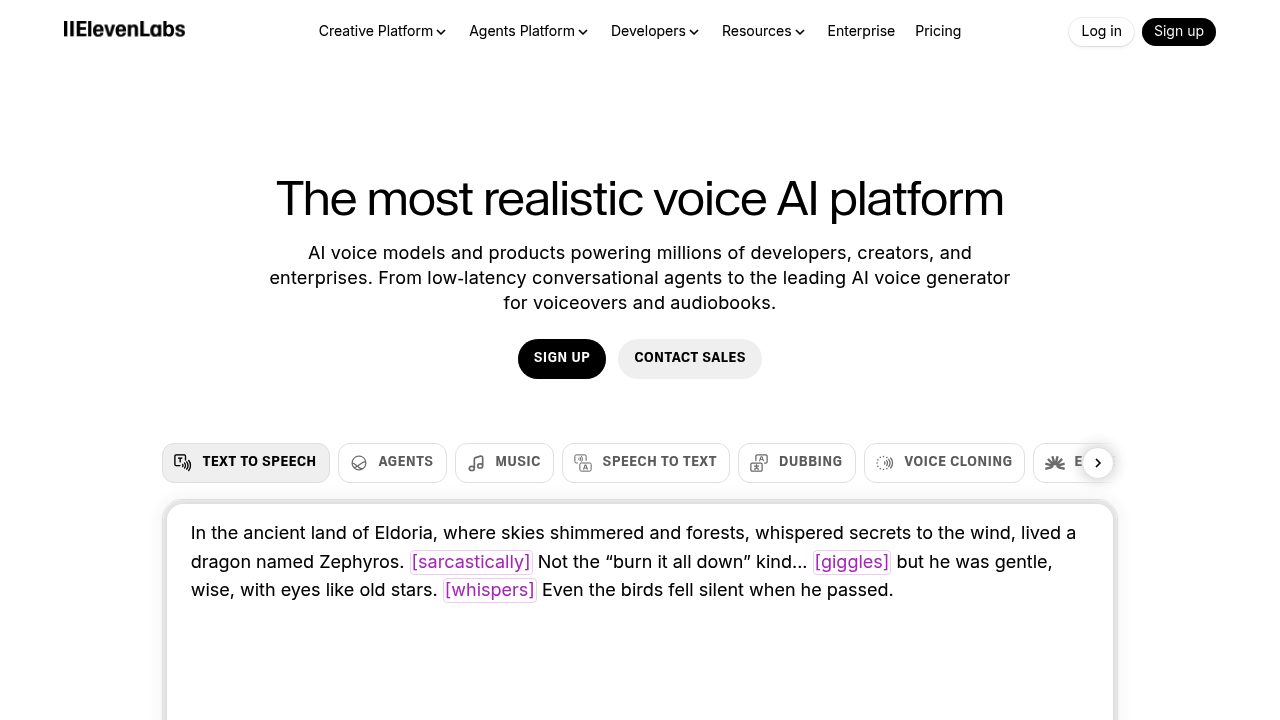
- ElevenLabs – Leading realistic AI voices.
- Descript – Overdub and audio editing.
- WellSaid Labs – Enterprise voice generation.
- Play.ht – Synthetic voice library.
- Lovo.ai – TTS for creators.