
Future AI Guide
The Ultimate AI Resource Hub
Microsoft Copilot
Your everyday AI companion for searching, writing, and creating better content.
Microsoft Copilot – AI Productivity Assistant for Windows, Office, and Enterprise Workflows
Microsoft Copilot was created to help users complete daily tasks faster across Windows, Office apps, Teams, and Edge. Traditional workflows require switching between documents, apps, emails, and spreadsheets—wasting time and increasing cognitive load.
Copilot integrates AI deeply into Microsoft’s ecosystem, assisting with writing, summarization, analysis, search, meeting prep, slide generation, coding, and system-level tasks. It dramatically boosts productivity for individuals and enterprises.
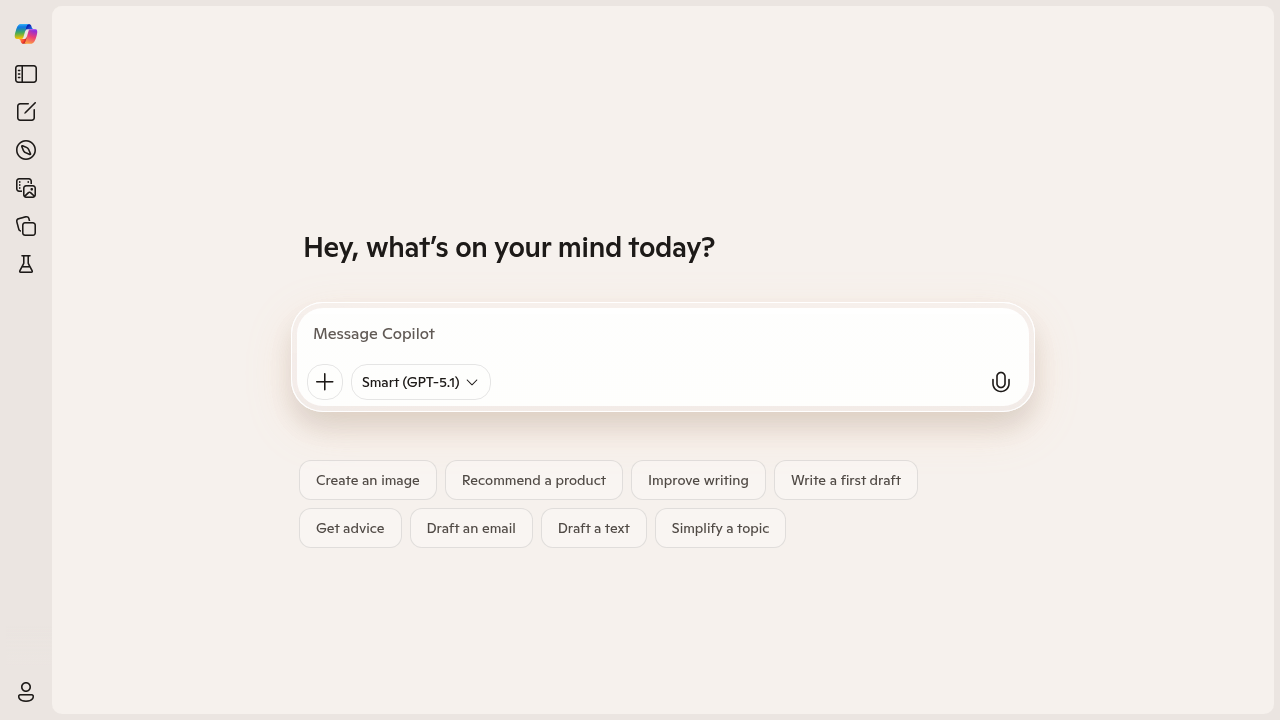
Key Features
- Office Integration: Works in Word, Excel, PowerPoint, Outlook, and Teams.
- Windows Copilot: OS-level assistance for settings, automation, and search.
- AI Email Handling: Draft, summarize, and prioritize messages.
- Data Analysis: Generate formulas and insights in Excel.
- Presentation Creation: Build slides from prompts.
- Teams Meetings: Summaries, action items, and transcripts.
Pros
- Deepest productivity integration of any AI assistant.
- Enterprise-ready security and compliance.
- Saves significant time for knowledge workers.
- Works across desktop and cloud environments.
Cons
- Premium features require Microsoft 365 subscriptions.
- Excel AI still has limits on advanced analysis.
- Dependent on Microsoft ecosystem.
- Some outputs require verification.
Pricing
Microsoft Copilot comes in several tiers:
-
Free Copilot (Bing)
Basic conversational search. -
Copilot Pro
Faster models, Office integration for individuals. -
Microsoft 365 Copilot
Full business integration across Office and Teams. -
Enterprise Copilot
Compliance, privacy controls, and advanced access.
Who Is Using This Tool?
- Business teams writing documents, emails, and proposals.
- Analysts working in Excel.
- Executives preparing decks and summaries.
- Developers using GitHub Copilot inside Microsoft tools.
- IT teams managing workflows and system tasks.
Technical Details
Model Integration
Copilot uses:
- GPT-4 Turbo
- Microsoft Phi models
- Fine-tuned enterprise components
Data Handling
- Secure tenant separation
- Encrypted storage and transmission
- Enterprise-grade compliance (SOC, GDPR, ISO)
Workspace Integration
- Outlook
- Excel
- Word
- PowerPoint
- Teams
- Windows
The User Experience
Ease of Use
- Invoked via a sidebar or command box.
- Understands natural-language instructions.
- Works seamlessly across devices.
Accessibility
- Windows, web, and mobile.
- Integrated into Microsoft 365 apps.
Workflow
- Ask Copilot for a task.
- Review its draft or analysis.
- Revise or refine.
- Export or share final content.
Summary
Microsoft Copilot transforms productivity by embedding AI across Office, Windows, and Teams. It helps users draft, analyze, present, and automate—making it a powerful assistant for modern work.

Related Tools
- Google Gemini for Workspace – AI inside Google’s productivity apps.
- ChatGPT – General-purpose AI for content creation.
- Jasper – Marketing-focused AI writing.
- Notion AI – Workspace AI for tasks and documents.
- Slack AI – Summaries and search across conversations.