
Future AI Guide

The Ultimate AI Resource Hub

InVideo AI video creation platform logo

InVideo

AI writes scripts and creates publish-worthy videos, streamlining your entire process!

Freemium
InVideo

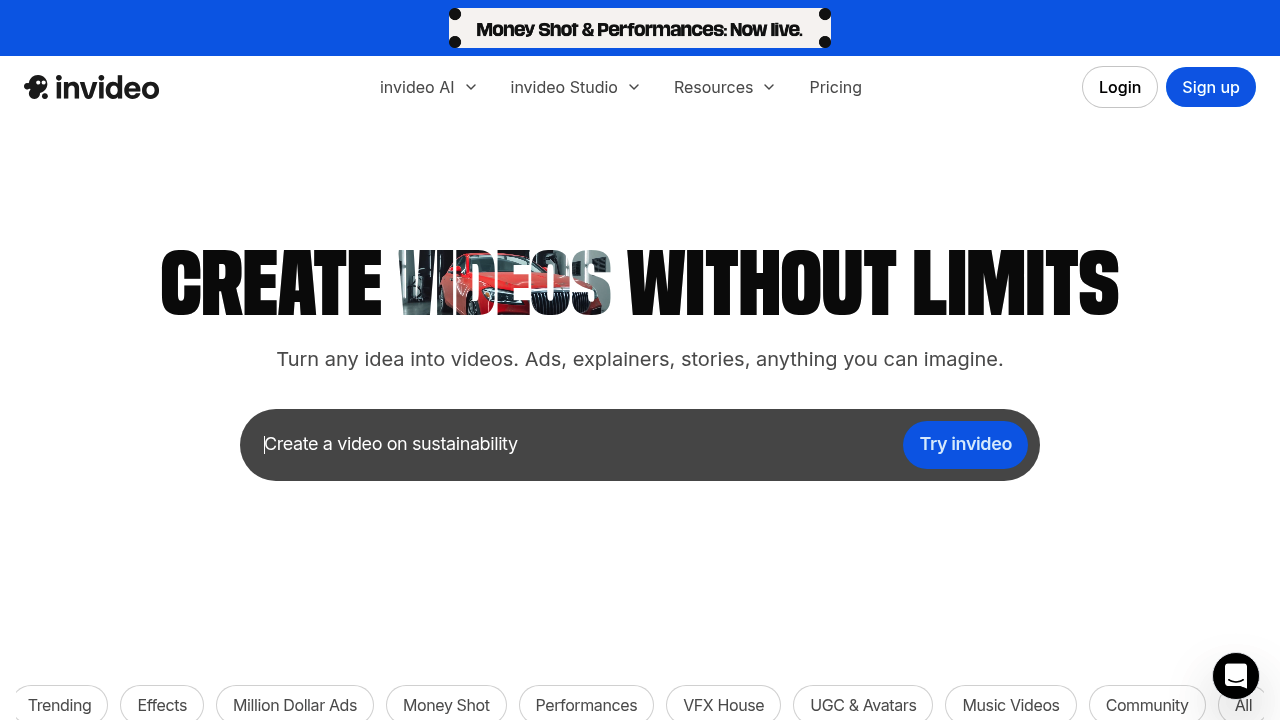
InVideo – AI Video Creator, Script-to-Video Production, and Social Media Content Generator

InVideo was created to help marketers and creators produce high-quality videos without editors, cameras, or advanced skills. Traditional video production is expensive and time-consuming, requiring editing expertise and design tools.

InVideo simplifies this with AI-generated videos, templates, voiceovers, and stock assets. Users can turn scripts into polished videos for YouTube, TikTok, ads, or presentations in minutes.

Key Features

  • Script-to-Video Generator: Automatically creates scenes, transitions, and timing.
  • AI Voiceovers: Professional narration in multiple accents and languages.
  • Prebuilt Templates: Thousands of layouts for marketing, business, and social media.
  • Media Library: Stock footage, images, and music included.
  • AI Editor: Rewrites, shortens, or expands scripts automatically.

Pros

  • Fast video creation with minimal skill required.
  • Huge library of templates and stock assets.
  • Strong script-to-video automation.
  • Great for social content, ads, and tutorials.

Cons

  • Videos may require manual polishing.
  • Template reliance can lead to similar-looking outputs.
  • Rendering times vary.
  • Advanced customization limited compared to pro editors.

Pricing

InVideo offers:

  • Free Plan – Watermarked videos and limited features.
  • Business Plan – Full templates, watermark removal, premium media.
  • Unlimited Plan – Higher export limits and advanced capabilities.
  • Enterprise – Team collaboration, brand kits, and custom licensing.

Who Is Using This Tool?

  • Creators making YouTube and TikTok videos.
  • Marketers producing ads and promos.
  • Educators building visual lessons.
  • Businesses creating explainers and internal videos.
  • Agencies scaling social content production.

Technical Details

AI Video Engine

Uses:

  • scene segmentation
  • timing optimization
  • visual selection based on script keywords

Voiceover Tech

Supports:

  • multilingual narration
  • emotional tonality
  • pacing adjustments

Integrations

  • Shutterstock
  • Storyblocks
  • Social media publishing tools

The User Experience

Ease of Use

  • Drag-and-drop timeline.
  • Simple text prompts.
  • Quick video previews.

Accessibility

  • Web-based.
  • Mobile-friendly dashboard.

Workflow

  1. Input script or idea.
  2. AI generates scenes and narration.
  3. Customize visuals and timing.
  4. Export for social platforms.

Summary

InVideo makes video creation accessible, fast, and affordable. It's ideal for creators, marketers, and small businesses needing polished videos without production costs.

Related Tools

  • Pictory – Script-to-video automation.
  • Canva Video – Simple editing with templates.
  • Descript – Text-based editing and overdubs.
  • Runway Gen-2 – AI-generated visual scenes.
  • Lumen5 – Social video creator.