
Future AI Guide

The Ultimate AI Resource Hub

Google Veo logo: video generation model

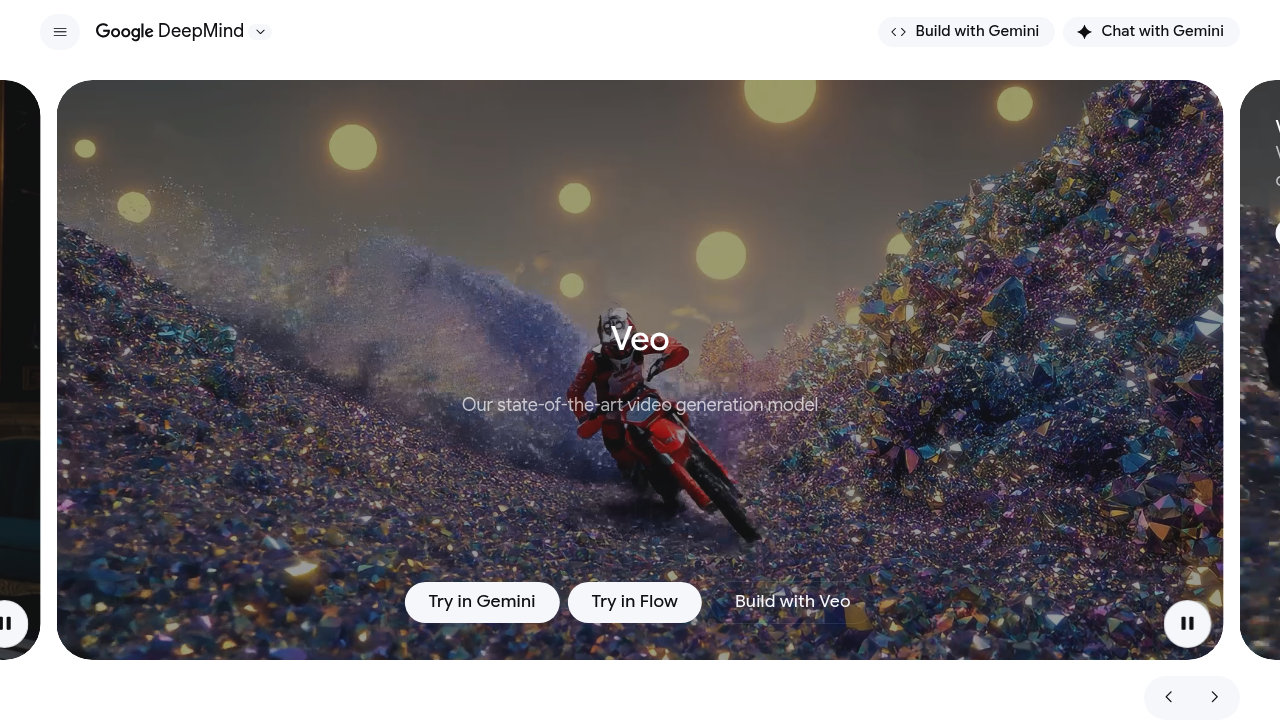
Google Veo

Bring your video ideas to life with Google Veo's innovative AI.

Freemium
Google Veo

Google Veo – High-Fidelity AI Video Generation, Cinematic Models, and Creative Production Tools

Google Veo was designed to overcome limitations in current video generation models—specifically realism, motion stability, stylistic consistency, and controllability. Traditional video production requires cameras, actors, sets, lighting, and post-production work. Existing AI generators often struggle with movement quality and scene coherence.

Veo produces high-quality, cinematic video from text, image, or video prompts with better coherence, smooth motion, and deep style control. It enables filmmakers, advertisers, educators, and creators to produce stunning videos in minutes.

Key Features

  • Text-to-Video Generation: High-quality 1080p video clips from prompts.
  • Consistent Motion & Style: Smooth character movement and stable visuals.
  • Image-to-Video: Expand still images into animated scenes.
  • Video Editing: Modify scenes, extend shots, or apply style transformations.
  • Cinematic Controls: Camera angles, lighting, lenses, and motion effects.

Pros

  • Excellent video quality compared to other AI generators.
  • Strong control over style and cinematic direction.
  • Useful for concept art, previsualization, and marketing content.
  • Smooth, coherent motion.

Cons

  • Not yet publicly available for full consumer access.
  • High compute demands.
  • Limited clip length depending on model tier.
  • Creative outputs may require iteration.

Pricing

Veo will likely be available through:

  • Google Labs / Creative Tools (limited access)
  • YouTube Create & Ads for content creators
  • Google Cloud Vertex AI for video generation APIs

Pricing depends on clip length, resolution, and compute usage.

Who Is Using This Tool?

  • Filmmakers creating pre-vis scenes.
  • Marketers producing ad videos.
  • Animators exploring styles and storyboards.
  • Educators making demonstrations.
  • Content creators generating cinematic assets.

Technical Details

Video Generation Engine

Capabilities include:

  • temporal consistency modeling
  • multi-frame diffusion
  • scene coherence tracking
  • camera simulation

Input Modalities

  • text prompts
  • images
  • existing video clips
  • style references

Control Parameters

  • camera path
  • motion speed
  • lighting and color
  • composition rules

The User Experience

Ease of Use

  • Prompt-based video creation.
  • Helpful templates and style modifiers.
  • Intuitive editing tools.

Accessibility

  • Expected integration with YouTube and Google ecosystem.
  • API access through Vertex AI.

Workflow

  1. Provide text or image input.
  2. Choose cinematic style or controls.
  3. Generate initial clip.
  4. Refine or extend shot.
  5. Export and edit.

Summary

Google Veo delivers high-quality AI video generation with improved motion dynamics and cinematic control. It empowers creators to produce compelling visuals quickly and at a fraction of traditional production costs.

Related Tools

  • Runway Gen-2 – Leading text-to-video model.
  • Pika Labs – AI video creation.
  • Sora – OpenAI’s video generation model (available selectively).
  • HeyGen – Avatar-based video tools.
  • Kaiber – Music and story-driven video creation.