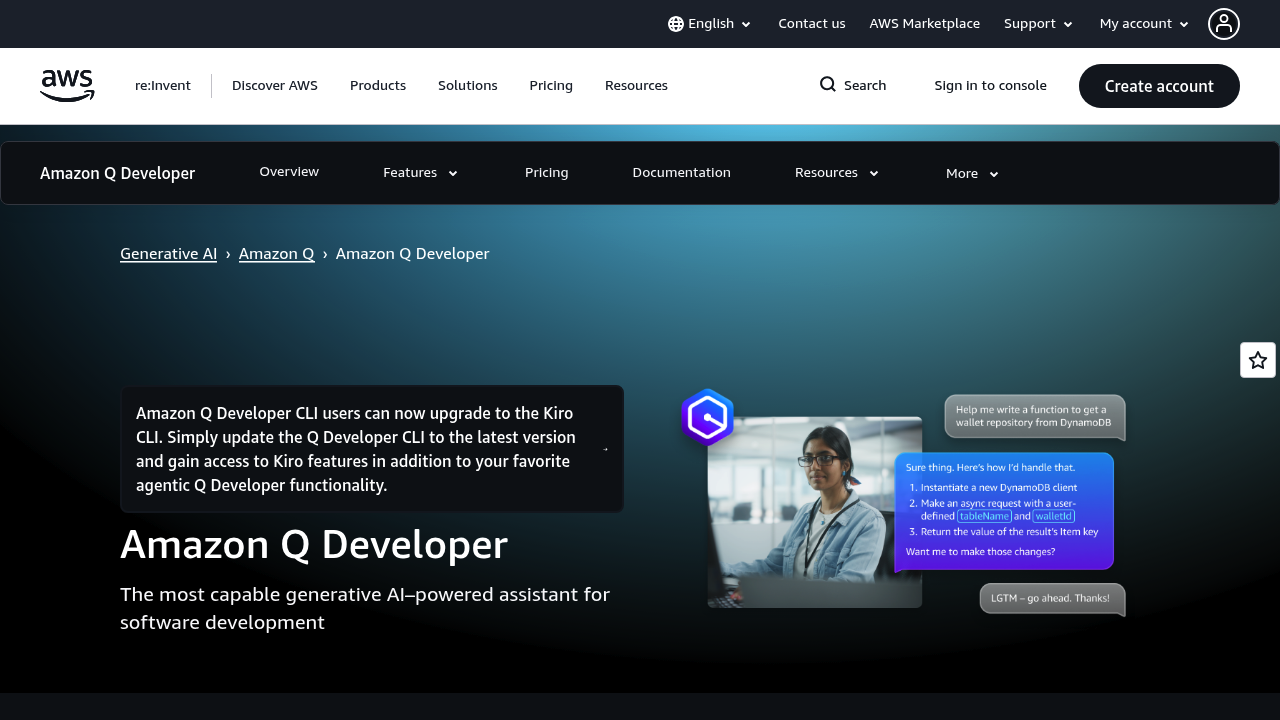

Your expert AI pair programmer: Code faster, innovate securely with AWS.
Future AI Guide - AI Tool Directory
The Ultimate AI Tool Directory
Gemini CLI
Turbocharge your terminal: Gemini CLI automates code, fixes bugs, saves hours.
Gemini CLI – AI-Powered Command-Line Assistant for Coding, Automation, and System Tasks
Gemini CLI was created to give developers a powerful AI assistant directly within the terminal. Traditionally, developers rely on documentation, Stack Overflow, or trial-and-error to debug commands, write scripts, or explore unfamiliar tools. Jumping between a browser and the terminal interrupts productivity.
Gemini CLI embeds Google’s Gemini models directly into command-line workflows. Developers can ask questions, generate code, propose fixes, explain errors, or automate tasks—all without leaving the terminal. It becomes a conversational partner for coding, infrastructure, and command-line work.
Key Features
- Command Explanation: Understand what commands do and how they work.
- Shell Script Generation: Write bash, Zsh, or PowerShell scripts instantly.
- Error Diagnosis: Explain stack traces, errors, and failing commands.
- Inline Code Assistance: Generate or modify code directly from the CLI.
- Project Awareness: Analyze files and directory structures.
Pros
- Keeps developers inside the terminal.
- Very strong for troubleshooting and scripting.
- Gemini models have excellent reasoning.
- Great for DevOps, infrastructure, and automation.
Cons
- Requires comfort with the command line.
- Some features require model upgrades.
- Not as visual or guided as GUI-based tools.
- Must grant permission for filesystem reads.
Pricing
Gemini CLI is accessible via:
-
Free Tier
Limited requests and standard models. -
Gemini Advanced Subscription
Access to Gemini 1.5 Pro and Ultra models. -
Google Cloud Billing
Usage-based pricing for developers integrating via API.
Who Is Using This Tool?
- DevOps engineers writing scripts and debugging pipelines.
- Software developers needing quick insights while coding.
- Data engineers automating workflows.
- Students learning shell scripting and system commands.
- Cloud teams managing infrastructure as code.
Technical Details
Model Capabilities
Gemini CLI leverages:
- local or cloud-based Gemini models
- file and directory context analysis
- code and shell reasoning
- multi-step task execution
Supported Languages
- Bash
- Zsh
- PowerShell
- Python automation
- YAML/IaC configurations
Integrations
- VS Code
- Google Cloud
- Local filesystems
- Git workflows
The User Experience
Ease of Use
- Conversational command-line interface.
- Contextual responses based on project structure.
- Minimal setup for most environments.
Accessibility
- Works on Windows, macOS, and Linux.
- CLI-based—lightweight and fast.
Workflow
- Install Gemini CLI.
- Run
geminiin terminal. - Ask questions or request code/scripts.
- Review or apply AI-generated output.
- Iterate or refine using natural-language prompts.
Summary
Gemini CLI is a powerful command-line companion for developers, bringing AI-assisted coding, debugging, automation, and explanation directly to the terminal. It accelerates workflows and removes friction from daily development tasks.

Related Tools
- GitHub Copilot CLI – Shell-focused AI utilities.
- Cursor – AI-powered coding environment.
- Aider – Git-based AI coding assistant.
- Open Interpreter – Terminal-based freeform AI agent.
- Warp AI – AI-enhanced terminal interface.
Similar listings in category
Transform your coding workflow with intelligent, lightning-fast, production-ready AI assistance.
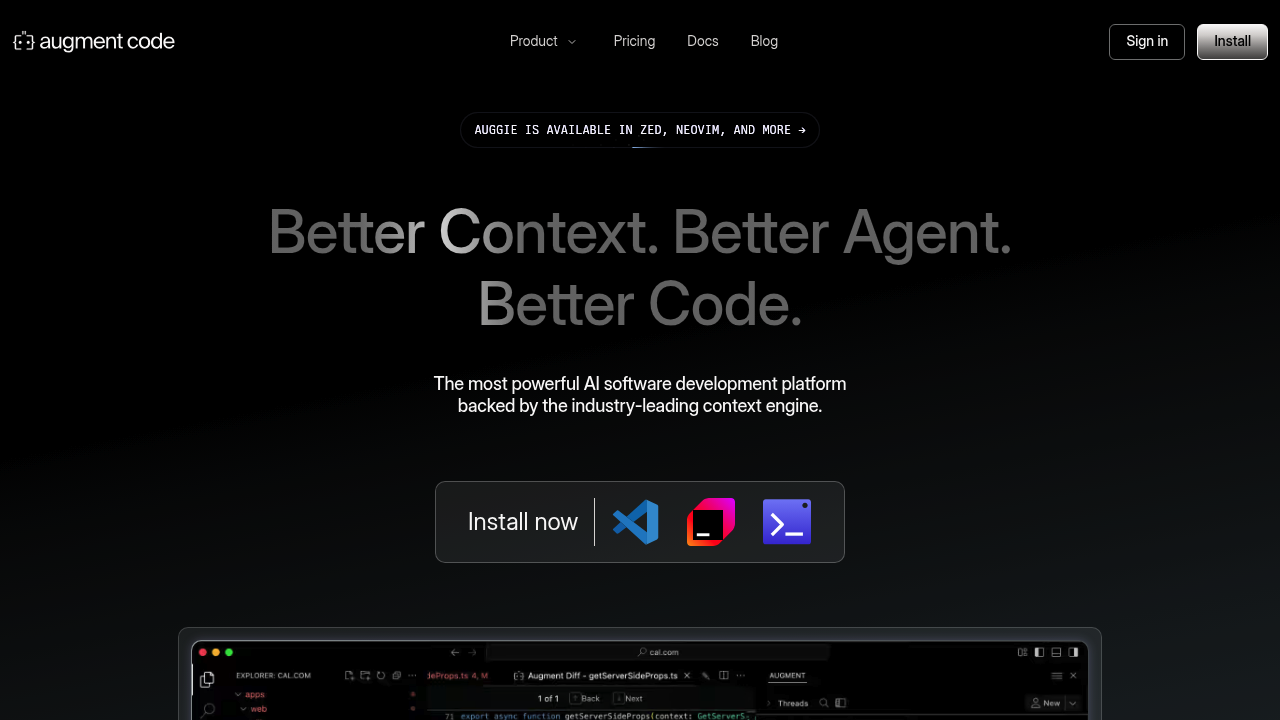
Intelligently complete and refine your code faster with Augment Code.