
Future AI Guide
The Ultimate AI Resource Hub
Figma
Design faster, smarter: AI plugins revolutionize your Figma workflow and creativity now.
Figma AI – Intelligent UI Design, Layout Automation, and Accelerated Product Prototyping
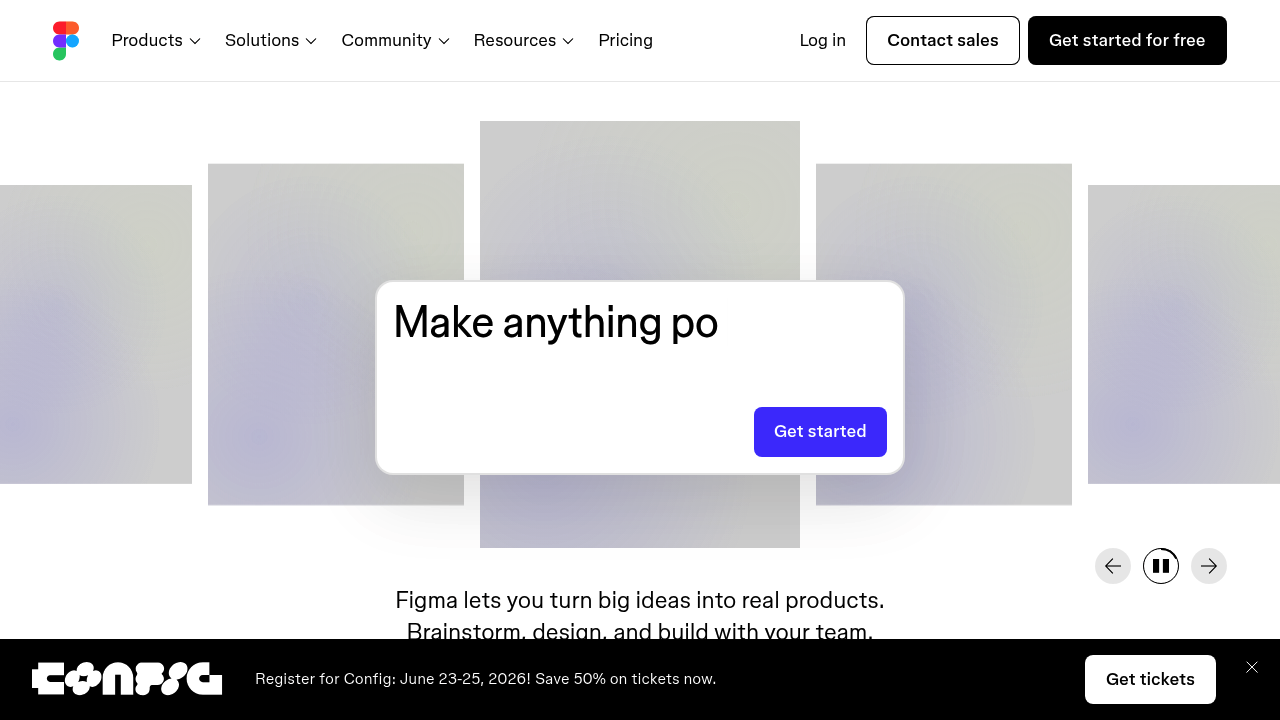
Figma AI was designed to help designers move from concept to prototype significantly faster. Traditional UI design requires manual layout building, asset creation, component editing, and tedious resizing. These repetitive tasks slow down creativity and block rapid iteration.
Figma AI automates layout creation, component generation, visual exploration, and design rewrites. It helps teams prototype faster, generate UI elements from text, and explore design variations instantly—dramatically improving workflow efficiency.
Key Features
- Text-to-UI Generation: Create interface layouts from written prompts.
- Auto-Layout Assistance: Smart resizing, spacing, and structural formatting.
- Design Variations: Explore multiple style concepts from a single interface.
- AI Asset Creation: Generate icons, illustrations, and visual elements.
- Component Optimization: Improve consistency across design systems.
Pros
- Reduces tedious design work.
- Enables faster prototyping and iteration.
- Great for non-designers exploring concepts.
- Strong integration with existing Figma workflows.
Cons
- Generated UI still requires manual polishing.
- Works best with clear prompts and design context.
- Not intended to replace professional designers.
- Complex design systems may confuse the AI.
Pricing
Figma AI is available within Figma subscription tiers:
-
Free Plan
Limited AI generation credits. -
Professional Plan
Expanded AI features, collaboration tools, and unlimited editors. -
Organization/Enterprise Plans
Advanced design systems, permissions, analytics, and AI scaling.
Who Is Using This Tool?
- Product designers accelerating UI workflows.
- Founders shaping MVP prototypes.
- Developers generating UI scaffolds.
- Marketing teams creating branded layouts.
- Design agencies speeding up client work.
Technical Details
AI Design Engine
Includes:
- layout prediction
- component recognition
- style sampling
- auto-alignment and spacing logic
Visual Asset Generation
Supports:
- icons
- simple illustrations
- placeholders
- backgrounds
Integrations
- Figma design system libraries
- FigJam boards
- Plugins and widgets
The User Experience
Ease of Use
- Invoke AI with text commands or contextual suggestions.
- Edit layouts directly after generation.
- Mix manual and AI-driven design seamlessly.
Accessibility
- Browser-based editor.
- Cross-platform compatibility.
Workflow
- Describe UI or upload wireframes.
- Let AI generate a layout.
- Adjust spacing, styles, and components.
- Use AI for additional variations or asset generation.
Summary
Figma AI accelerates UI design by automating layouts, generating components, and refining design systems. It empowers teams to move from idea to prototype faster while maintaining design quality and consistency.

Related Tools
- Adobe XD (w/ Firefly) – AI-powered design support.
- Galileo AI – Text-to-UI generation platform.
- Uizard – UI generation from sketches.
- Framer AI – AI website generation.
- Penpot – Open-source design tool.