
Future AI Guide

The Ultimate AI Resource Hub

Figjam AI logo

Figjam AI

Figjam AI: Where ideas flow freely and collaboration becomes effortless, instantly.

Freemium
Figjam AI

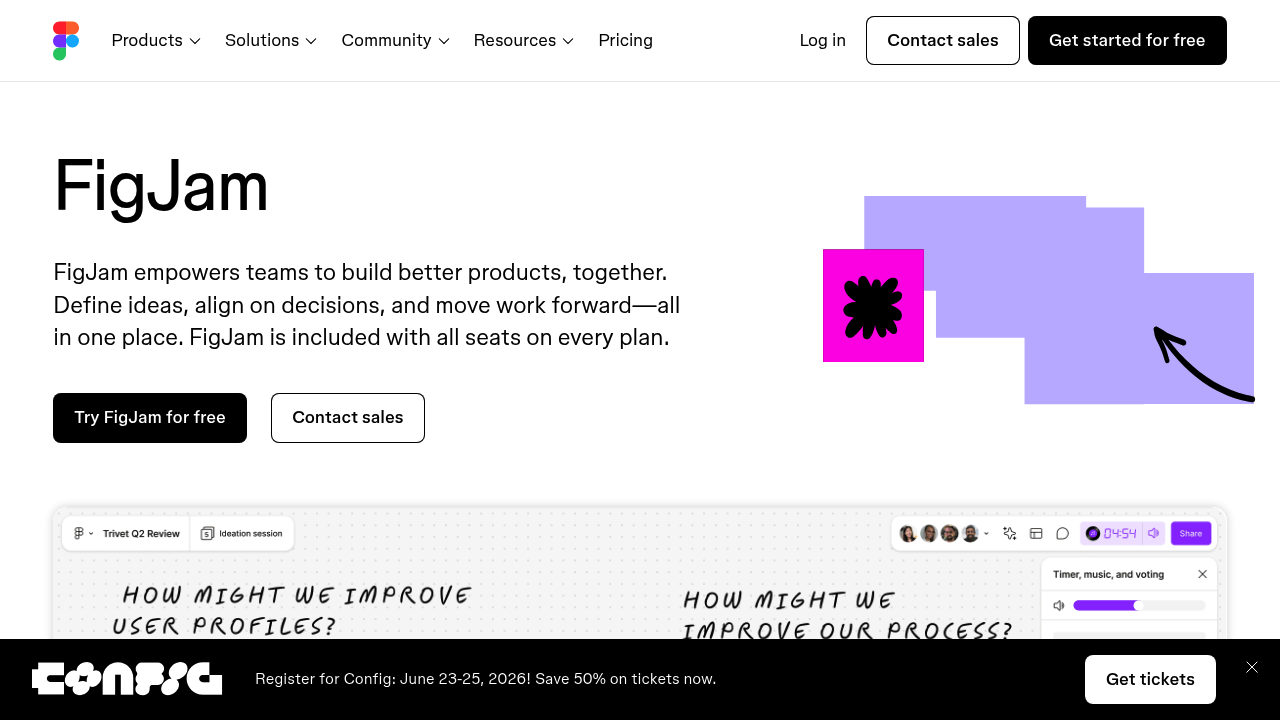
FigJam AI – Collaborative Brainstorming, Diagramming, and Automated Ideation for Team Workshops

FigJam AI was created to make brainstorming and team collaboration faster, smoother, and more productive. Traditional whiteboarding sessions require manual setup, endless sticky notes, and repetitive formatting—slowing down creative flow.

FigJam AI transforms workshops by automatically generating diagrams, summarizing ideas, rewriting sticky notes, and helping teams organize thoughts instantly. It acts as a facilitator, enabling smoother collaboration and better outcomes in less time.

Key Features

  • AI Diagram Generator: Create flowcharts, mind maps, and system diagrams from text.
  • Sticky Note Summaries: Condense brainstorm boards into clear takeaways.
  • Idea Generation: Expand, refine, or remix ideas on command.
  • Meeting Prep Tools: Auto-generate templates for workshops and sprints.
  • Collaboration Enhancements: Shared boards, widgets, and plugins.

Pros

  • Dramatically speeds up workshops.
  • Keeps boards clean, organized, and structured.
  • Great for remote teams.
  • Integrates directly with Figma for design workflows.

Cons

  • Best for brainstorming—not as strong for execution.
  • AI-generated diagrams may need refinement.
  • Requires a Figma ecosystem account.
  • Some features locked to higher-tier plans.

Pricing

FigJam AI availability depends on:

  • Free Tier
    Limited board creation and AI usage.

  • Professional Plan
    Expanded AI tools, unlimited boards, and collaboration features.

  • Organization/Enterprise Plans
    Centralized billing, admin controls, security, and advanced permissions.

Who Is Using This Tool?

  • Product teams planning features or roadmaps.
  • Design teams preparing workshops and ideation.
  • Agile teams running retros, sprints, and ceremonies.
  • Marketing & strategy teams mapping processes and messages.
  • Educators facilitating group exercises.

Technical Details

AI Diagramming Engine

Interprets text to generate:

  • shapes
  • connectors
  • hierarchical structures
  • labeled nodes

Summary Engine

Extracts:

  • themes
  • decisions
  • next steps
  • clusters
  • key insights

Integrations

Works seamlessly with:

  • Figma design files
  • Plugins and community widgets
  • FigJam apps library

The User Experience

Ease of Use

  • Very intuitive canvas-based interface.
  • AI tools accessible via commands or floating menu.
  • Great support for real-time collaboration.

Accessibility

  • Web-based with multi-user editing.
  • Works across devices.

Workflow

  1. Start a FigJam board.
  2. Add ideas or text prompts.
  3. Use AI to transform inputs into diagrams or summaries.
  4. Collaborate and refine with teammates.

Summary

FigJam AI accelerates brainstorming and helps teams turn messy ideas into structured plans. Its AI-powered diagramming and summarization tools make collaboration more efficient and enjoyable.

Related Tools

  • Miro – Digital whiteboarding for distributed teams.
  • Lucidchart – Diagram creation and process mapping.
  • Whimsical – Mind maps and flowcharts.
  • Notion AI – Workspace content generation.
  • Figma – UI design and prototyping.