Coqui – AI Voice Cloning, Speech Generation, and Realistic Text-to-Speech Production
Coqui was created to provide developers and creators with high-quality, expressive, and customizable AI voices. Traditional TTS systems sound robotic, lack emotional nuance, and offer limited control. Coqui's advanced deep-learning models replicate human speech with clarity, emotion, and flexibility—making it ideal for storytelling, games, film, accessibility, and localization.
By offering voice cloning, multilingual synthesis, and developer-friendly APIs, Coqui bridges the gap between professional voice acting and scalable automated audio production.
Key Features
- Voice Cloning: Create custom voices from sample recordings.
- Expressive TTS: Generate speech with emotion, pacing, and character.
- Multilingual Support: Dozens of languages and accents.
- Developer APIs: Integrate voices into apps, games, and workflows.
- Open-Source Tools: Train custom models with Coqui's framework.
Pros
- Very natural and expressive voice quality.
- Supports fully custom voice creation.
- Strong multilingual capabilities.
- Open-source foundation for deep customization.
Cons
- Requires clean audio for high-quality cloning.
- Some features require technical expertise.
- Commercial licensing needed for production use.
- Large models require GPU resources.
Pricing
Coqui offers:
-
Free Tools (Open-Source)
Community models and training resources.
-
Studio Subscription
Cloud-based cloning, synthesis, and commercial TTS.
-
Enterprise Licensing
Custom voice development, large-volume usage, and on-prem deployment.
Who Is Using This Tool?
- Game studios designing character voices.
- Filmmakers & animators producing dialogue tracks.
- Creators generating narration for content.
- Accessibility tools improving screen reader quality.
- Localization teams creating multilingual versions of media.
Technical Details
Voice Cloning Pipeline
Uses:
- speaker embedding models
- prosody transfer
- emotional modulation
- phoneme synthesis
Developer Tools
Includes:
- Python SDK
- REST API
- Training scripts
- Model checkpoints
Supported Output
- WAV
- MP3
- OGG
- Dialogue exports for film/game engines
The User Experience
Ease of Use
- Studio UI for no-code voice creation.
- Simple API calls for developers.
- Quick preview and export options.
Accessibility
- Works on browser and via API.
- Supports cloud and local workflows.
Workflow
- Upload voice samples.
- Train or clone voice.
- Input text for speech.
- Adjust emotion and pacing.
- Export or integrate audio.
Summary
Coqui provides one of the most advanced voice cloning and TTS platforms available, supporting expressive, high-quality speech suitable for entertainment, accessibility, and production environments. Its open-source roots make it uniquely flexible for customization.
Related Tools
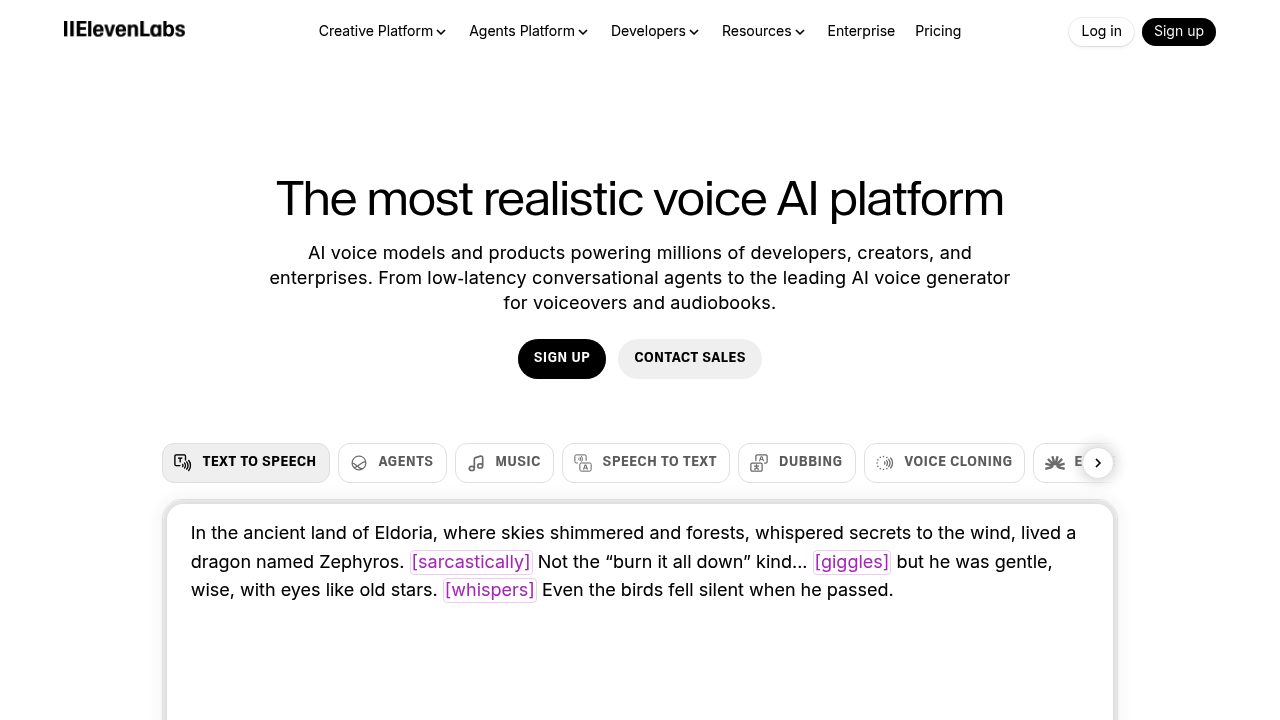
- ElevenLabs – High-quality speech synthesis.
- Descript Overdub – Voice cloning for creators.
- Replica Studios – AI voices for game development.
- Papercup – AI dubbing and localization.
- Resemble AI – Custom voice and TTS solutions.