
Future AI Guide - AI Tool Directory

The Ultimate AI Tool Directory

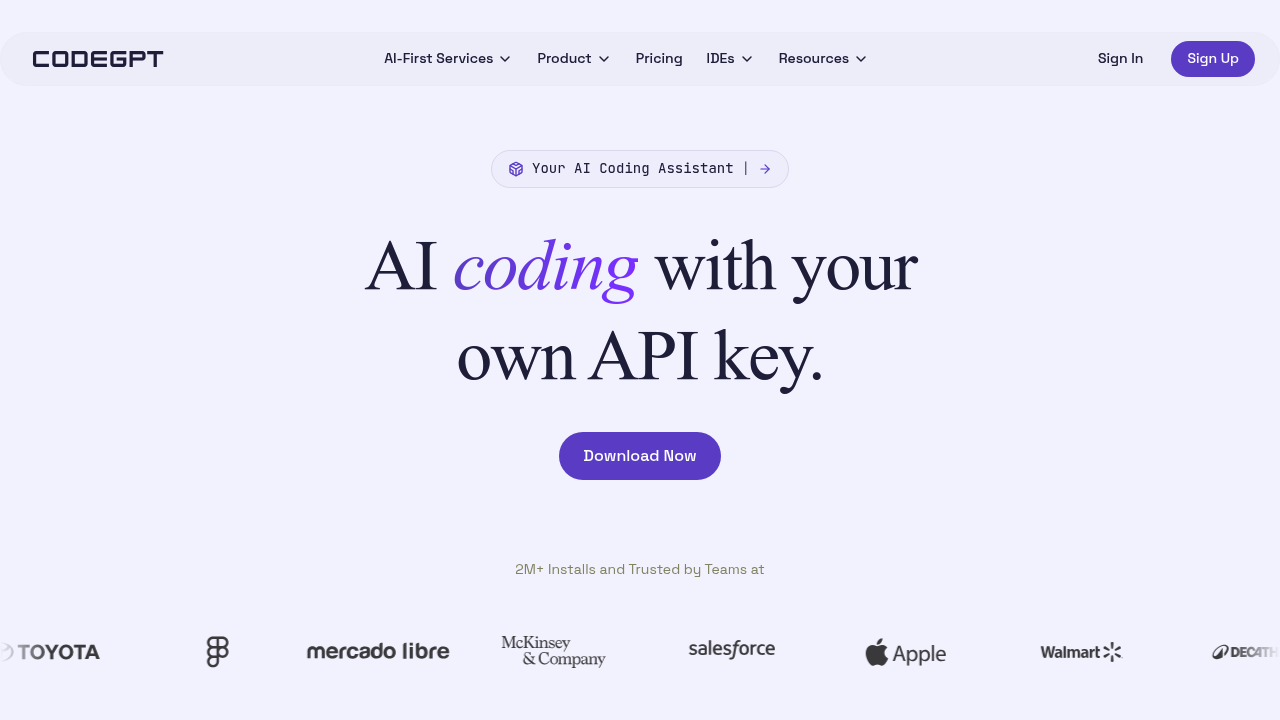
CodeGPT
CodeGPT logo

CodeGPT

Vote for this project

CodeGPT: Your coding assistant for explanations, tests, and new features, now.

Paid

CodeGPT – AI Coding Assistant, Code Generation, and Intelligent Developer Productivity

CodeGPT was designed to give developers a smarter, more contextual AI assistant directly inside their IDE. Traditional coding workflows demand constant switching between docs, Stack Overflow, debugging tools, and local code exploration. This slows down development and increases cognitive load.

CodeGPT brings intelligence into the coding environment by generating code, answering questions about your project, explaining logic, debugging issues, and integrating with Git. It supports a wide range of programming languages and frameworks, making it a strong choice for developers who want fast assistance without leaving their editor.

Key Features

  • IDE Integration: Works inside VS Code and JetBrains for seamless development.
  • Code Explanation: Understands functions, modules, and file relationships.
  • Code Generation: Writes functions, tests, snippets, and boilerplate.
  • Git Integration: Reviews PRs, generates commit messages, and explains diffs.
  • Chat Interface: Conversational AI assistant built into your editor.

Pros

  • Reduces context switching for developers.
  • Strong integration with Git workflows.
  • Helps with debugging, documentation, and explanations.
  • Supports multiple languages and frameworks.

Cons

  • Quality depends on the LLM connected (OpenAI, Anthropic, etc.).
  • Requires API keys for premium models.
  • Not fully autonomous like agent-based tools.
  • Some features limited in offline environments.

Pricing

CodeGPT itself is free, but usage depends on the chosen AI provider:

  • OpenAI (Paid) – GPT models for advanced performance.
  • Anthropic (Paid) – Claude for strong reasoning.
  • Free/Open Models – Llama, Mistral, etc. via local or cloud environments.

No subscription fee for CodeGPT itself.

Who Is Using This Tool?

  • Software developers improving daily coding productivity.
  • Students & learners studying algorithms or debugging exercises.
  • Teams looking to streamline Git workflows.
  • Technical writers generating documentation from code.
  • Startups & agile teams needing fast iteration.

Technical Details

Language Model Integration

Supports:

  • GPT-4 and GPT-4 Turbo
  • Claude
  • Local LLMs via plugins
  • Custom API endpoints

Git Features

  • PR summarization
  • Commit message generation
  • Diff explanations
  • Code review suggestions

IDE Capabilities

  • inline suggestions
  • multi-file reasoning
  • task-based chat prompts

The User Experience

Ease of Use

  • Simple commands inside the IDE.
  • Clear interface for prompts and conversations.
  • Great for beginners and professionals.

Accessibility

  • Works in VS Code, JetBrains, and browser extensions.
  • Cross-platform support.

Workflow

  1. Install the plugin.
  2. Connect your preferred LLM.
  3. Ask questions or generate code inline.
  4. Use Git tools for reviews and commit optimization.

Summary

CodeGPT is a lightweight, versatile AI coding assistant that enhances productivity by integrating directly into developers’ workflows. Its Git features and IDE-native experience make it an excellent tool for teams and individual programmers.

Related Tools

  • GitHub Copilot – Code completion and suggestions.
  • Codeium – Free AI coding assistant.
  • Cody (Sourcegraph) – Deep codebase understanding.
  • Cursor – AI-powered IDE.
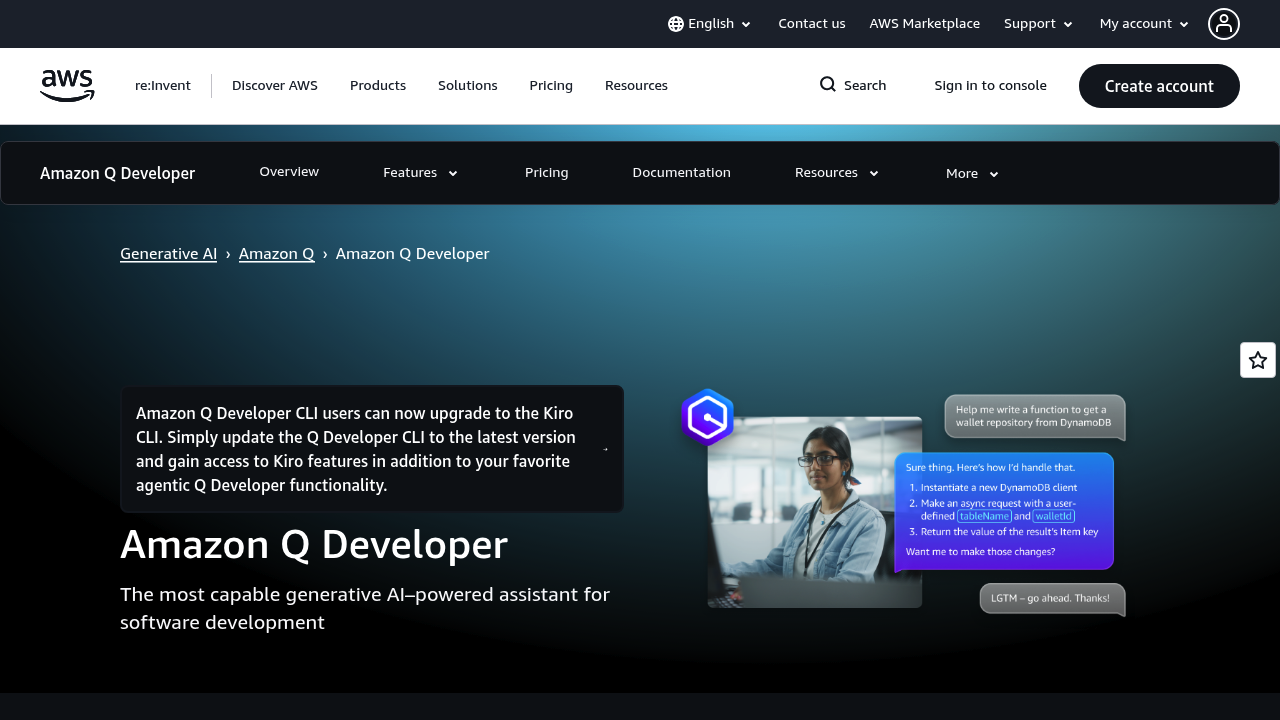
  • Amazon Q Developer – Enterprise-focused code assistant.

Quick Actions

Similar listings in category