
Future AI Guide - AI Tool Directory

The Ultimate AI Tool Directory

ClickUp
ClickUp logo

ClickUp

Vote for this project

ClickUp Brain: Your AI partner for instant, context-aware project insights.

Free

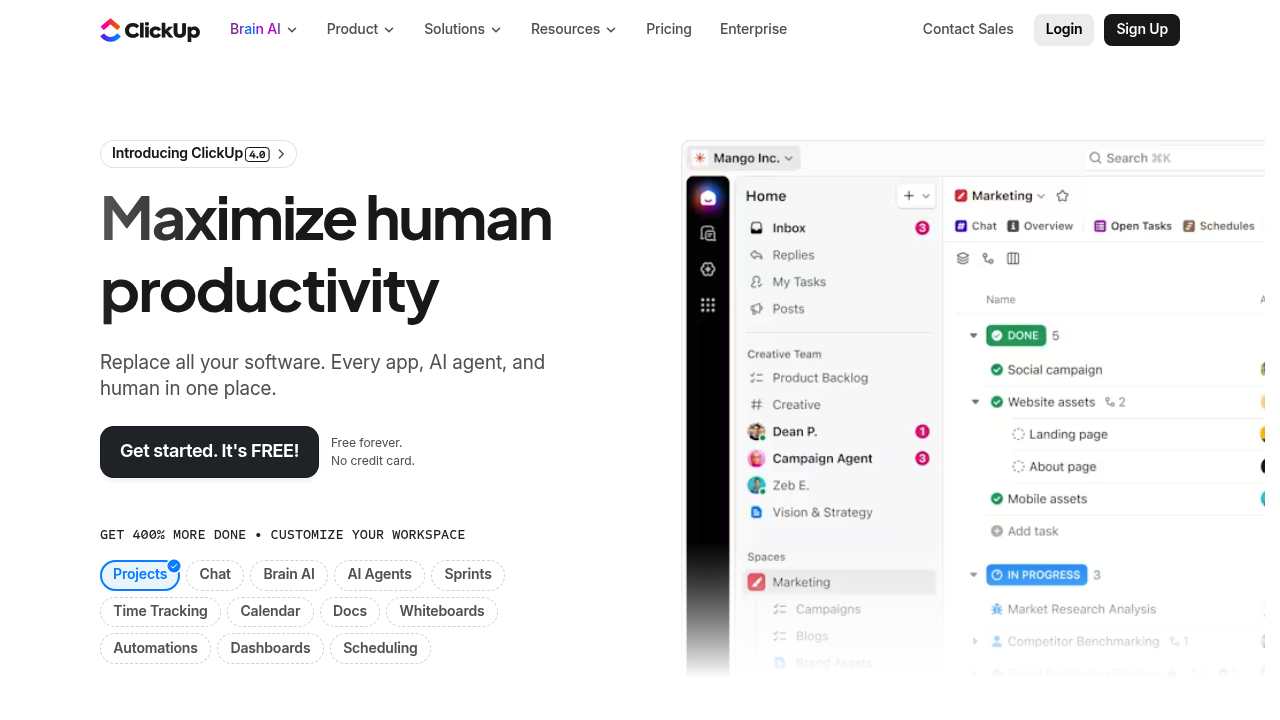
ClickUp – All-in-One Productivity, Project Management, and Workflow Automation Platform

ClickUp was created to consolidate the fragmented landscape of productivity tools. Most teams juggle multiple platforms for tasks, docs, communication, goals, time tracking, and project management. This leads to disorganization, lost information, and siloed workflows.

ClickUp solves this problem by offering a unified workspace that replaces dozens of separate apps. With task management, docs, dashboards, automation, AI writing tools, and customizable views, ClickUp enables teams to plan, collaborate, and execute work from one central platform. It reduces chaos, increases visibility, and improves operational efficiency across all departments.

Key Features

  • Customizable Task Management: Lists, boards, Gantt charts, calendars, and workload views.
  • ClickUp AI: Writes content, summarizes updates, generates tasks, and automates documentation.
  • Docs & Wikis: Collaborative documents with tables, embeds, and workflows.
  • Dashboards: Real-time tracking for projects, resources, goals, KPIs, and performance.
  • Automations: Rule-based triggers for task creation, reminders, updates, and assignments.

Pros

  • Extremely flexible for any team or workflow.
  • Replaces many separate productivity tools.
  • Strong AI capabilities for writing and task automation.
  • Customizable views improve visibility and collaboration.

Cons

  • Large feature set can feel overwhelming.
  • Requires onboarding for new teams.
  • Performance can slow with very large workspaces.
  • Some advanced features locked behind higher tiers.

Pricing

ClickUp offers:

  • Free Forever Plan
    Basic tasks, docs, whiteboards, and limited automation.

  • Unlimited Plan
    Advanced views, permissions, dashboards, and team features.

  • Business Plan
    Enhanced security, automation, time tracking, and advanced integrations.

  • Enterprise Plan
    Custom permissions, SSO, advanced security, and premium support.

AI features may require addon credits or premium tiers.

Who Is Using This Tool?

  • Project managers overseeing multi-team initiatives.
  • Marketing teams planning campaigns and content calendars.
  • Product teams roadmapping features and sprints.
  • Operations teams building SOPs and workflows.
  • Agencies managing clients and deliverables.

ClickUp caters to any industry due to its modular flexibility.

Technical Details

Data Architecture

ClickUp organizes work using:

  • Spaces
  • Folders
  • Lists
  • Tasks
  • Subtasks
  • Custom fields

This structure supports complex workflows at scale.

Automations & Integrations

Integrates with:

  • Slack
  • GitHub
  • Zapier
  • Google Drive
  • Outlook
  • HubSpot

Automations can trigger based on:

  • status changes
  • task creation
  • due date
  • custom field updates

ClickUp AI

Supports:

  • summarizing updates
  • generating tasks from text
  • writing documentation
  • brainstorming ideas
  • meeting notes

The User Experience

Ease of Use

  • Drag-and-drop interface.
  • Highly visual task layouts.
  • AI speeds up repetitive work.

Accessibility

  • Available on web, desktop, and mobile.
  • Offline mode (limited).
  • Great onboarding tutorials.

Workflow

  1. Create a space for your team.
  2. Build lists and tasks with custom fields.
  3. Apply views (Board, Gantt, Calendar).
  4. Use AI to automate updates and documentation.
  5. Track progress through dashboards.

Summary

ClickUp is a powerful, all-in-one productivity platform that helps teams organize work, automate processes, and centralize operations. Its flexibility and AI-driven features make it ideal for organizations seeking a scalable workspace.

Related Tools

  • Asana – Structured project and task management.
  • Notion – Workspace for docs and databases.
  • Monday.com – Visual workflows and project tracking.
  • Wrike – Enterprise project management.
  • Airtable – Flexible no-code database for workflows.

Quick Actions

Similar listings in category