Future AI Guide - AI Tool Directory

The Ultimate AI Tool Directory

ChatGPT
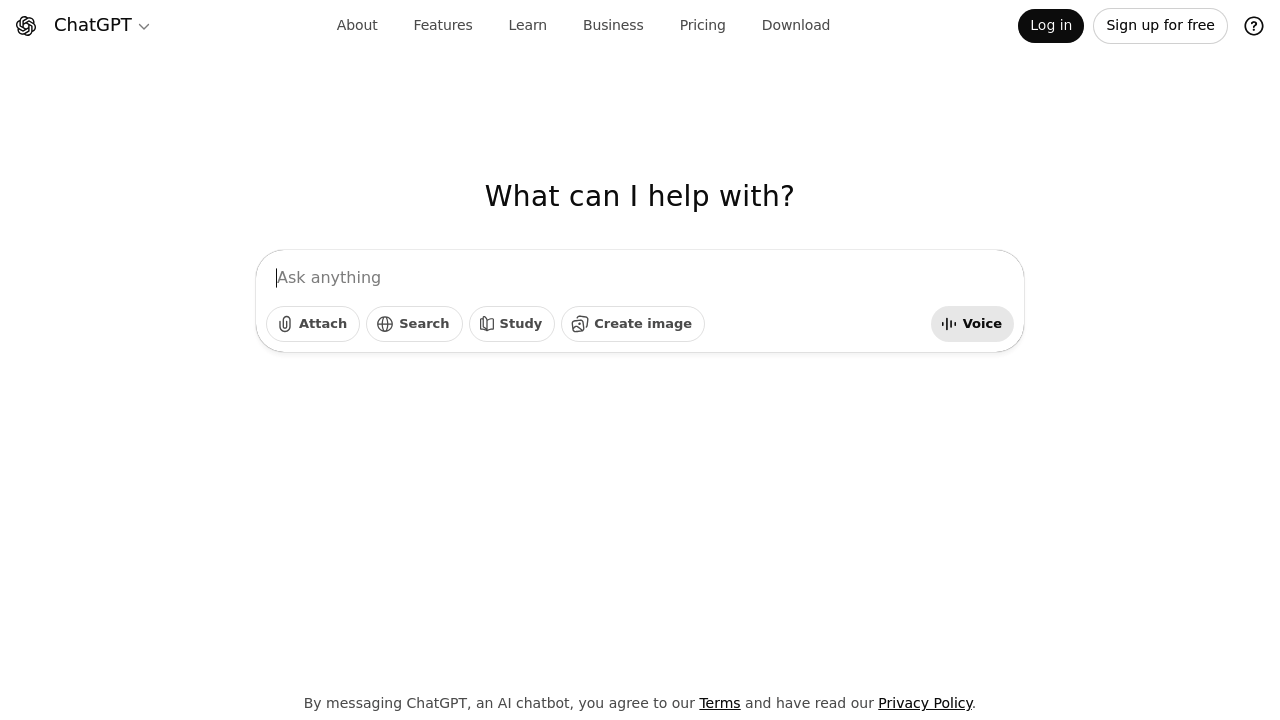
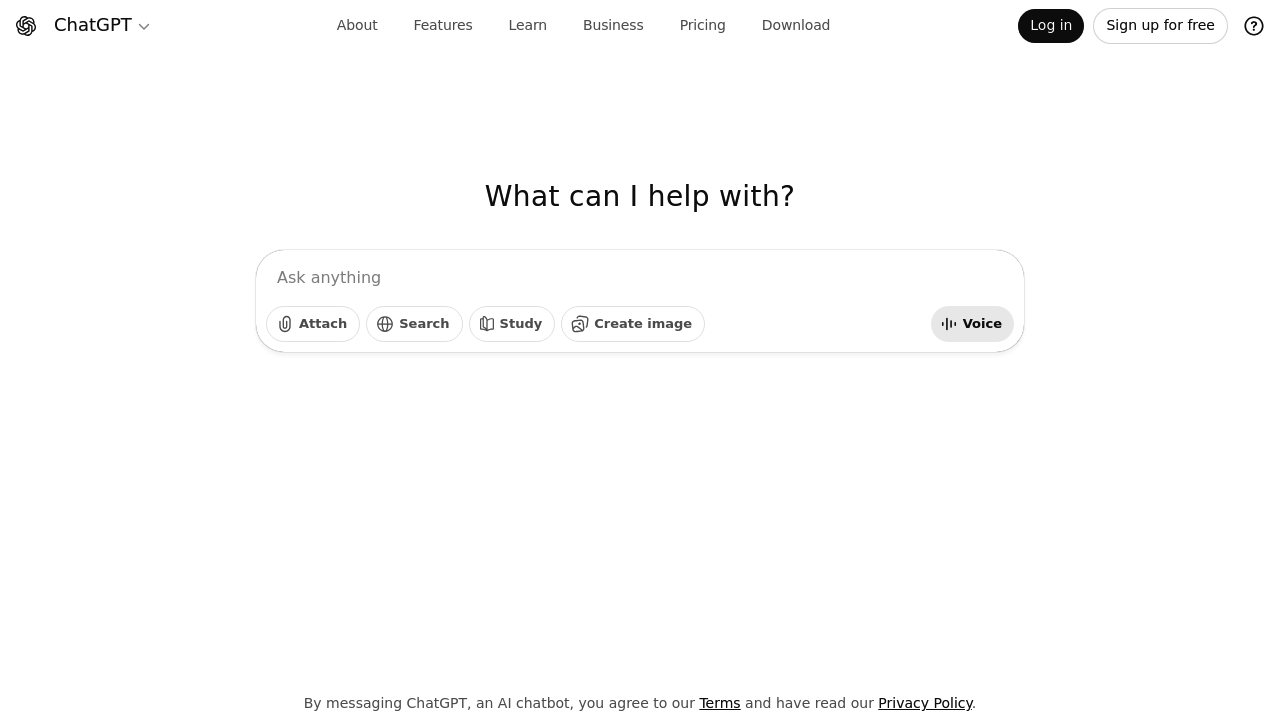
ChatGPT logo, AI language model interface visual

ChatGPT

Vote for this project

Unleash your productivity: converse with AI, generate content, and conquer your tasks.

Freemium

ChatGPT – General-Purpose AI Assistant for Knowledge, Productivity, and Creative Workflows

ChatGPT was designed to help people think, learn, create, and solve problems more efficiently by using natural language. Instead of navigating complicated interfaces, documentation, or systems, users can simply “ask” ChatGPT for help. It streamlines workflows across writing, coding, research, business operations, education, design, and more.

Built on advanced language models, ChatGPT understands context, generates long-form content, answers questions, engages in reasoning, and adapts to user instructions. Its versatility makes it a powerful assistant for individuals, teams, and organizations seeking to accelerate productivity and creativity.

Key Features

  • Natural Language Conversations: Understands questions, tasks, and instructions conversationally.
  • Content Generation: Creates articles, emails, scripts, stories, social posts, and more.
  • Coding Assistance: Debugs, writes code, explains functions, and builds applications.
  • Data Interpretation: Summarizes documents, extracts insights, and transforms information.
  • Custom GPTs: Create specialized AI agents with tailored behaviors and knowledge.

Pros

  • Extremely versatile across domains.
  • Strong reasoning and content generation.
  • Easy for beginners and non-technical users.
  • Customizable with GPTs and integrations.

Cons

  • Outputs require review for accuracy.
  • Knowledge can lag behind real-time events depending on model.
  • Some features require paid plans.
  • May misunderstand ambiguous instructions.

Pricing

ChatGPT offers multiple plans:

  • Free Tier
    Access to core model capabilities.

  • ChatGPT Plus
    Faster responses, priority access, and improved model performance.

  • ChatGPT Teams
    Shared workspaces, collaboration features, admin controls, and custom GPTs.

  • ChatGPT Enterprise
    High-performance models, unlimited usage, advanced security, analytics, and deeper customization.

  • API Usage
    Pay-per-token access for developers integrating ChatGPT into products.

Who Is Using This Tool?

  • Writers & marketers creating content at scale.
  • Students studying, learning, and practicing concepts.
  • Developers writing, debugging, and optimizing code.
  • Business teams automating documentation, insights, and workflows.
  • Researchers summarizing data and exploring ideas.
  • Designers & creators generating concepts, scripts, and assets.

ChatGPT’s audience spans nearly every industry and role.

Technical Details

Language Model Architecture

ChatGPT uses transformer-based neural networks enabling:

  • semantic understanding
  • reasoning and problem-solving
  • pattern recognition
  • contextual adaptation

Tools & Integrations

ChatGPT integrates with:

  • GPT Store
  • APIs
  • Microsoft Office (via Copilot)
  • Third-party plugins
  • Custom knowledge bases

Memory & Personalization

Advanced plans allow persistent memory for:

  • user preferences
  • ongoing projects
  • writing style
  • repeated instructions

Data Security

Enterprise versions offer:

  • encryption
  • isolated data environments
  • no model training on enterprise data
  • admin and compliance tools

The User Experience

Ease of Use

  • Simple conversational interface.
  • Works well with vague, complex, or multi-step tasks.
  • Supports interactive refinement.

Accessibility

  • Available on web, desktop, and mobile.
  • Voice mode for hands-free interaction.
  • Integrations extend usage into daily tools.

Workflow

  1. Ask a question or give a task.
  2. Review the response.
  3. Refine or iterate with follow-up instructions.
  4. Export, apply, or integrate the output.
  5. Save workflows via custom GPTs.

Summary

ChatGPT is the most versatile conversational AI assistant available today, supporting tasks across writing, coding, research, business strategy, creativity, and more. It reduces friction in everyday workflows and empowers users to think and work more efficiently.

Related Tools

  • Google Gemini – Multimodal AI assistant.
  • Anthropic Claude – Safe, high-performance language model.
  • Perplexity AI – AI-powered search and research.
  • Microsoft Copilot – Productivity-focused AI integrated into Office.
  • Jasper – AI writing tool for marketing teams.

Quick Actions

Similar listings in category