Future AI Guide - AI Tool Directory
The Ultimate AI Tool Directory
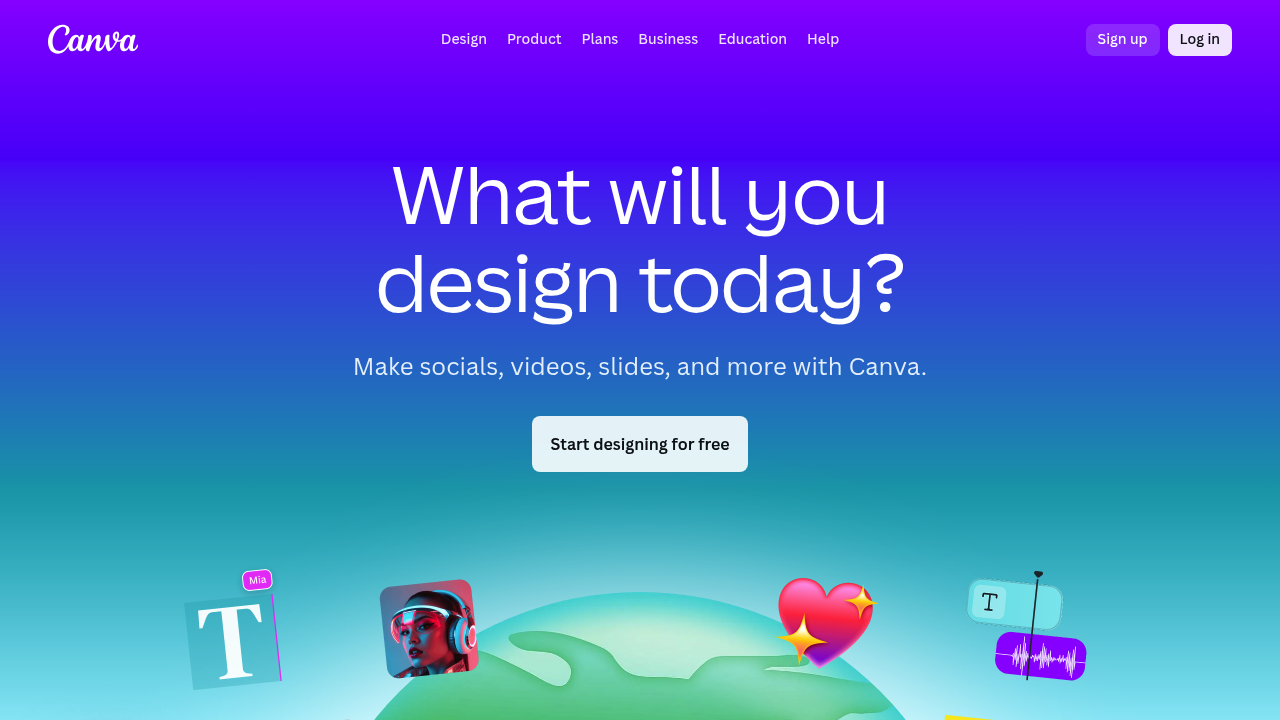
Canva (Magic Studio)
Transform ideas into visuals and content instantly with Canva's Magic Studio.
Canva Magic Studio – AI Design, Automation, and Creative Workflows for Visual Storytelling
Canva Magic Studio was created to eliminate the friction and complexity that traditionally hold back design work. In most workflows, visual creation demands multiple tools, manual formatting, and specialized design skills. Teams often waste hours wrestling with layouts, resizing assets, adjusting alignment, and making creative decisions without confidence or consistency.
Magic Studio integrates powerful AI capabilities directly into Canva’s friendly interface, allowing users to generate visuals, write content, edit media, and transform designs instantly. Whether you're a marketer, educator, entrepreneur, or enterprise team, Magic Studio empowers users to produce polished, professional, on-brand creative work in minutes—without needing design expertise.
Key Features
- Magic Design: Automatically transforms prompts or uploaded media into complete, customizable design layouts.
- Magic Write: AI copywriting for captions, descriptions, blogs, scripts, and marketing content.
- Magic Edit: Add, remove, or modify objects in images using natural-language instructions.
- Magic Eraser: Quickly remove unwanted elements while preserving image quality.
- Magic Media: Generate AI-powered images and video clips directly inside Canva.
- Magic Switch: Instantly convert one design into another format while maintaining layout integrity.
Pros
- Extremely beginner-friendly for fast, high-quality design.
- All-in-one creative suite eliminates the need for external tools.
- Powerful AI improves both speed and creative flexibility.
- Strong brand controls for consistency across large teams.
Cons
- Some advanced features require a Canva Pro subscription.
- AI-generated images and videos may require refinement.
- Less powerful than Adobe tools for detailed professional design work.
- Certain features depend on stable internet connectivity.
Pricing
Canva Magic Studio is available across Canva’s subscription plans:
-
Free Plan
Access to basic AI tools, templates, fonts, and limited Magic Studio features. -
Pro Plan
Unlocks full Magic Studio functionality, brand kits, premium templates, background remover, and expanded media libraries. -
Teams Plan
Includes everything in Pro plus collaboration features, approval workflows, administrative roles, and shared brand assets. -
Enterprise Plan
Offers centralized asset management, SSO, advanced permissions, multi-brand controls, and enhanced security options.
Who Is Using This Tool?
- Marketing teams creating campaigns, ads, social graphics, and reports.
- Entrepreneurs & small businesses developing branding materials, website banners, and pitch decks.
- Educators & students producing presentations, worksheets, and visual learning assets.
- Content creators making thumbnails, reels, and short-form social content.
- Corporate teams generating branded documents and training materials.
- Designers accelerating ideation and production with AI-assisted workflows.
Technical Details
Magic Design Engine
The layout engine analyzes visual components—including colors, shapes, and hierarchy—to deliver balanced, clean design options that follow professional design principles without requiring user intervention.
Magic Write (AI Text Generator)
Magic Write uses large language models to generate:
- short- and long-form text
- tone-adjusted rewrites
- summaries or expansions
- structured scripts
- blog outlines
It adapts to user-defined brand tone where applicable.
Magic Media (AI Image & Video Generation)
Magic Studio's media generation supports:
- photographic, illustrative, and stylized images
- AI-generated video scenes for creative projects
- object insertion or removal
- style transformations
Magic Edit & Magic Eraser
These tools enable:
- object replacement
- precision cutouts
- automatic image blending
- background cleanup
They rely on diffusion-based models designed to produce realistic results within Canva's canvas environment.
The User Experience
Ease of Use
- Natural-language prompting makes complex tasks simple.
- Drag-and-drop functionality remains central to the workflow.
- Templates provide instant starting points for any skill level.
Accessibility
- Fully cloud-based, supporting desktop, mobile, and tablet.
- Real-time multi-user collaboration for teams.
- Integrated brand controls ensure consistent output.
Workflow
- Start with a prompt, template, or upload.
- Use Magic Write, Magic Design, or Magic Media to generate assets.
- Apply Magic Edit or Magic Eraser to refine visuals.
- Customize brand elements such as fonts, colors, and logos.
- Convert designs using Magic Switch into formats for presentations, social content, print, or web.
- Export or publish directly from Canva.
Summary
Canva Magic Studio streamlines the entire creative process by pairing Canva’s intuitive interface with powerful AI-driven features. It accelerates ideation, automates repetitive design work, and makes professional storytelling accessible to teams of every size and skill level. Fast, flexible, and collaborative, Magic Studio is one of the most user-friendly AI design solutions available today.

Related Tools
- Adobe Firefly – AI image generation and creative capabilities.
- Microsoft Designer – AI-powered design suggestions.
- Figma – Collaborative design and interface prototyping.
- Visme – Visual presentation and infographic creation.
- Beautiful.ai – AI-driven presentation design.
Similar listings in category
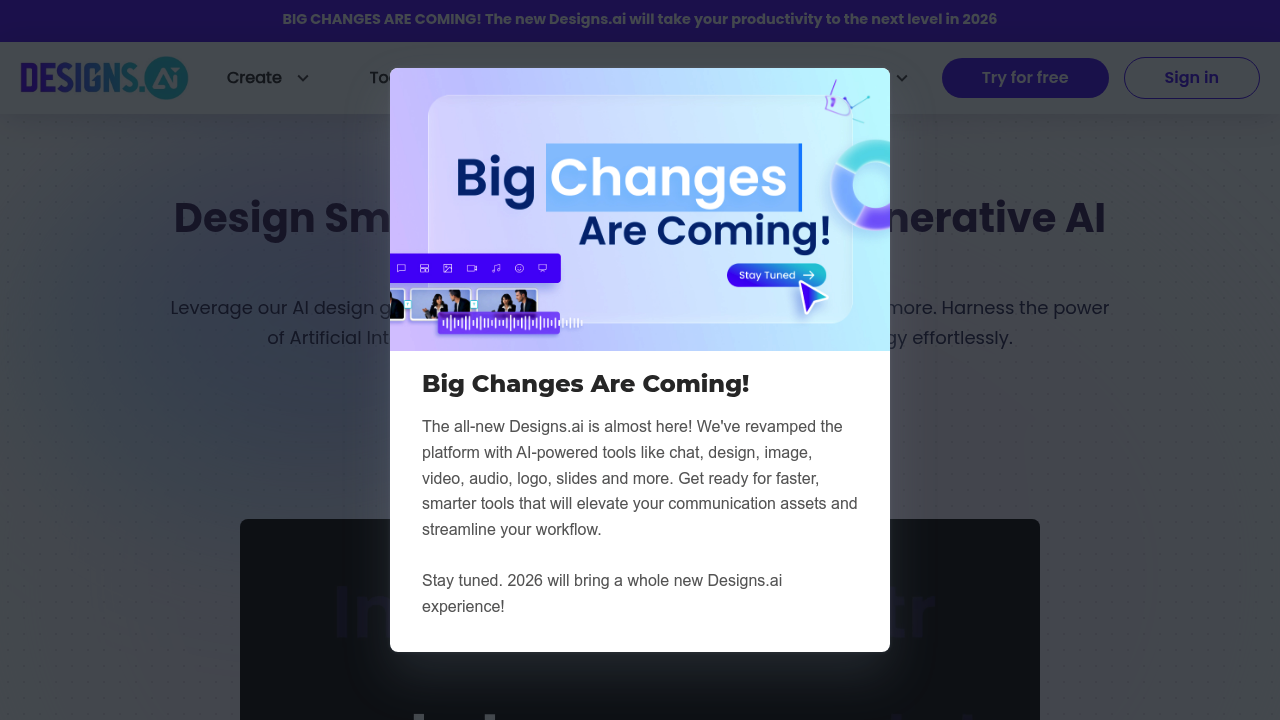
Designs.ai: Auto-generate captivating designs and content instantly with powerful AI.
Design faster, smarter: AI plugins revolutionize your Figma workflow and creativity now.