
Future AI Guide - AI Tool Directory

The Ultimate AI Tool Directory

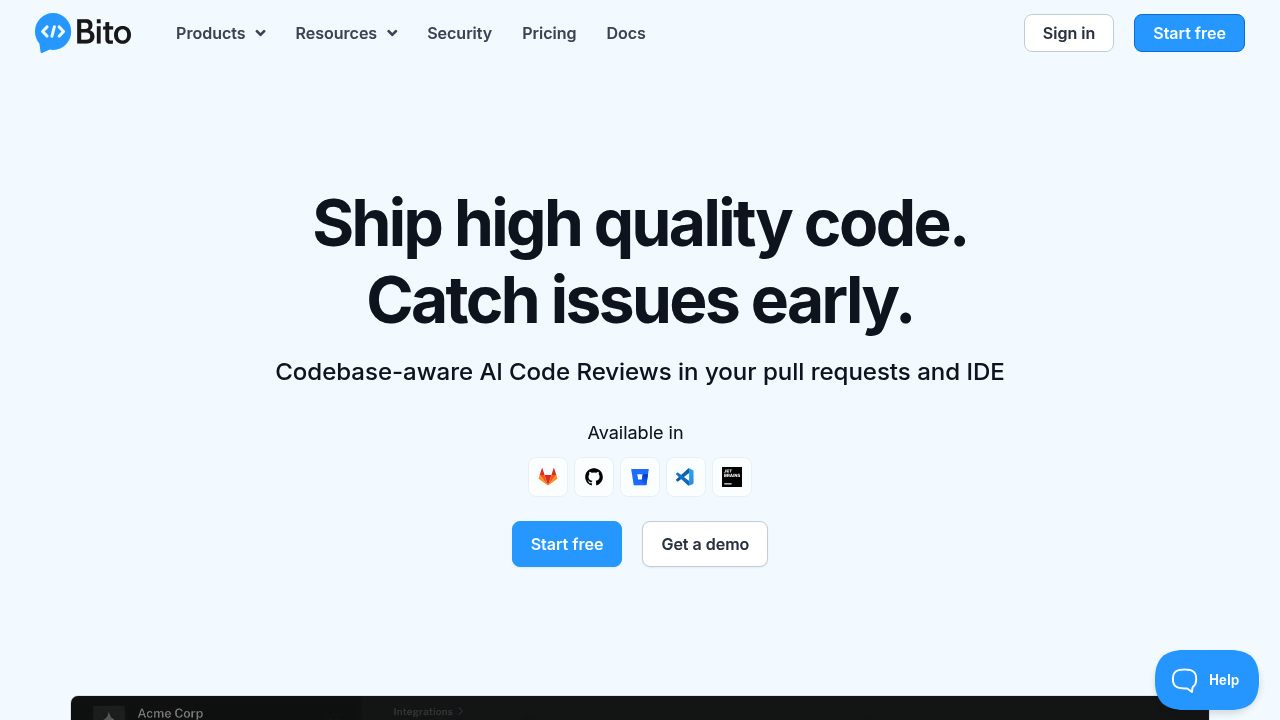
Bito
Bito logo

Bito

Vote for this project

Review code faster, reduce bugs. Bito AI: next level development.

Freemium

Bito – AI Coding Assistant for Faster Development, Documentation, and Code Quality

Bito helps developers write better code faster by integrating AI into the development workflow. Coding involves repetitive tasks—debugging, documentation, refactoring, and writing boilerplate—that consume time and create bottlenecks. Bito automates these tasks, enabling engineers to focus on architecture, creativity, and problem-solving.

It supports modern programming languages, works inside popular IDEs, and includes advanced features like code explanation, test generation, and AI-assisted pull requests.

Key Features

  • AI Code Completion: Generates code quickly based on context.
  • Code Explanation & Summaries: Breaks down complex logic for easier understanding.
  • Automated Test Creation: Produces unit and integration tests in seconds.
  • Refactoring Suggestions: Improves structure, readability, and performance.
  • IDE Integrations: Works with VS Code, JetBrains, and more.

Pros

  • Dramatically speeds up repetitive coding tasks.
  • Great for onboarding and understanding legacy code.
  • Helps developers learn and debug more efficiently.
  • Lightweight and easy to install.

Cons

  • May require multiple iterations for perfect outputs.
  • Not ideal for large-scale architecture reasoning.
  • Some features require paid plans.
  • Dependent on accurate context extraction.

Pricing

Bito offers:

  • Free Plan
    Core AI features with limited usage.

  • Pro Plan
    Enhanced generation limits, explanations, tests, and advanced settings.

  • Team & Enterprise Plans
    Collaboration features, admin controls, security compliance, and private model options.

Who Is Using This Tool?

  • Web developers accelerating frontend and backend tasks.
  • Mobile developers generating boilerplate code.
  • DevOps engineers writing scripts and configuration files.
  • Students learning syntax and debugging skills.
  • Software teams improving velocity and code consistency.

Technical Details

Powered by LLM technology:

Code Intelligence

Understands:

  • dependencies
  • imports
  • patterns
  • best practices

Testing Engine

Generates:

  • mocks
  • stubs
  • edge-case tests
  • assertions

Integrations

Supports:

  • GitHub
  • GitLab
  • Bitbucket
  • Local workflows
  • IDE extensions

The User Experience

Ease of Use

  • Inline suggestions appear naturally.
  • Chat interface for interactive queries.
  • Minimal configuration.

Accessibility

  • Works across multiple editors.
  • Suitable for beginner and advanced developers.

Workflow

  1. Ask Bito to generate or explain code.
  2. Insert or refine suggestions.
  3. Generate documentation or tests.

Summary

Bito enhances development speed, clarity, and productivity. It’s ideal for developers seeking a clean, reliable AI companion for coding tasks.

Related Tools

  • Copilot – Industry-leading AI autocomplete.
  • Tabnine – Predictive code suggestions.
  • Amazon Q Developer – AWS-focused reasoning.
  • Codeium – Fast, free IDE assistant.
  • AskCodi – Coding automation tools.

Quick Actions

Similar listings in category