Bing Image Creator – AI-Powered Text-to-Image Generation for Visual Creativity
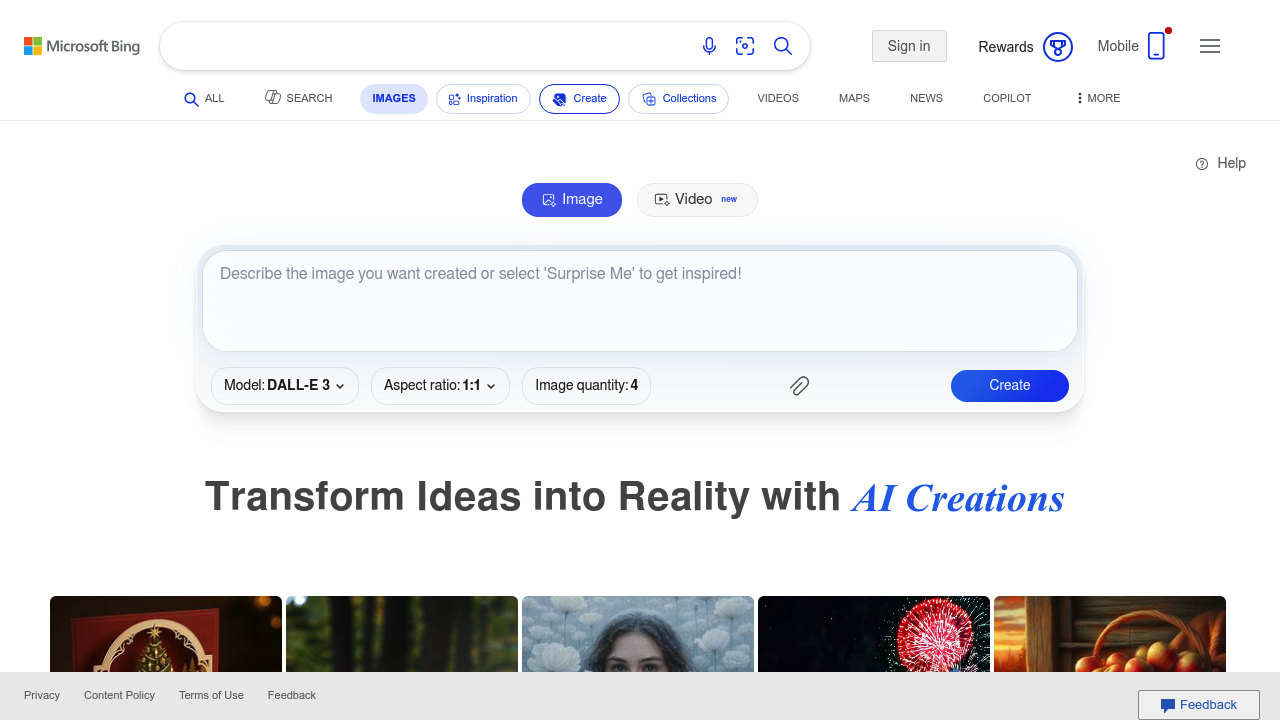
Bing Image Creator was built to help people generate high-quality images instantly using simple text prompts. Instead of spending hours searching for stock photos or manually designing visuals, users can describe the image they need, and the AI will create original artwork, illustrations, logos, concept images, and more.
It enables creators, marketers, educators, and everyday users to bring ideas to life without needing any design experience. Powered by advanced generative AI models, Bing Image Creator simplifies visual storytelling and speeds up content production across personal and professional use cases.
Key Features
- Text-to-Image Generation: Create images instantly from any textual description.
- Multiple Style Support: Photorealistic, illustrative, 3D, cartoon, abstract, and more.
- High-Resolution Outputs: Download crisp, detailed images suitable for creative use.
- Prompt Enhancement: AI improves user prompts for clearer and more accurate images.
- Integration with Microsoft Copilot: Generate images natively within Bing, Edge, and Microsoft apps.
Pros
- Free to use with generous generation limits.
- Excellent quality thanks to cutting-edge AI models.
- Easy for non-designers.
- Produces diverse styles and formats.
Cons
- Commercial licensing varies—users must review allowed usage.
- Some outputs may require refinement or multiple generations.
- Not as controllable as professional design tools.
- Safety filters may block certain prompt types.
Pricing
Bing Image Creator is available for free, with:
- Daily Boosted Credits for faster generation.
- Standard Generation Mode once fast credits are used.
- Microsoft Copilot Pro offers enhanced model access and improved generation quality.
Pricing is primarily tied to Microsoft's broader Copilot ecosystem.
Who Is Using This Tool?
Users include:
- Social media creators producing graphics and thumbnails.
- Marketers generating campaign visuals.
- Educators and students creating diagrams and illustrations.
- Writers and authors visualizing characters and scenes.
- Business professionals producing presentation graphics.
- Hobbyists exploring creative ideas.
Its accessibility makes it usable by nearly anyone.
Technical Details
Powered by advanced generative AI frameworks (such as DALL·E models), Bing Image Creator includes:
Image Generation Engine
- latent diffusion models
- text-to-image alignment
- multi-pass refinement
- color and lighting consistency
Prompt Interpretation
The system parses:
- style descriptors
- emotional tone
- composition details
- artistic medium (oil, watercolor, anime, etc.)
Integrations
Available inside:
- Microsoft Edge
- Bing Search
- Microsoft Copilot
- Windows apps
Safety & Moderation
Built-in filters prevent generation of harmful or unsafe content.
The User Experience
Ease of Use
- Type a prompt, click generate.
- Simple interface with image grids.
- Prompt suggestions guide beginners.
Accessibility
- Web-based and mobile-friendly.
- Works in browsers and apps.
- No design skill needed.
Workflow
- Describe the image.
- Review multiple variations.
- Regenerate or refine.
- Download or share.
Summary
Bing Image Creator democratizes art and design by giving anyone the ability to create stunning images with text alone. It saves time, encourages creativity, and integrates seamlessly with Microsoft’s ecosystem.
Related Tools
- DALL·E – Advanced prompt-controlled image generation.
- Midjourney – Artistic styles and high-quality imagery.
- Stable Diffusion – Open-source AI image generation.
- Canva AI – Image generation inside a design suite.
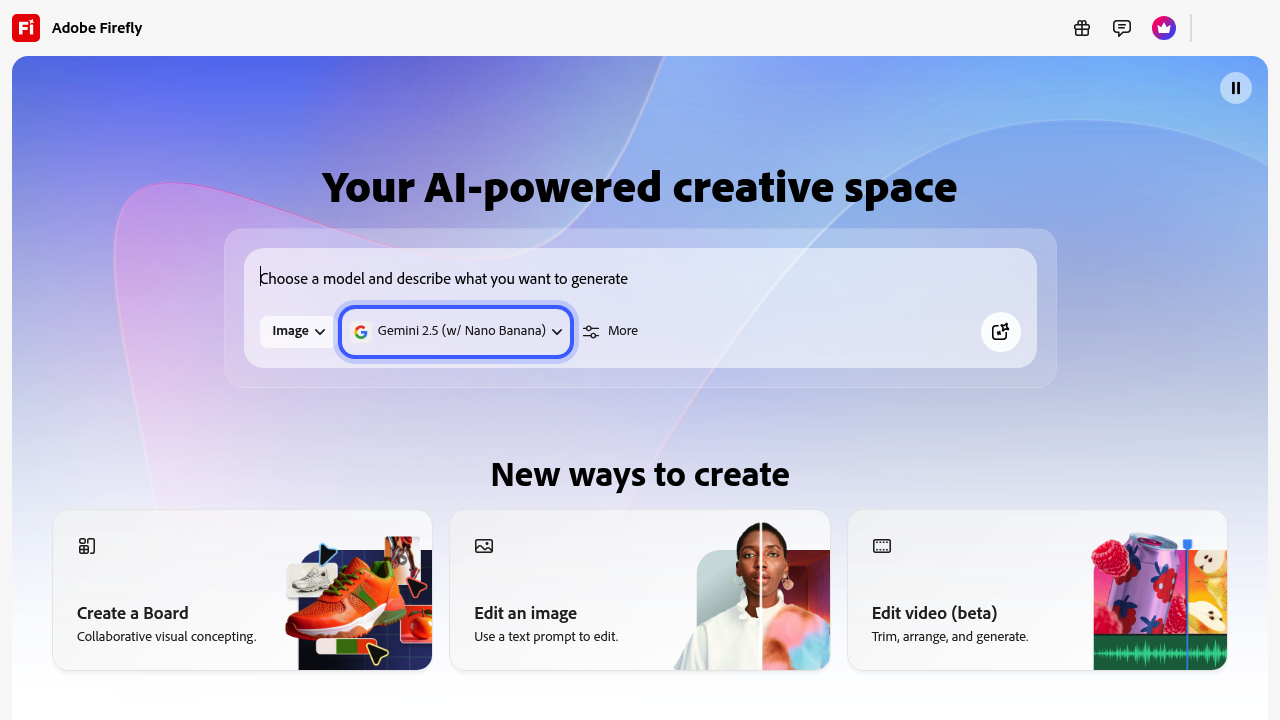
- Adobe Firefly – Commercial-safe AI artwork.