
Future AI Guide - AI Tool Directory

The Ultimate AI Tool Directory

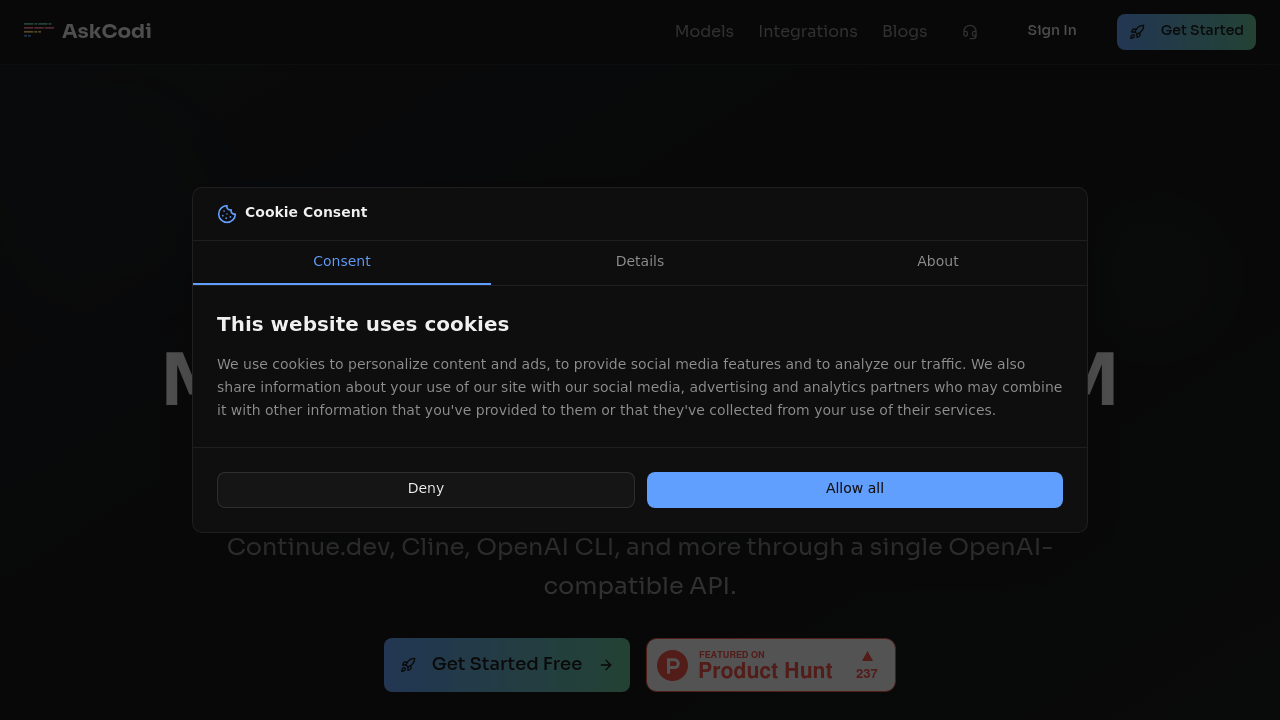
AskCodi
AskCodi logo

AskCodi

Vote for this project

Transform your coding workflow with intelligent, lightning-fast, production-ready AI assistance.

Freemium

AskCodi – AI Coding Assistant for Development, Documentation, and Productivity

AskCodi was built to help developers accelerate coding, reduce repetitive work, and improve documentation. Traditional development workflows involve searching for examples, reading documentation, writing boilerplate, and debugging—all of which slow down productivity. AskCodi provides an AI-powered environment that generates code, explains functions, writes documentation, and automates common tasks.

By integrating directly into editors and offering specialized tools for testing, documentation, and code generation, AskCodi helps developers move faster, learn more effectively, and reduce cognitive overhead.

Key Features

  • Codi Chat: Conversational AI for code generation, debugging, and explanation.
  • Codi Editor & Codi Docs: Inline AI tools that generate documentation and comments for codebases.
  • Code Generation Tools: Create functions, scripts, and templates using natural language prompts.
  • Codi Test: Generate unit tests automatically in multiple languages.
  • IDE Integrations: Support for VS Code, JetBrains, browser plugins, and API access.

Pros

  • Excellent for reducing repetitive coding tasks.
  • Strong documentation and test-generation workflows.
  • Simple, developer-friendly interface.
  • Works across multiple programming languages.

Cons

  • Limited reasoning depth compared to top-tier LLMs.
  • Best results require clear prompts.
  • Some features are locked behind paid plans.
  • Not ideal for very large or complex codebases.

Pricing

AskCodi provides flexible subscription tiers:

  • Free Tier
    Limited daily usage of code generation and documentation tools.

  • Pro Plan
    Higher limits, priority processing, expanded integrations, and advanced test generation.

  • Team Plan
    Collaboration features, shared usage, and admin tools for engineering teams.

  • Enterprise Plan
    Custom deployment, security controls, and API-based automation.

Usage typically scales based on request volume and professional needs.

Who Is Using This Tool?

AskCodi is used by developers and engineering teams across a wide range of stacks:

  • Web developers writing boilerplate, API endpoints, and frontend components.
  • Backend engineers generating functions, tests, and documentation.
  • DevOps teams automating scripts and command-line tasks.
  • Students and learners understanding syntax and debugging concepts.
  • Productivity-oriented programmers wanting faster workflows.

AskCodi is especially helpful for repetitive tasks that don’t require deep architectural reasoning.

Technical Details

AskCodi’s platform integrates AI-powered language models with IDE extensions and specialized developer tools.

Code Models & Generation

AskCodi supports many languages, including:

  • Python
  • JavaScript / TypeScript
  • C++
  • Java
  • Go
  • Ruby
  • SQL
  • Shell scripting

The AI can generate:

  • functions
  • templates
  • full scripts
  • tests
  • comments
  • documentation

Documentation Engine

Codi Docs creates:

  • inline docstrings
  • README content
  • API documentation
  • code summaries
  • architectural overviews

This helps maintain clarity across codebases.

Test Generation

Codi Test automates:

  • unit tests
  • integration tests
  • mocks & stubs
  • edge-case scenarios

This saves significant time for developers.

Integrations

AskCodi supports:

  • Visual Studio Code
  • JetBrains IDEs
  • Chrome Extension
  • Web Editor
  • REST API

This ensures deployment flexibility across workflows.

The User Experience

AskCodi is lightweight, fast, and geared toward developer experience.

Ease of Use

  • Clean, minimal UI.
  • Natural-language prompts.
  • Fast response times.
  • Side-by-side code generation.

Accessibility

  • Works in browser and IDEs.
  • Suitable for beginners and advanced developers.
  • Great for learning and boosting productivity.

Typical Workflow

  1. Ask AskCodi to write or modify code.
  2. Review output and refine with further prompts.
  3. Generate documentation or tests.
  4. Paste or apply into your project.

This improves development speed while supporting better coding habits.

Summary

AskCodi is a helpful AI coding assistant for developers seeking faster workflows, better documentation, and automated test generation. While not as advanced as the largest LLM platforms, it excels at everyday coding tasks and integrates seamlessly into developer tools.

If you want a lightweight, productivity-focused AI assistant for coding, AskCodi is a practical and efficient solution.

Related Tools

  • GitHub Copilot – Deep neural coding assistant with strong IDE integration.
  • Codeium – Fast, free code completion for developers.
  • Replit Ghostwriter – Multi-file coding intelligence and collaboration.
  • Tabnine – Autocomplete powered by local and cloud models.
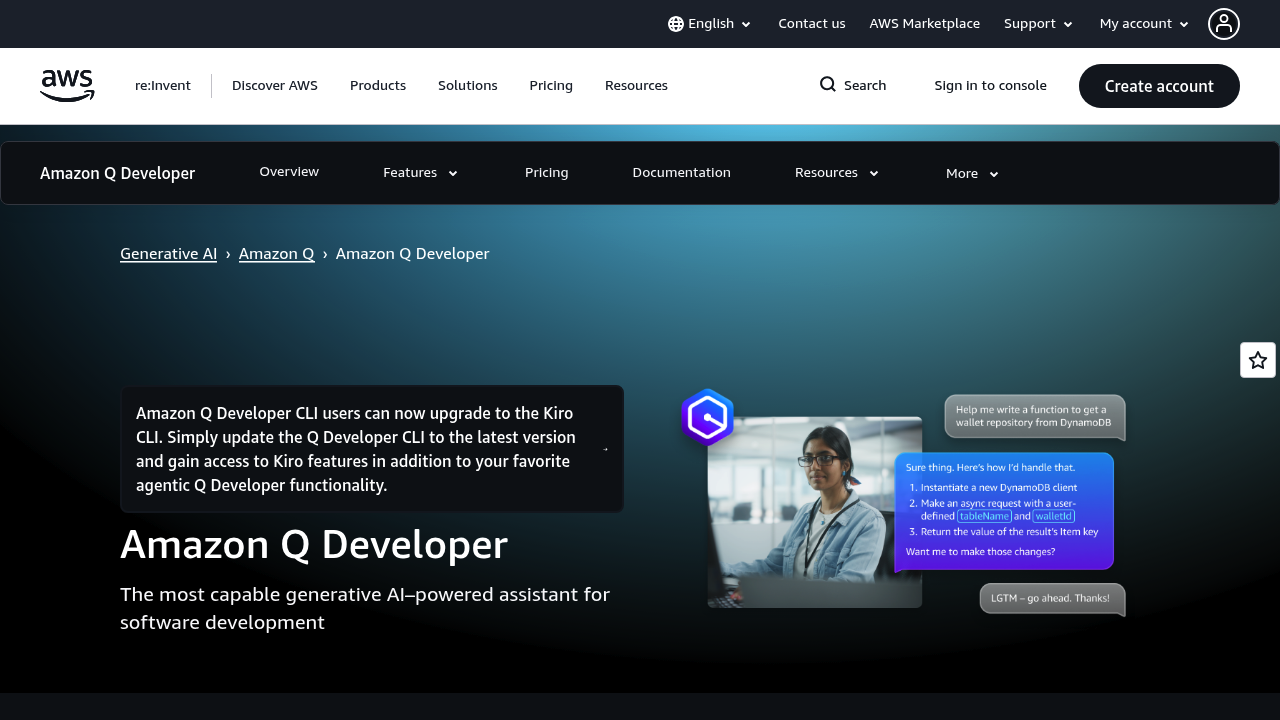
  • Amazon Q Developer – Strong for AWS-focused workflows.

Quick Actions

Similar listings in category