Artbreeder – Collaborative AI Image Blending and Creative Exploration
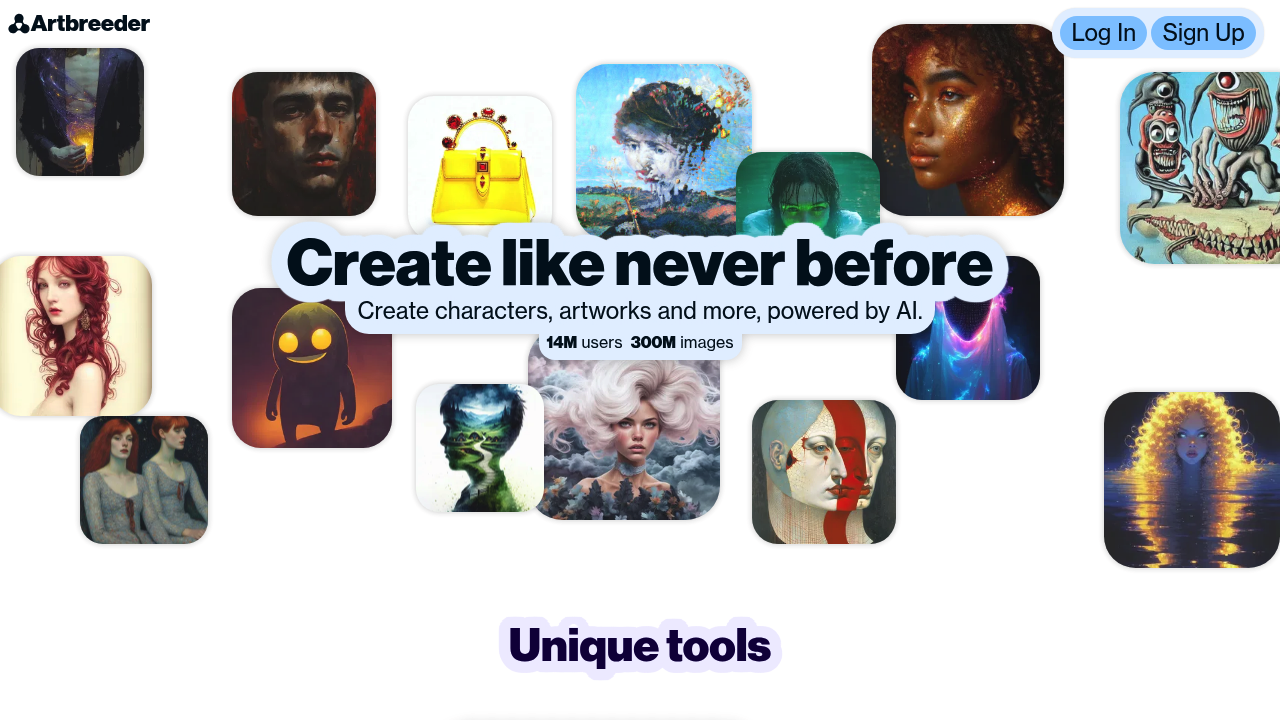
Artbreeder was designed to help creators explore visual ideas through blending, remixing, and evolving images using AI. Traditional design tools often require technical skills and manual iteration to discover new artistic directions. Artbreeder removes those barriers by allowing users to generate, modify, and merge images through intuitive sliders and genetic-style evolution.
The platform empowers artists, designers, storytellers, and game creators to rapidly explore visual possibilities—characters, landscapes, portraits, album covers, concept art, and more. Artbreeder’s AI engine transforms image creation from a labor-intensive process into a playful, collaborative experience where ideas evolve organically.
Key Features
- Image “Gene” Controls: Fine-tune images using sliders that adjust attributes like age, gender, lighting, color, style, and expression.
- AI Image Blending: Merge multiple images to produce entirely new variations using genetic algorithms.
- Generative Models: Supports portraits, landscapes, anime, abstract art, and various specialized image categories.
- High-Resolution Downloads: Access upscaled images for professional use.
- Remix & Collaboration Tools: Browse, fork, and remix images created by the Artbreeder community.
Pros
- Extremely easy for beginners—no art skills required.
- Unique genetic blending system enables rapid ideation.
- Great for character design, concept art, and reference creation.
- Community-driven library encourages creative remixing.
Cons
- Limited control compared to professional design software.
- Results can sometimes feel unpredictable or stylized.
- Commercial licensing requires careful review.
- Image fidelity may vary based on model category.
Pricing
Artbreeder offers several subscription tiers:
-
Free Plan
Limited uploads, basic image generation, and low-resolution downloads. Great for casual exploration.
-
Starter / Advanced Plans
Higher upload limits, priority generation, expanded categories, and mid-resolution outputs.
-
Pro / Premium Plans
High-resolution downloads, additional gene controls, private uploads, and faster generation speeds.
-
Custom / Enterprise Licensing
For teams requiring bulk generation, exclusive use cases, or custom terms.
Pricing fluctuates based on resolution needs, generation limits, and privacy options.
Who Is Using This Tool?
Artbreeder is popular in both creative and professional industries:
- Concept artists brainstorming characters, environments, and styles.
- Game developers prototyping NPC faces, creatures, and world designs.
- Authors and screenwriters generating character references and story visuals.
- Indie musicians designing album covers and promotional graphics.
- Educators and students using it for visual discovery and artistic learning.
- AI hobbyists experimenting with generative art.
Its ability to rapidly evolve ideas makes it a staple for inspiration-driven workflows.
Technical Details
Artbreeder is built on a hybrid of GAN (Generative Adversarial Network) systems and genetic blending algorithms.
Generative Model Engine
Artbreeder uses:
- StyleGAN models for photorealistic portraits
- BigGAN-like models for landscapes and general images
- Custom fine-tuned models for anime and stylized art
Each model category has its own latent space, enabling fine-grained control.
Genetic Image Blending
Users can:
- combine images
- adjust gene sliders
- evolve new versions
- create “children” images
The genetic approach allows exponential exploration of variations.
Data Infrastructure
Artbreeder relies on:
- cloud-based GPU rendering
- versioning for each image “gene” state
- a large shared image library
- user-uploaded seeds for personalization
This supports infinite remixability.
The User Experience
Artbreeder emphasizes intuitive creativity:
Ease of Use
- Slider-based controls require no technical skills.
- “Mixing” images feels playful and interactive.
- Quick preview cycles allow fast iteration.
Accessibility
- Fully web-based—no installation.
- Suitable for both casual and professional creators.
- Users can export images directly into workflows.
Workflow
A typical process:
- Select an image category (e.g., portraits).
- Adjust sliders to refine features.
- Blend with another image for new variations.
- Save, remix, or upscale final results.
This makes Artbreeder ideal for early-stage visual ideation.
Summary
Artbreeder revolutionizes creative exploration through AI-powered blending and intuitive controls. It enables artists, storytellers, and designers to generate new ideas quickly without needing technical expertise.
If you need a rapid visual ideation tool or a playful creative sandbox, Artbreeder is a standout choice.
Related Tools
- Midjourney – High-quality generative image creation.
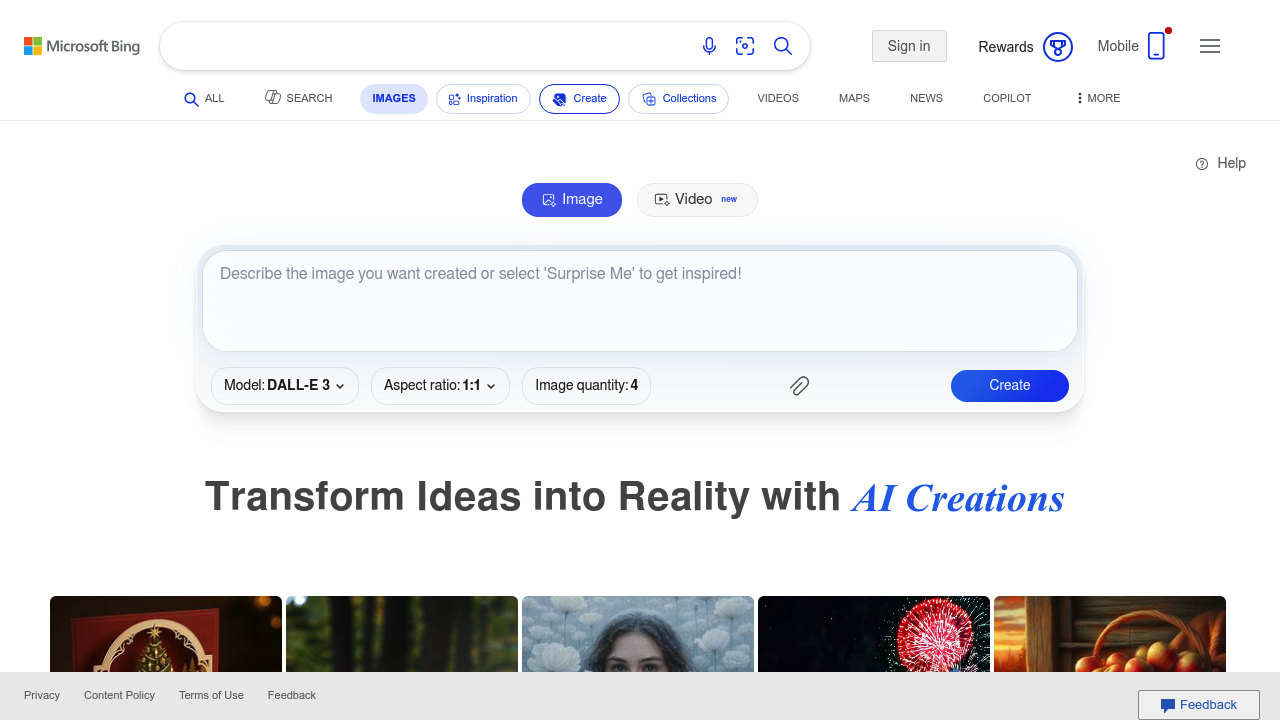
- DALL·E – Prompt-based image generation.
- Runway ML – AI video & image tools for creators.
- Stable Diffusion – Open-source image generation.
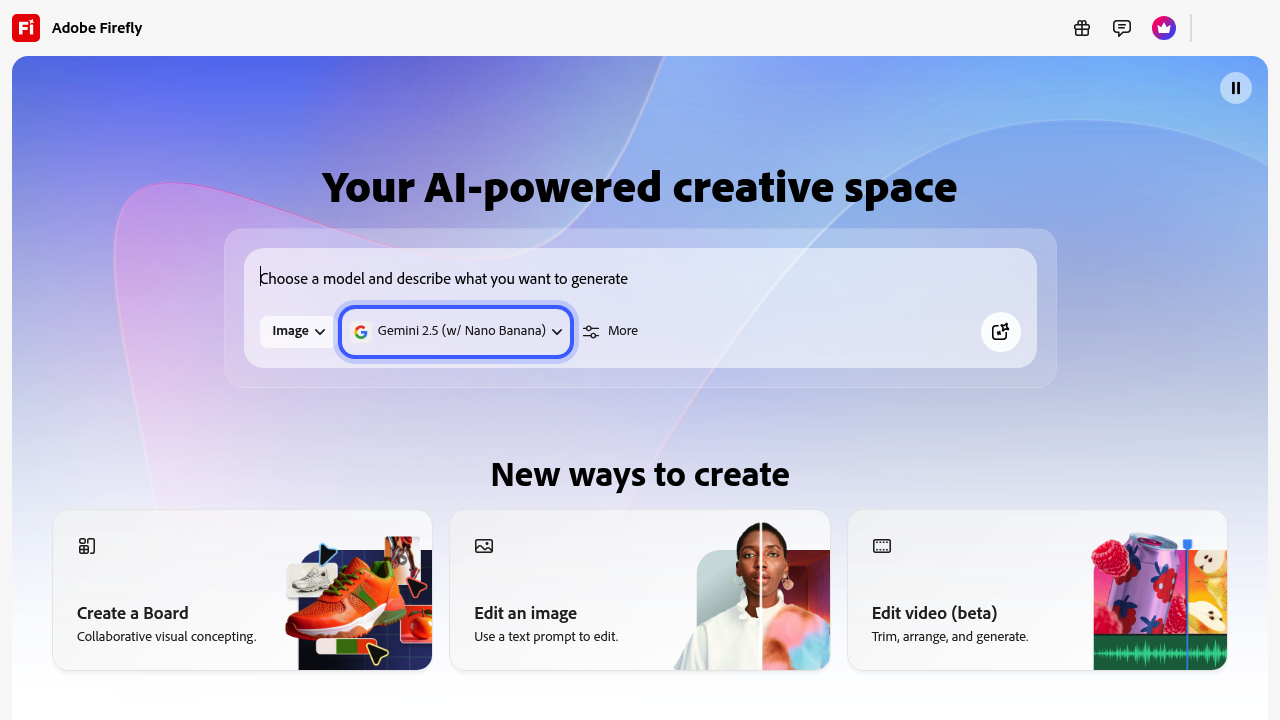
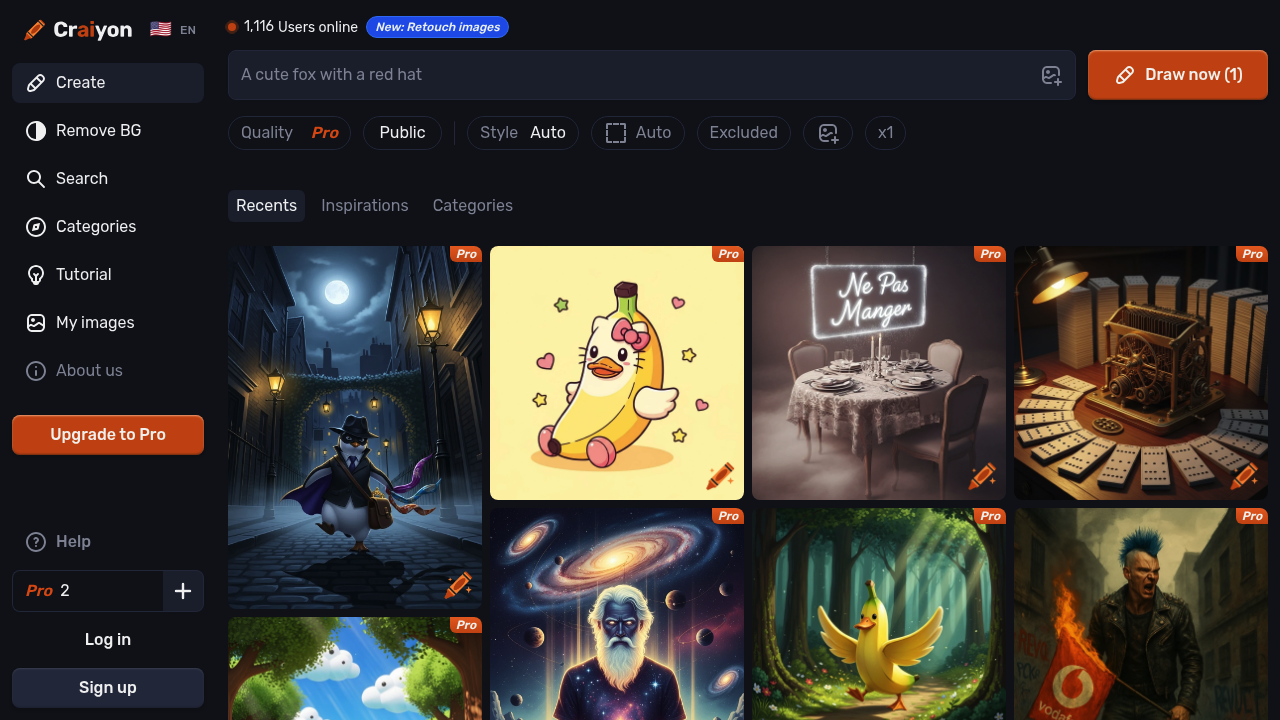
- Craiyon – Lightweight, free image generator.