
The ultimate connected app platform. Build powerful apps without code today.
Pricing Model
Freemium
Vote for this project
The Ultimate AI Tool Directory
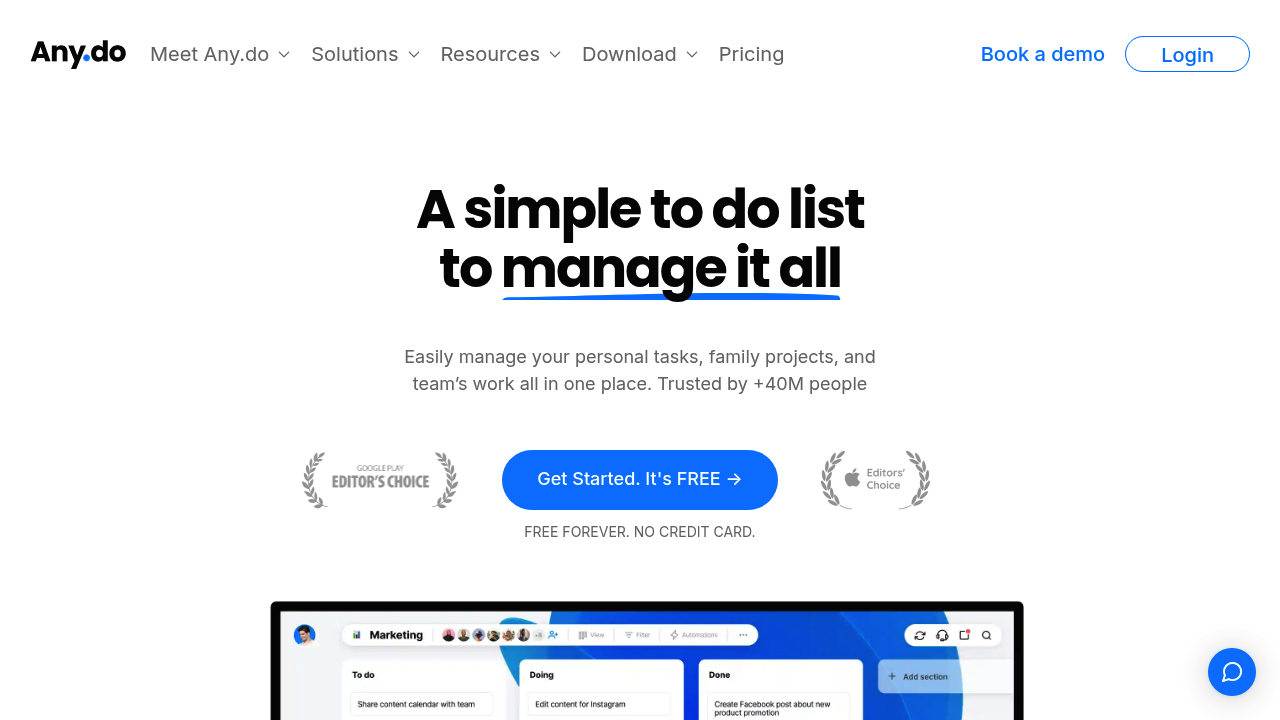

Any.do AI breaks down tasks, plans your day, and manages everything.
Any.do was created to solve a universal challenge in modern life: keeping track of tasks, commitments, and goals across multiple devices, platforms, and contexts. With calendars, reminders, notes, and to-do lists scattered across apps, people often feel overwhelmed, disorganized, and unable to maintain long-term productivity habits.
Any.do integrates task management, scheduling, reminders, and AI-powered planning into one streamlined experience. It helps individuals and teams capture ideas quickly, stay organized across devices, and plan their days intelligently—reducing stress and improving consistency. It’s a personal and professional command center that brings clarity to daily life.
Any.do provides flexible plans for individuals and teams:
Free Plan
Basic task management, reminders, and cross-device syncing. Ideal for light users.
Premium Plan
Adds recurring tasks, advanced reminders, AI planning features, location-based alerts, themes, and unlimited lists.
Teams Plan
Collaboration features including shared workspaces, task assignments, advanced roles, dashboards, and priority support.
Enterprise Options
Custom onboarding, security features, and admin controls for large organizations.
Pricing varies by region and platform, so users should check the Any.do website for current details.
Any.do is widely used across personal and professional contexts:
Its clean interface and flexible workflow make it a favorite for people seeking both simplicity and structure.
Any.do combines cloud-based infrastructure, AI-powered automation, and cross-platform syncing to keep tasks connected and up-to-date.
Any.do uses a secure, cloud-native infrastructure to sync data across:
This ensures that changes made in one environment reflect instantly across all others.
Any.do’s AI includes:
Its AI is designed to reduce decision fatigue and streamline daily routines.
The platform’s integrated calendar supports:
It effectively becomes a daily control center for both personal and work life.
Users can employ:
These tools help structure complex workflows without overwhelming the user.
Any.do is designed to be calming, intuitive, and clutter-free, making productivity feel simpler.
It is particularly user-friendly for beginners.
A typical user flow:
This creates a balanced, realistic productivity routine.
Any.do is a powerful yet simple productivity platform for users wanting a unified space to manage tasks, calendars, and priorities. With built-in AI tools, strong integrations, and a clean user experience, it helps individuals and teams stay organized and focused in an increasingly complex world.
If you’re looking for a modern productivity system that reduces stress and improves planning, Any.do is one of the strongest all-in-one solutions available.

The ultimate connected app platform. Build powerful apps without code today.
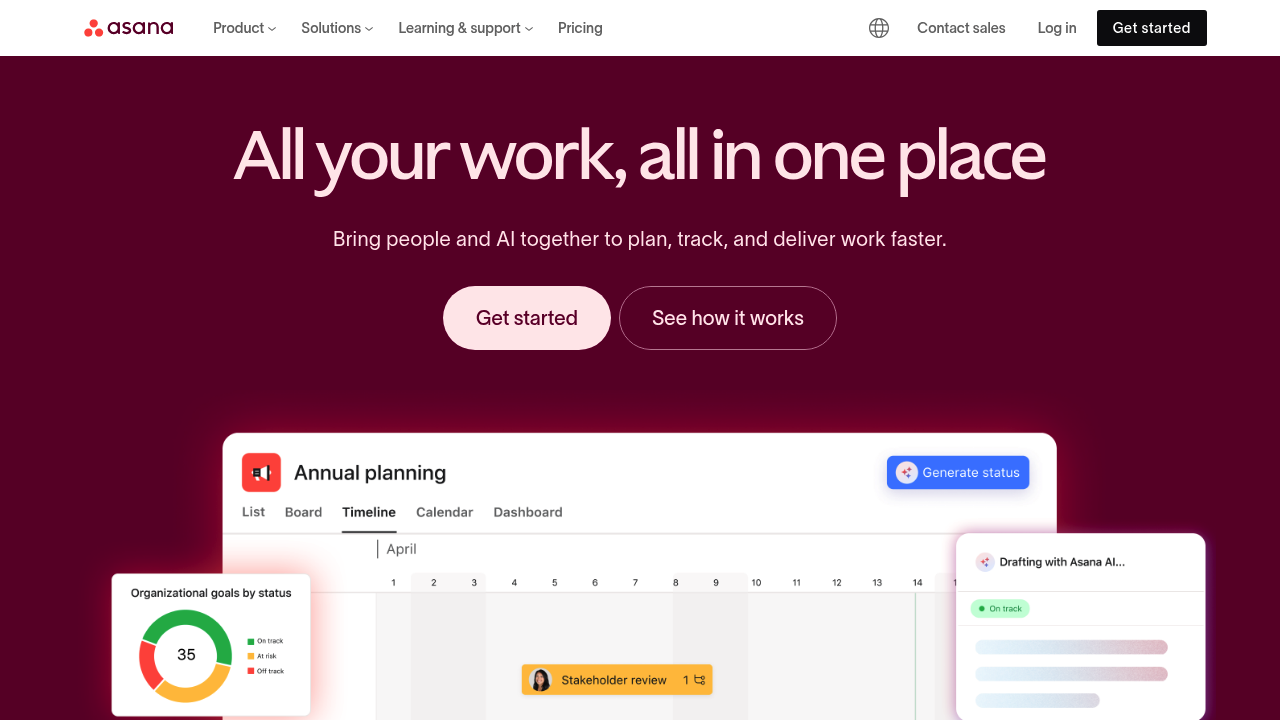
Maximize impact, drive clarity: Asana AI intelligently accelerates your work.
Atlassian AI: Unleash potential, automate workflows, and boost your team's productivity.