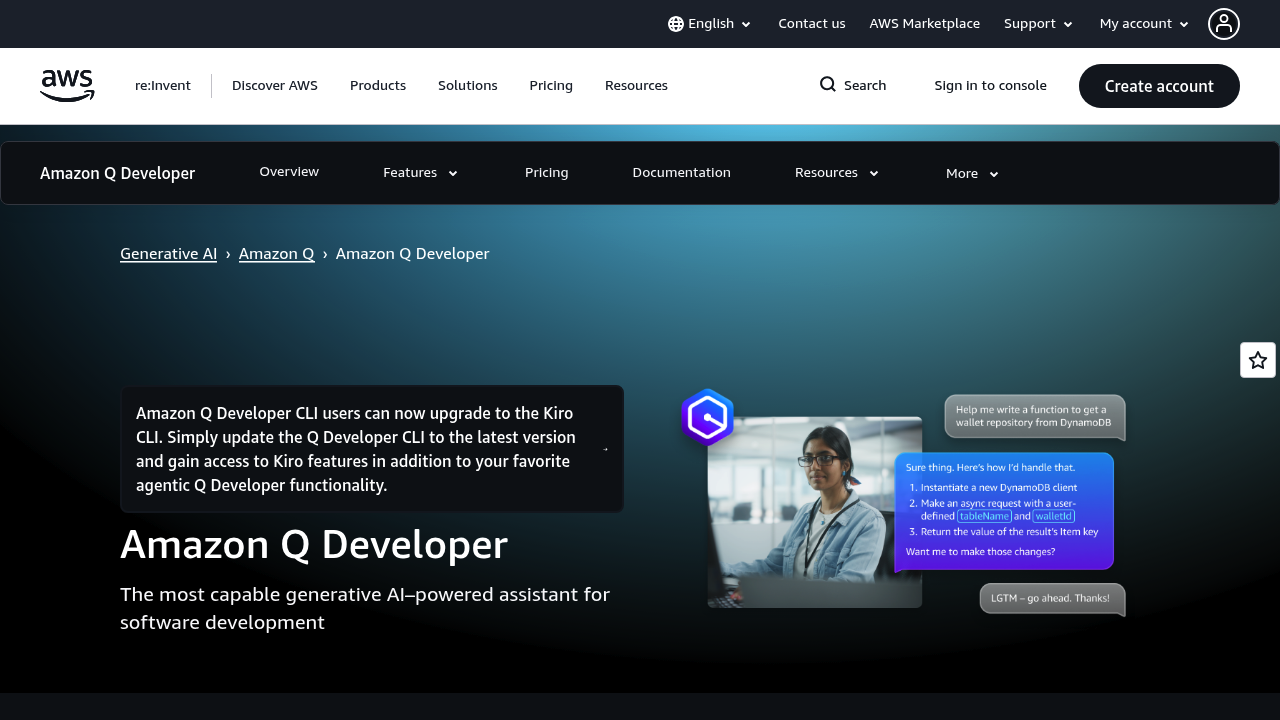
Your expert AI pair programmer: Code faster, innovate securely with AWS.
Pricing Model
Freemium
Vote for this project
The Ultimate AI Tool Directory
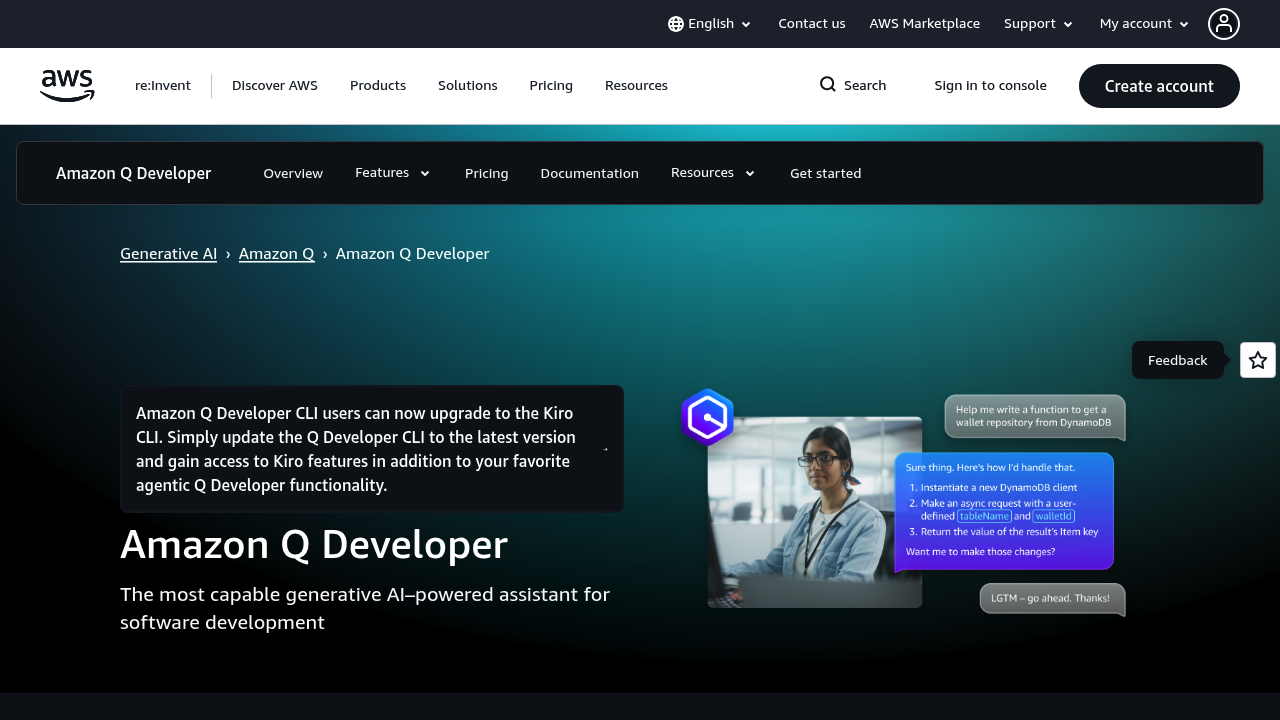

Amazon Q Developer (formerly CodeWhisperer) is a machine-learning-powered code companion that provides real-time code recommendations across IDEs and AWS Console.
Amazon Code Whisperer is designed to help people use AI to move from an initial idea to a usable result faster. In practice, that means reducing the time spent on blank-page work, repetitive edits, and manual formatting so you can focus on the parts that require judgment: the message, the creative direction, and the final polish.
Amazon Q Developer (formerly CodeWhisperer) is a machine-learning-powered code companion that provides real-time code recommendations across IDEs and AWS Console. Instead of treating AI as a one-off generator, the product experience is typically built around an end-to-end workflow—capturing intent, producing a first draft or output, and giving you controls to refine until it’s ready for delivery.
A key benefit is speed without losing control. You can start broad to get momentum, then narrow the constraints—audience, tone, length, quality settings, or style—until the output matches what you’d ship. This iterative loop is often faster than doing everything manually, while still keeping you in charge of decisions.
Quality control matters. The most effective users pair AI output with lightweight review habits: verify facts, check for brand consistency, confirm rights and attribution where applicable, and make sure the result fits the channel. That final human pass is what turns “generated” into “publishable.”
For teams, tools like Amazon Code Whisperer can act as a consistency layer. By standardizing prompts, presets, and review steps, you get outputs that feel aligned across different creators, projects, and channels—without requiring everyone to be an AI prompt expert. Even simple shared templates can reduce rework and help new teammates ramp quickly.
AI coding assistants are commonly powered by large language models trained on code and natural language. They use the current file, surrounding context, and sometimes indexed project files to produce completions, refactors, and explanations. Many implementations add guardrails such as context limits, policy filters, and optional telemetry controls to balance usefulness with privacy.
In many products, the model layer is paired with retrieval and caching. Retrieval can pull in your notes, brand guidelines, or prior assets to provide context, while caching speeds up repeated operations like applying the same preset across multiple files. When available, admin controls (user roles, project spaces, and audit trails) help teams manage access and reduce accidental overwrites.
Performance depends on the model and the workflow. Lightweight actions feel instant, while heavy tasks (large files, high-res exports, batch jobs) take longer. The best tools offer previews and iterative controls so you can converge on quality without wasting time.
A useful way to evaluate performance is to measure the full cycle time: how long it takes to go from input to a final export you’d actually use. Fast generation is helpful, but so is predictability—consistent outputs that require fewer reruns. If the tool offers multiple modes, start with the fastest for rough drafts and reserve higher-quality settings for final passes.
Amazon Code Whisperer generally feels most useful when you treat it as a co-pilot rather than an autopilot. You start with a concrete goal (what you want to publish, export, or improve), provide a small amount of context, and then iterate: accept what’s good, correct what isn’t, and rerun with tighter constraints.
A practical way to work is to build a library of repeatable presets—prompts, styles, or processing settings—so you can get reliable results even when you’re switching between projects. Over time, that reduces the trial-and-error that can make AI tools feel unpredictable.
If you’re adopting the tool for a team, small standards go a long way: define what “done” looks like, where final assets live, and what checks must happen before shipping. That keeps the tool from becoming a one-off experiment and helps it turn into a dependable workflow.
Web app access is the norm for many modern AI tools, and the best experiences minimize setup: sign in, drop in your input, choose a preset, and export. Keyboard-friendly controls, clear previews, and transparent usage limits make the tool easier to use day-to-day.
Look for features that reduce friction—autosave, version history, clear export options, and the ability to reuse settings. These details matter more than they seem when you’re using the tool every week.
If you want to reduce the time between “idea” and “deliverable,” Amazon Code Whisperer is worth evaluating. Start with a small, repeatable task, save a preset that works, and build from there. Used this way, the tool can become a reliable part of your production workflow rather than a novelty.

Your expert AI pair programmer: Code faster, innovate securely with AWS.
Transform your coding workflow with intelligent, lightning-fast, production-ready AI assistance.
Intelligently complete and refine your code faster with Augment Code.