
Future AI Guide - AI Tool Directory
The Ultimate AI Tool Directory
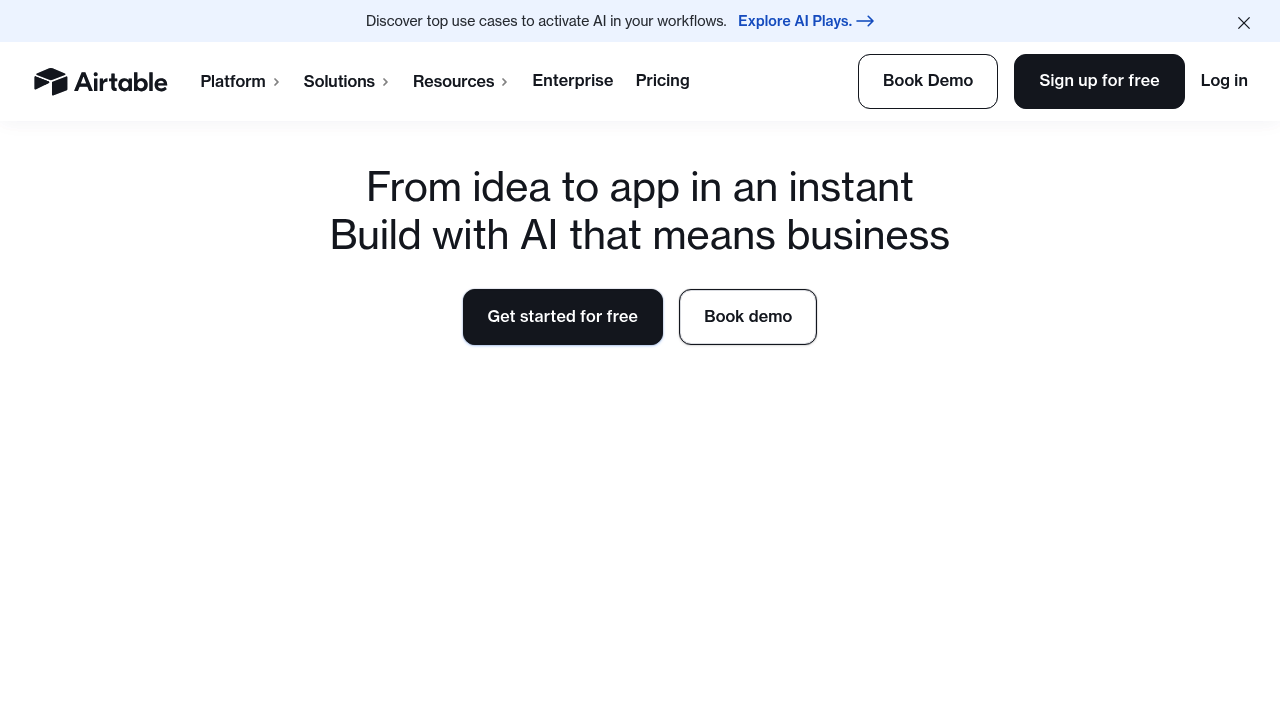
Airtable
The ultimate connected app platform. Build powerful apps without code today.
Airtable AI – Intelligent Automation, Workflows, and Insights for Collaborative Databases
Airtable AI enhances one of the most flexible no-code tools on the market by embedding powerful artificial intelligence directly into databases, workflows, and team operations. For years, Airtable has helped organizations structure information, manage processes, and collaborate across teams—but many tasks still required manual effort: writing content, summarizing records, analyzing data, or automating decisions.
Airtable AI changes this by enabling teams to generate insights, automate tasks, and transform information using natural language and customizable AI models. Whether you’re managing product roadmaps, content calendars, marketing projects, operations workflows, or inventory systems, Airtable AI reduces repetitive work and helps teams accomplish more with fewer steps.
Key Features
- AI Field Types: Add AI-powered outputs directly into database fields to summarize, classify, generate text, or analyze content.
- Workflow Automation with AI Blocks: Automate decisions, generate content, and trigger multi-step processes using AI logic.
- Customizable AI Prompts: Tailor AI instructions for your team’s specific needs, brand guidelines, or data structures.
- Base & Interface Integration: Use AI inside Airtable Interfaces to help teams interpret data faster and make informed decisions.
- Cross-Platform Data Connectivity: Combine AI with Airtable’s extensive integrations to automate workflows across tools like Slack, Google Workspace, Salesforce, and more.
Pros
- Seamless integration with existing Airtable bases—no new tools required.
- Extremely flexible for use cases across marketing, product, operations, and project management.
- AI outputs can be automated at scale with workflows and scripts.
- Reduces manual data entry, summarization, and content writing.
Cons
- Heavy AI usage requires higher-tier plans.
- Complex workflows may require careful prompt design.
- AI outputs inherit limitations of large language models.
- Performance depends on the quality and structure of the base’s data.
Pricing
Airtable AI is available as an add-on across several Airtable plans.
-
Free & Starter Plans
Limited usage of AI fields and workflows; best for small teams testing AI functionality. -
Plus & Pro Plans
Expanded AI capabilities, increased automation runs, protected views, and enhanced collaboration. Suitable for small to midsize organizations. -
Business & Enterprise Plans
Includes higher automation limits, advanced governance, enhanced security, granular permissions, and scalable AI usage. Ideal for large teams managing mission-critical operations. -
AI Add-On Credits
Airtable uses a credit-based system for AI tasks; higher usage levels may require additional credits.
Pricing varies based on team size, automation volume, and AI workload.
Who Is Using This Tool?
Airtable AI serves a wide range of industries and teams that depend on structured information and operational workflows:
- Marketing Teams managing content calendars, campaign workflows, and asset creation.
- Product Teams prioritizing roadmaps, analyzing customer feedback, and tracking development cycles.
- Operations Teams automating logistics, inventory, procurement, and SOP management.
- Creative Agencies organizing client projects and generating copy, briefs, and summaries.
- Sales & Customer Success Teams classifying leads, summarizing interactions, and improving handoffs.
- HR & Recruiting Teams screening candidates, creating job descriptions, and managing onboarding.
Airtable AI enhances any team that relies on structured data and repeatable processes.
Technical Details
Airtable AI combines large language models, workflow automation, and Airtable’s relational database capabilities into a unified operational system.
AI Fields
AI fields allow users to embed generative and analytical tasks directly into their databases. Capabilities include:
- summarization of long text fields
- generating content (emails, descriptions, scripts, reports)
- extracting insights or sentiment
- classification, tagging, and categorization
- rewriting or transforming structured data
AI fields can reference any data in the base, making them highly contextual.
Workflow Integration
AI can be embedded inside Airtable Automations and Scripting:
- trigger AI actions when records are created, updated, or matched
- auto-generate summaries during workflow transitions
- enrich data as part of onboarding or operational processes
- route tasks based on AI classifications
This allows teams to build end-to-end automation pipelines.
Prompt Customization
Each AI block or field can be customized with:
- brand voice guidelines
- structured templates (e.g., content formats)
- conditional logic
- input-output constraints
This ensures outputs remain consistent with organizational standards.
Data Connectors & APIs
Airtable AI works with existing integrations:
- Slack, Teams, Gmail, Outlook for communication workflows
- Salesforce, HubSpot for CRM enrichment
- Google Sheets & Analytics
- JIRA, Asana, Trello for project and product tracking
- Custom API endpoints for advanced automation
AI can be a step within any of these workflows.
Performance & Reliability
Airtable AI is built on top of Airtable’s highly available infrastructure:
- strong data governance
- encryption of data in transit and at rest
- role-based permissions to secure sensitive data
- dependable uptime and real-time collaboration
Teams can trust Airtable AI for both simple tasks and mission-critical operations.
The User Experience
Airtable AI is designed with accessibility and simplicity in mind, democratizing AI for non-technical users.
Ease of Use
- AI fields behave like standard Airtable fields, making them intuitive.
- Prompt templates and in-app suggestions help users shape AI outputs.
- No-code workflow builder lets teams add AI without technical skills.
Even users unfamiliar with AI or automation can adopt the tools quickly.
Accessibility
- Works across any browser or device.
- Available inside Airtable Interfaces for simplified team dashboards.
- Ideal for cross-functional teams with varying technical expertise.
Collaboration Flow
AI enhances Airtable’s already strong collaboration ecosystem:
- shared views and bases
- real-time updates
- role-based permissions
- automated reporting for team visibility
Teams can rapidly iterate workflows and content without switching tools.
Summary
Airtable AI transforms Airtable from a powerful no-code database into an intelligent, automation-driven operating system for teams. By embedding AI directly into fields, workflows, and interfaces, it empowers users to automate manual tasks, generate insights, and expand their productivity. From marketing to product development, operations to sales, Airtable AI helps teams move faster and work smarter.
If you're looking for a flexible automation platform that combines structured data with the power of AI, Airtable AI offers one of the most accessible and scalable solutions available.

Related Tools
- Notion AI – AI-driven knowledge management and content generation.
- Make.com – Workflow automations integrating AI and external tools.
- Zapier – Workflow and task automation across SaaS platforms.
- Coda AI – Document and database automation with integrated AI.
- Stacker – App-building and workflow automation powered by structured data.
Similar listings in category
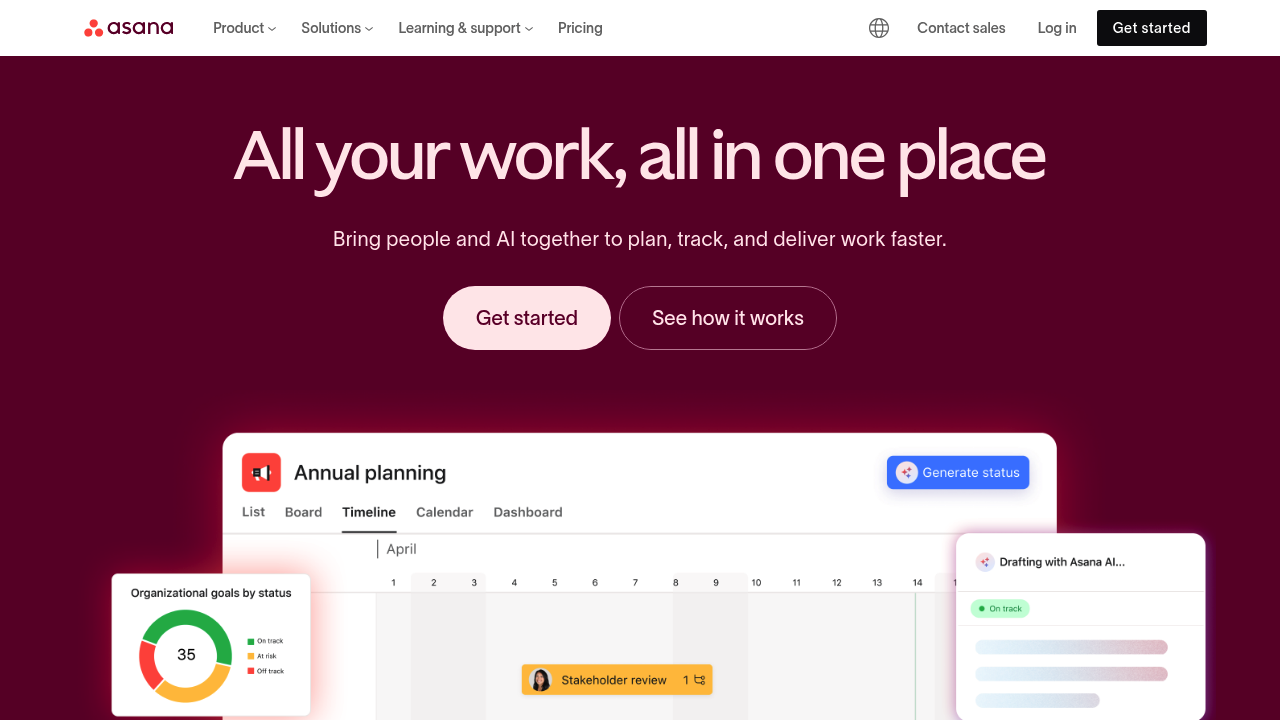
Maximize impact, drive clarity: Asana AI intelligently accelerates your work.
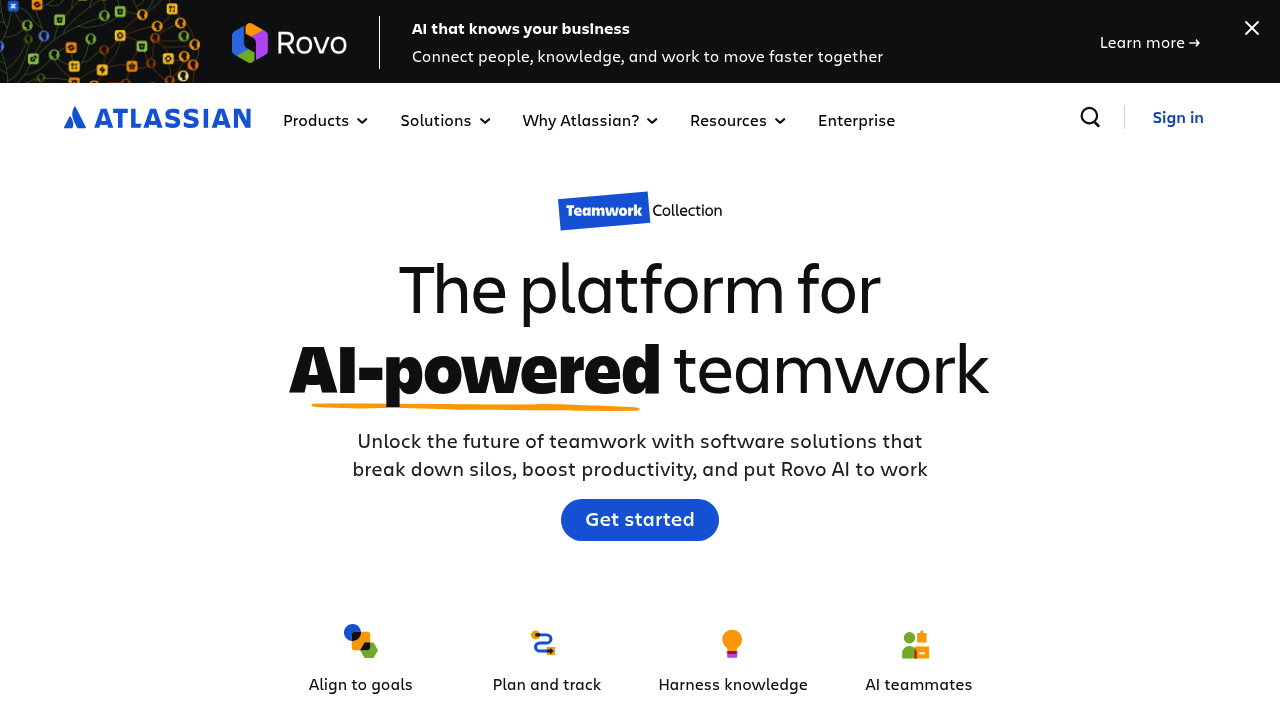
Atlassian AI: Unleash potential, automate workflows, and boost your team's productivity.