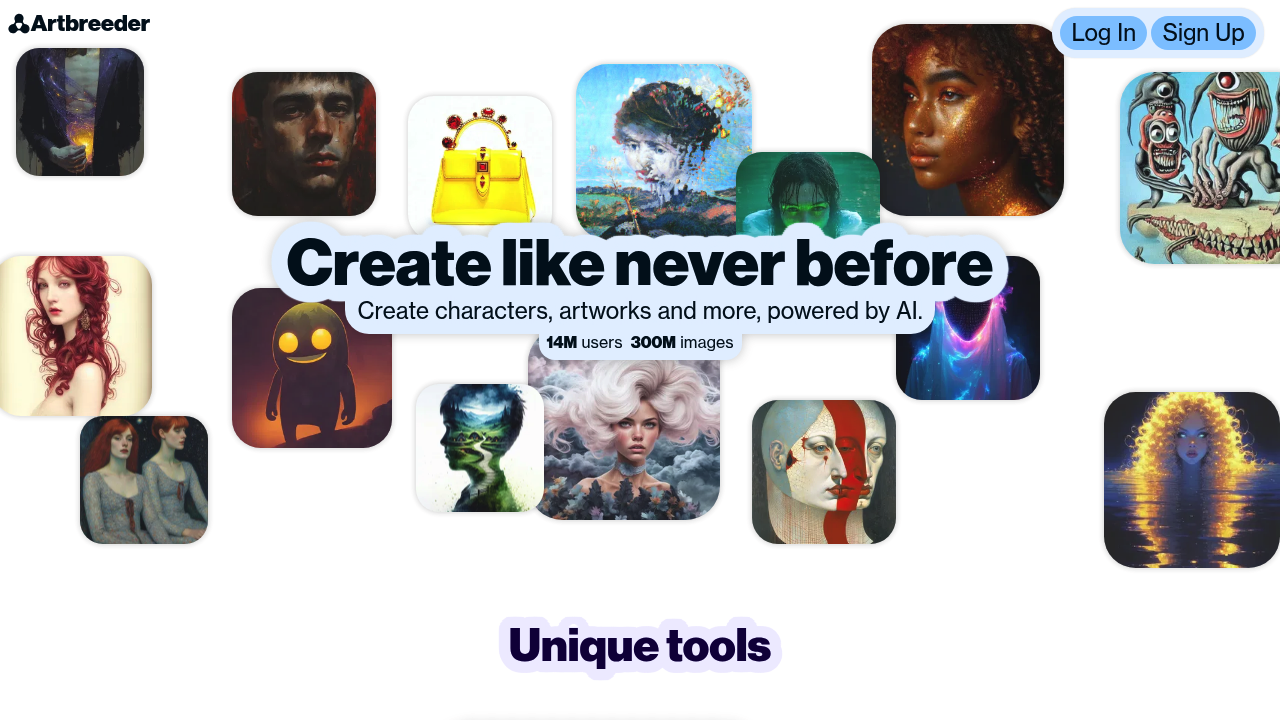
AI art: Create photorealistic paintings by mixing and breeding art.
Pricing Model
Freemium
Vote for this project
The Ultimate AI Tool Directory
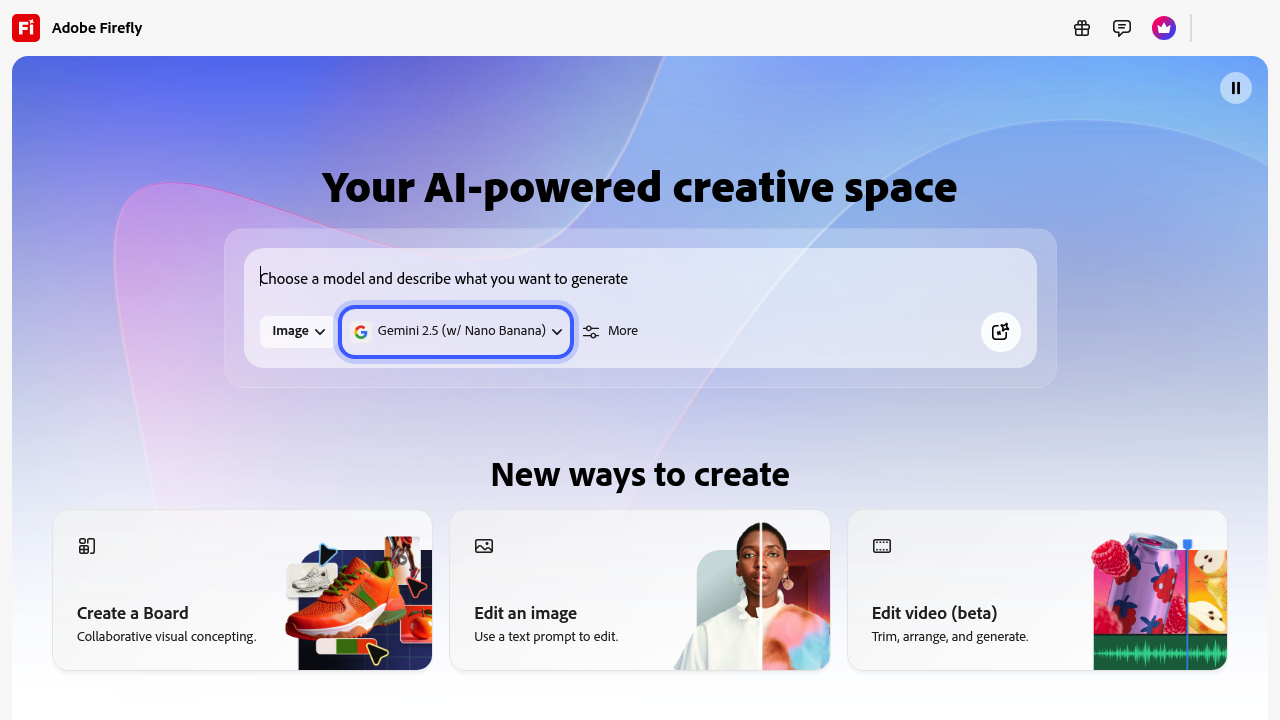

Unleash imagination with Adobe Firefly: AI-powered art, effortlessly created, instantly yours.
Adobe Firefly was designed to solve an increasingly common creative bottleneck: producing high-quality images, graphics, and branded content at the speed modern digital workflows demand. Traditional design processes—stock sourcing, manual editing, concept exploration, and iterative revision—can take hours or days. Firefly dramatically accelerates this through AI-driven image generation, vector creation, text effects, and content expansion that integrate directly into Adobe’s Creative Cloud ecosystem.
Built with a focus on commercial safety, brand consistency, and creative control, Firefly empowers designers, marketers, and enterprises to produce stunning visuals while reducing repetitive work. Whether the goal is rapid ideation, asset variation, or pixel-perfect refinement, Firefly enhances human creativity without replacing it.
Adobe Firefly is bundled into multiple Adobe plans, using a credit-based structure for generative actions.
Adobe Express Plan
Includes monthly Firefly credits, text-to-image tools, templates, and generative features optimized for marketers and social media creators.
Creative Cloud Plans (Photoshop, Illustrator, etc.)
Offer higher credit allowances and deeper integration with editing workflows such as Generative Fill, Generative Expand, and vector-based generation.
Firefly for Enterprise
Provides brand-customized models, privacy-protected environments, enhanced credit allocation, and team collaboration features.
Free Tier
Allows limited use of Firefly web-based tools with fewer credits and lower priority processing.
Pricing can change as credits and allowances evolve, so checking Adobe’s current terms is recommended.
Adobe Firefly has rapidly become a go-to AI companion across creative industries:
Its combination of commercial trust and professional-grade output makes it especially appealing for brands that cannot risk copyright or licensing uncertainty.
Adobe Firefly stands out among generative AI models because of its unique training priorities, integration architecture, and production-ready output formats.
Firefly models are trained on Adobe-licensed, rights-cleared, and public domain content. This minimizes copyright risk and gives businesses confidence to use generated content commercially.
Firefly’s training methodology emphasizes:
This contrasts with open models trained on broad internet datasets where provenance is unclear.
While Adobe has not disclosed granular model architecture details, Firefly uses a diffusion-based generative backbone similar to leading image models, optimized for:
The model includes additional layers for semantic understanding of objects and composition, enabling refined context-aware editing.
At enterprise levels, Firefly supports:
Performance optimization focuses on producing clean, commercially usable images rather than pushing experimental boundaries.
Firefly is deeply embedded into Creative Cloud’s technical stack:
This tight integration is a key differentiator, enabling seamless movement between generative and manual editing stages.
Adobe Firefly offers a polished, stable, and creator-friendly experience whether accessed through the web interface or Creative Cloud tools.
Across all versions, Firefly emphasizes reliability, brand safety, and professional-grade output.
Adobe Firefly represents a major step forward in blending professional creative tools with the power of generative AI. By training its models on commercially safe content and building them directly into Creative Cloud, Adobe offers creators a secure, high-quality system for generating, editing, and transforming visual assets.
Whether you’re a designer expanding a canvas, a marketer producing branded campaigns, or an enterprise seeking scalable creative automation, Firefly delivers speed, consistency, and creative enhancement without sacrificing control.
If you’re looking to streamline your creative workflow while maintaining professional quality and brand safety, Adobe Firefly is one of the strongest AI tools available today.

AI art: Create photorealistic paintings by mixing and breeding art.

Transform text into stunning, realistic AI art instantly with Bing Image Creator.